Removal Procedure
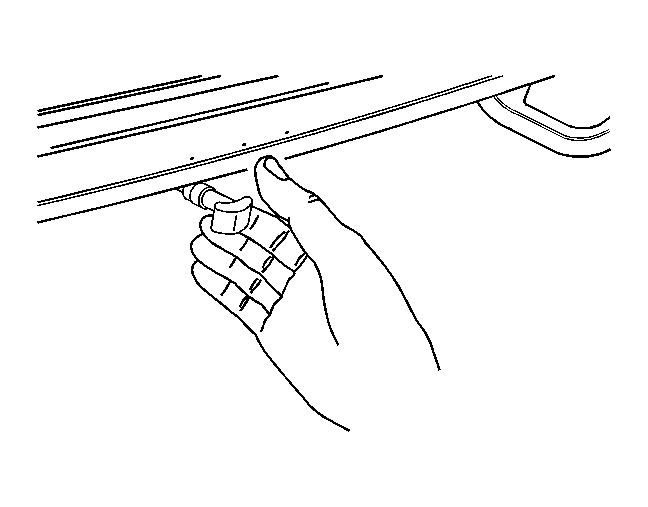 Courtesy of GENERAL MOTORS CORP.
- Pull the release handle in the rear compartment to lower the rear seat backs.
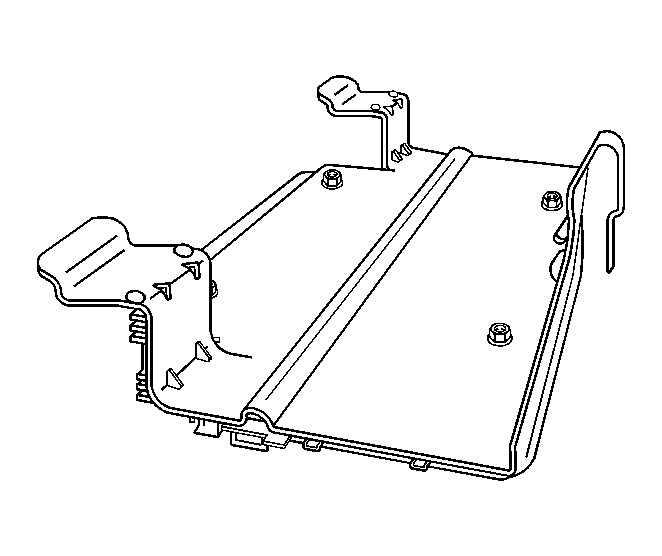 Courtesy of GENERAL MOTORS CORP.
- Press the front tab on the retaining clip to release the front of the amplifier from the underside of the window shelf.
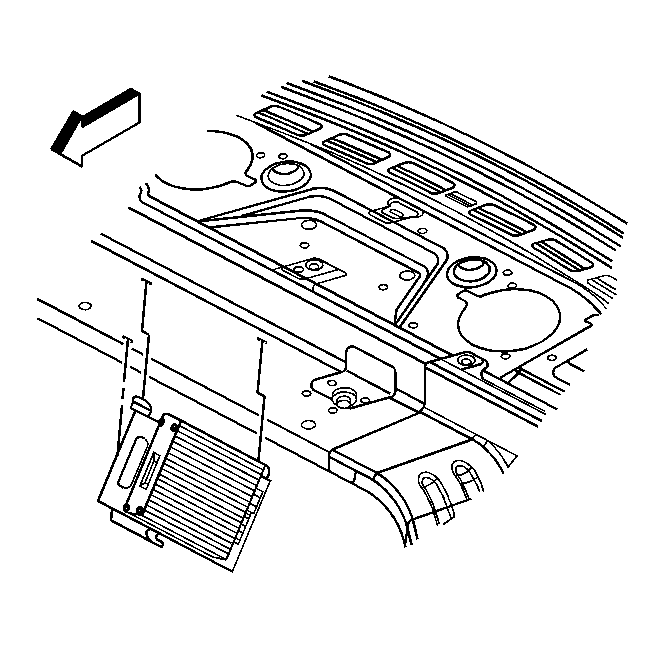 Courtesy of GENERAL MOTORS CORP.
- Pull the amplifier toward the passenger compartment to disengage the rear tabs from the shelf.
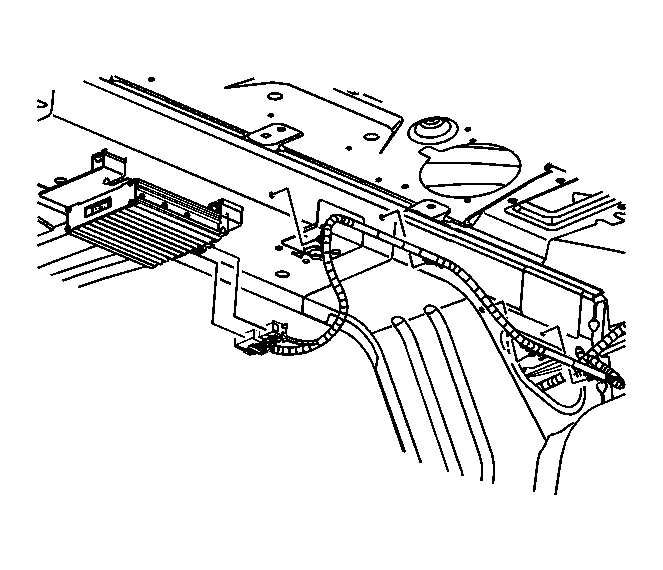 Courtesy of GENERAL MOTORS CORP.
- Disconnect the electrical connectors.
- Remove the amplifier.