Removal Procedure
- Pull the trim outward to release the Velcro®. Slide the trim forward in the vehicle.
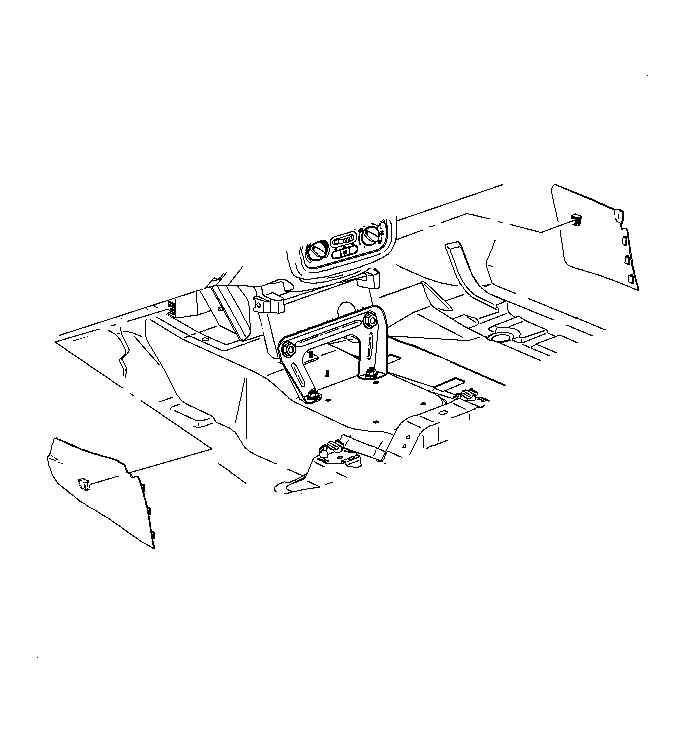 Courtesy of GENERAL MOTORS CORP.
- Remove the trim from the instrument panel (I/P).
- Remove the power window switches, if equipped. Refer to Power Window Switch Replacement
in Doors.
- Remove the park brake boot over by inserting a flat-bladed tool between the boot and the console.
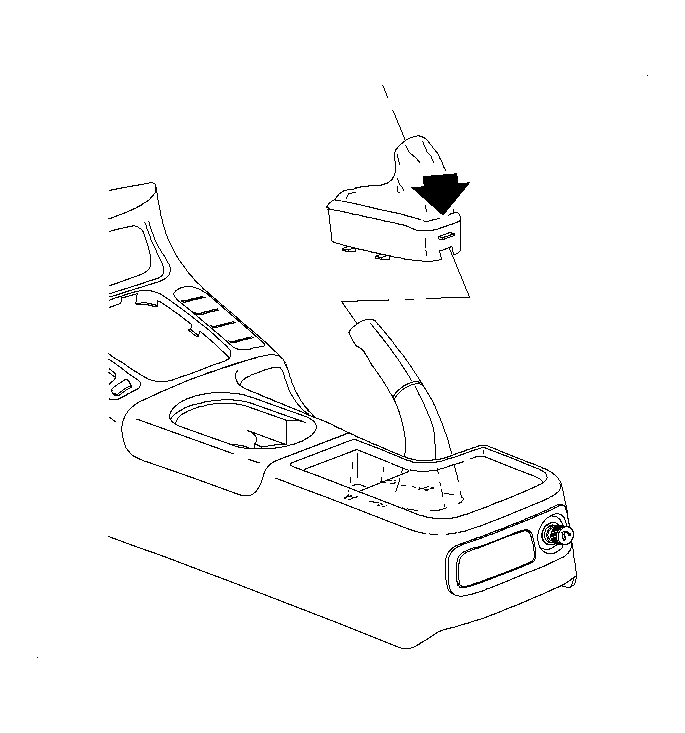 Courtesy of GENERAL MOTORS CORP.
- Pull the park brake boot over the park brake assembly.
- Remove the cupholder assembly. Refer to Cupholder Replacement .
- Disconnect the console wiring harness from the main body harness located under the cupholder.
- Remove the shift lever boot.
- Move the front seats to forward most position and remove console rear fasteners.
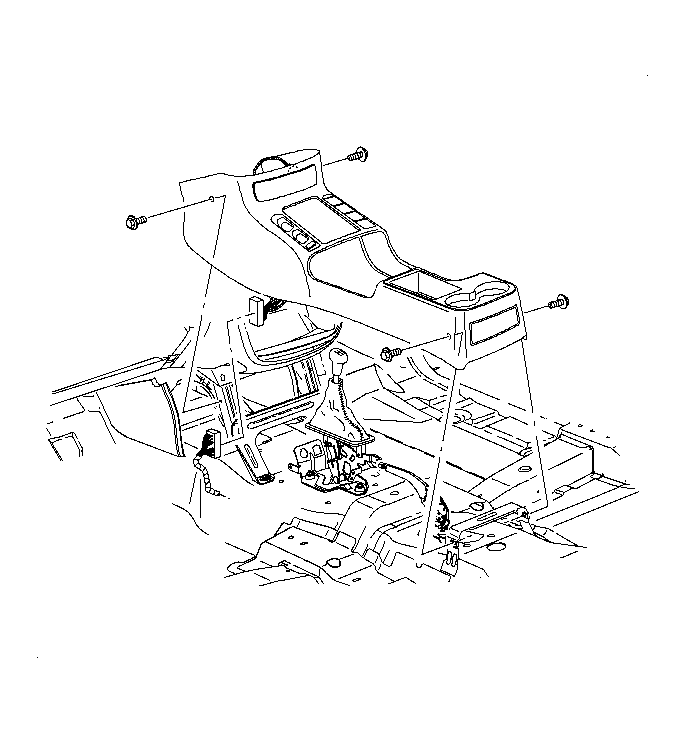 Courtesy of GENERAL MOTORS CORP.
- Remove the console front fasteners.
- Gently lift the console up and over the shifter.