Removal & Installation: Console: Removal
- Gently pull on left and right side console extensions to remove extensions. See Fig 1. On vehicles with power windows, using a small flat blade tool, gently pry upward on rear portion of the power window switch to partially disengage switch from console. Disconnect power window switch harness from switch and remove power window switch.
- Disengage console parking brake boot by squeezing, while pulling upward. Lift parking brake boot over parking brake assembly. See Fig 2. Remove front console tray by pulling upward on tray assembly. See Fig 3. Disconnect console wiring harness from main body harness. Pull up on PRNDL cover to disengage cover.
- Move front seats to forward most position and remove console rear fasteners. Move front seats to rearward most position and remove console front fasteners. Gently lift console up and over PRNDL cover and remove console assembly. See Fig 4.
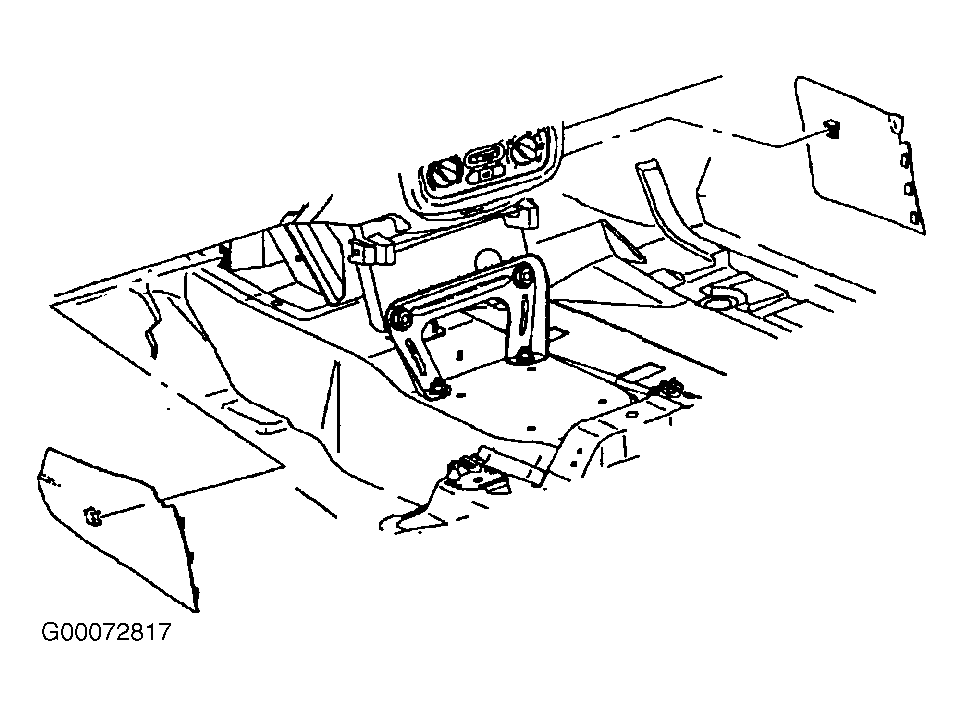 Courtesy of GENERAL MOTORS CORP.
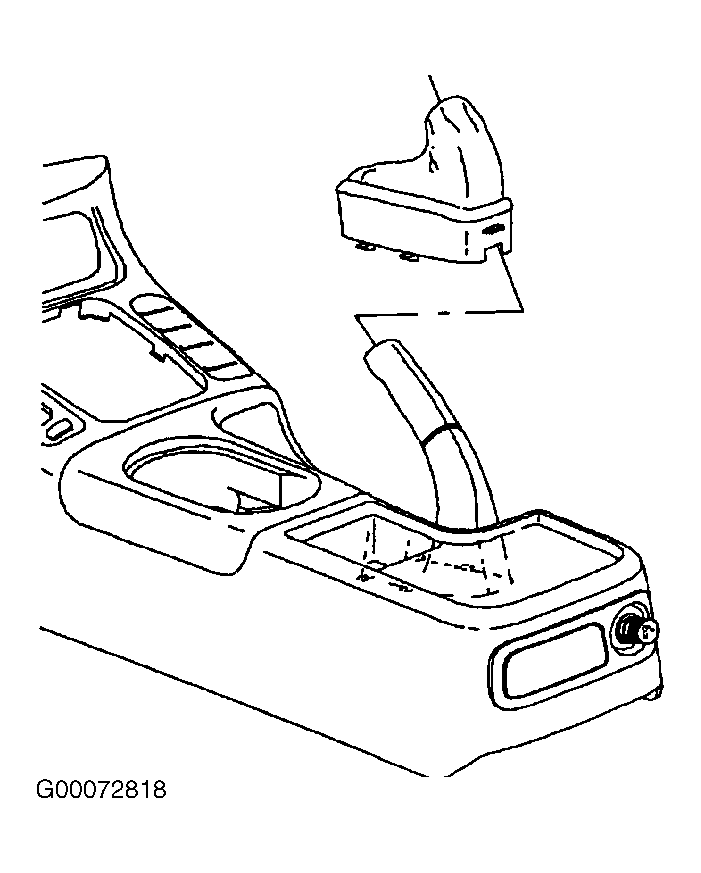 Courtesy of GENERAL MOTORS CORP.
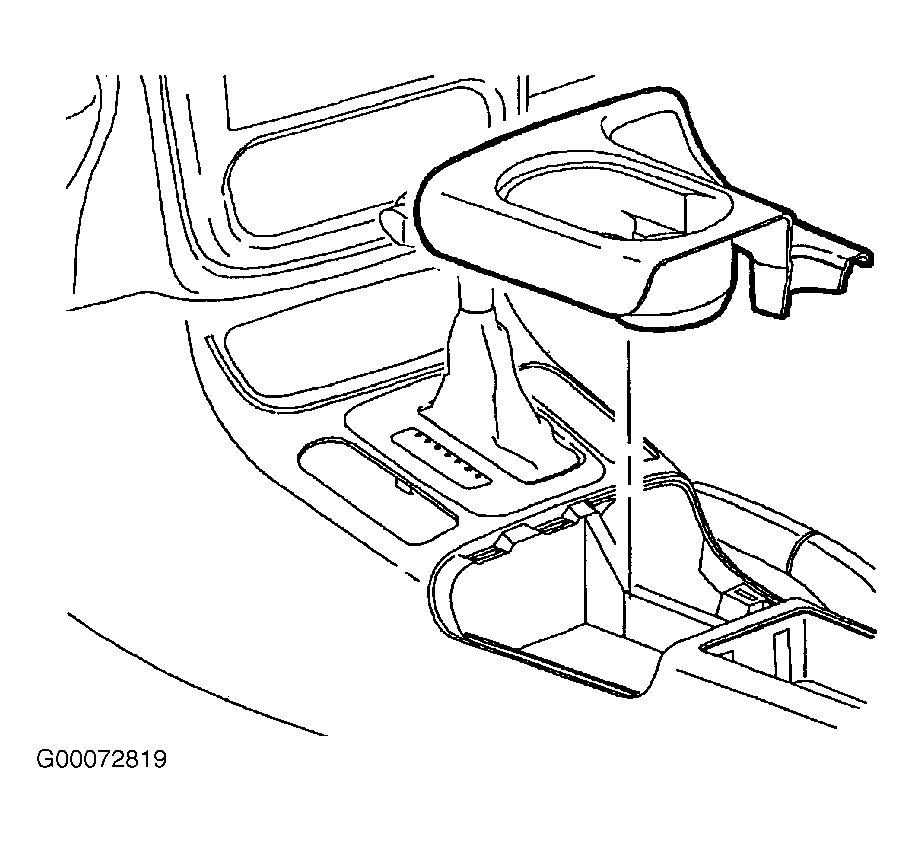 Courtesy of GENERAL MOTORS CORP.
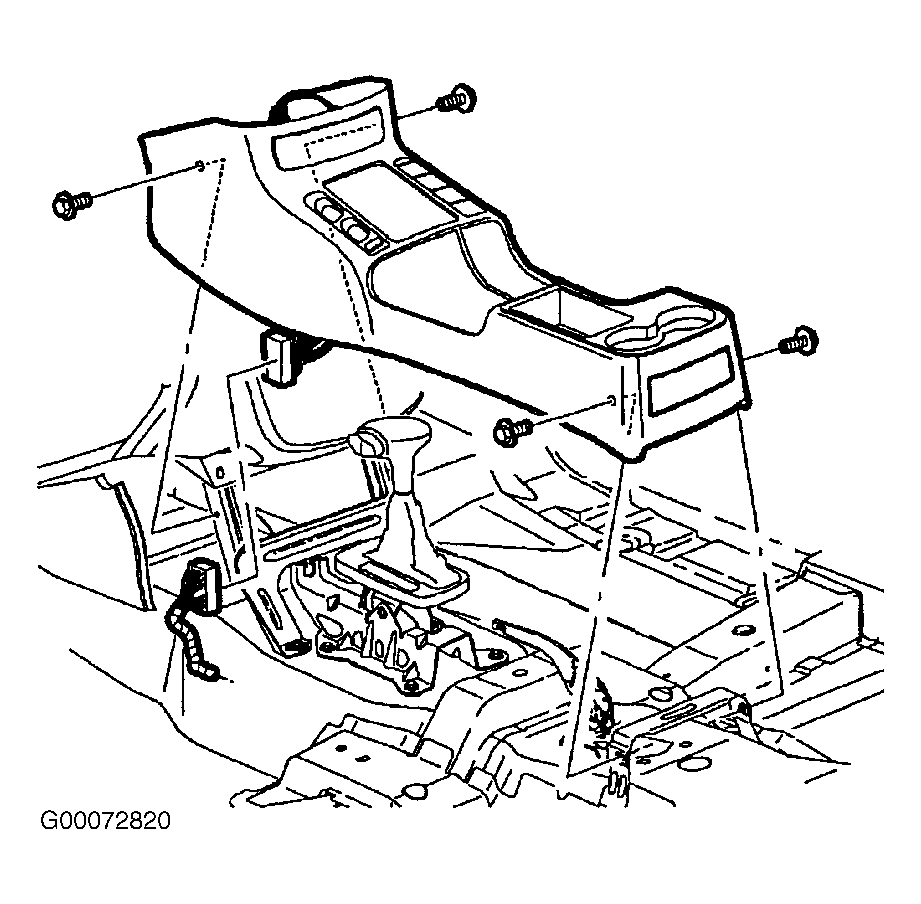 Courtesy of GENERAL MOTORS CORP.