Removal Procedure
 Courtesy of GENERAL MOTORS CORP.
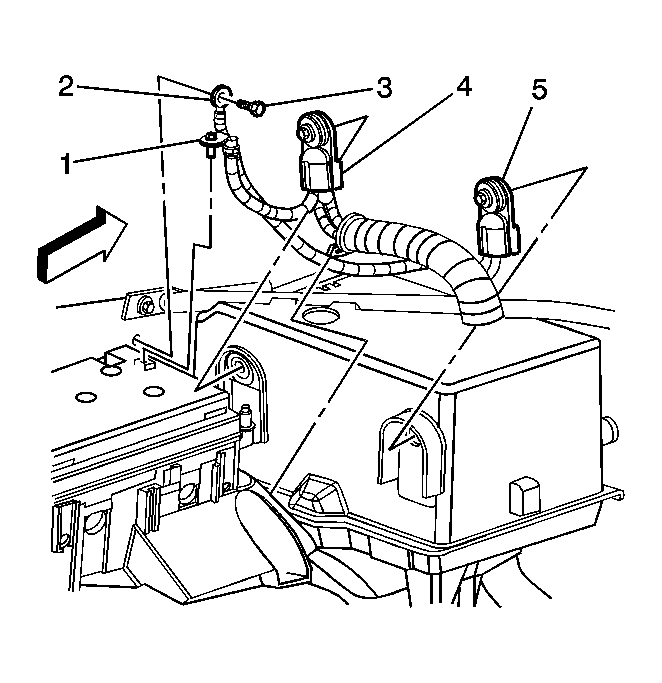
- Disconnect the negative battery cable (5). Refer to Battery Negative Cable Disconnect/Connect Procedure .
- Loosen the positive battery cable bolt.
- Remove the positive battery cable (4) from the battery.
 Courtesy of GENERAL MOTORS CORP.
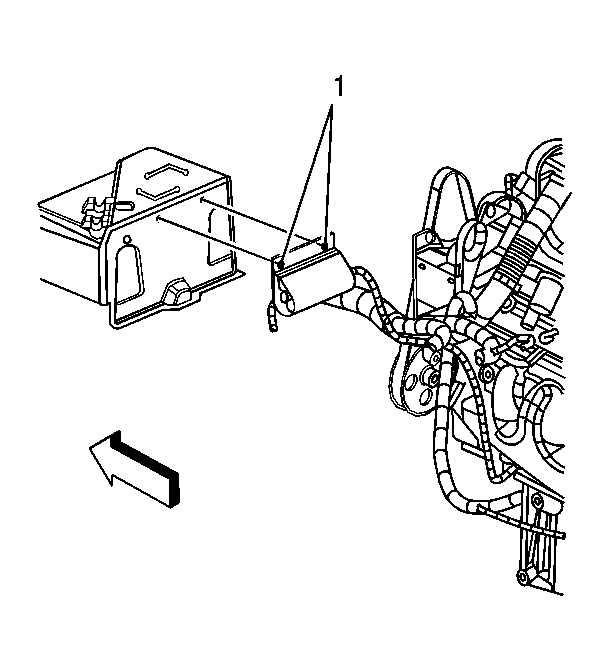
- Remove the coolant heater cord retainers (1) from the battery cover, if equipped.
 Courtesy of GENERAL MOTORS CORP.
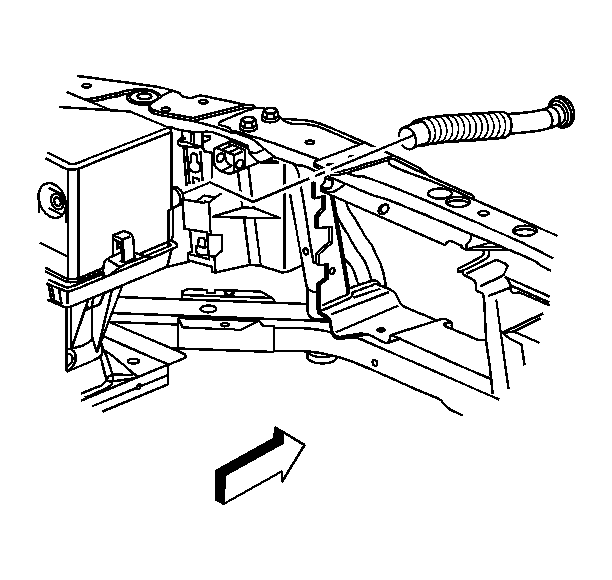
- Remove the battery air duct from the battery cover.
 Courtesy of GENERAL MOTORS CORP.
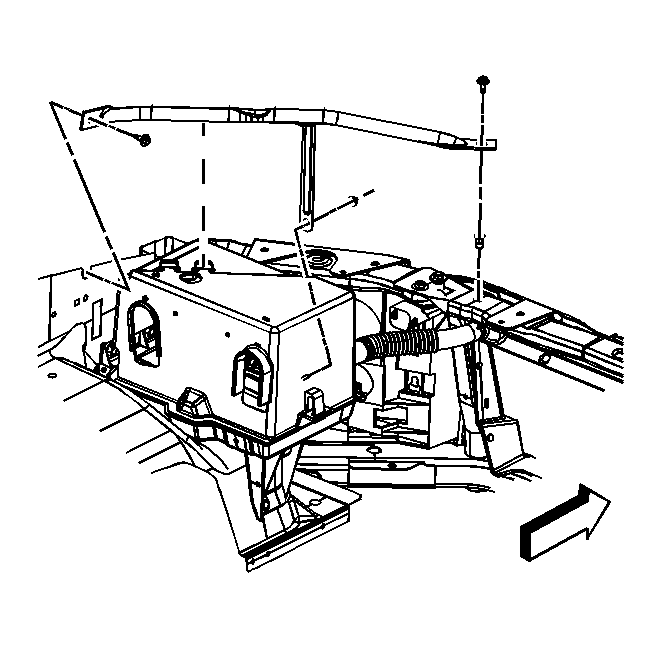
- Remove the battery tray brace bolts/nut.
 Courtesy of GENERAL MOTORS CORP.
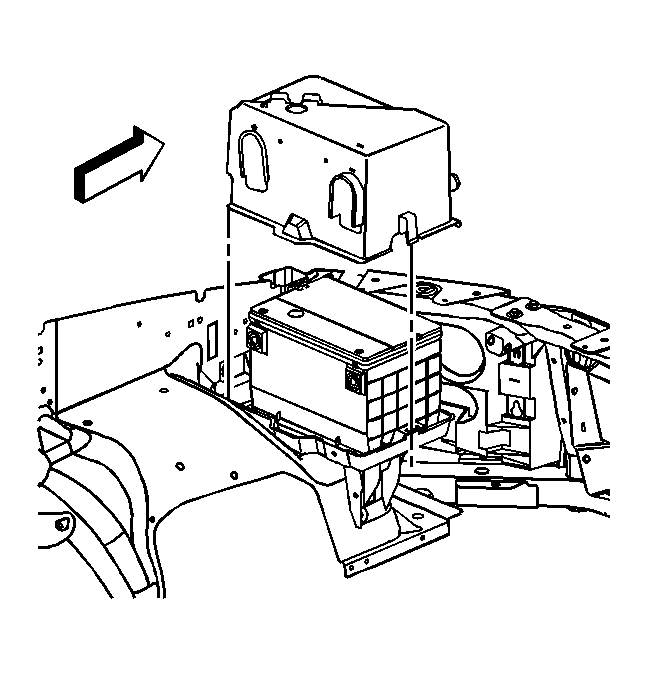
- Remove the battery cover.
 Courtesy of GENERAL MOTORS CORP.
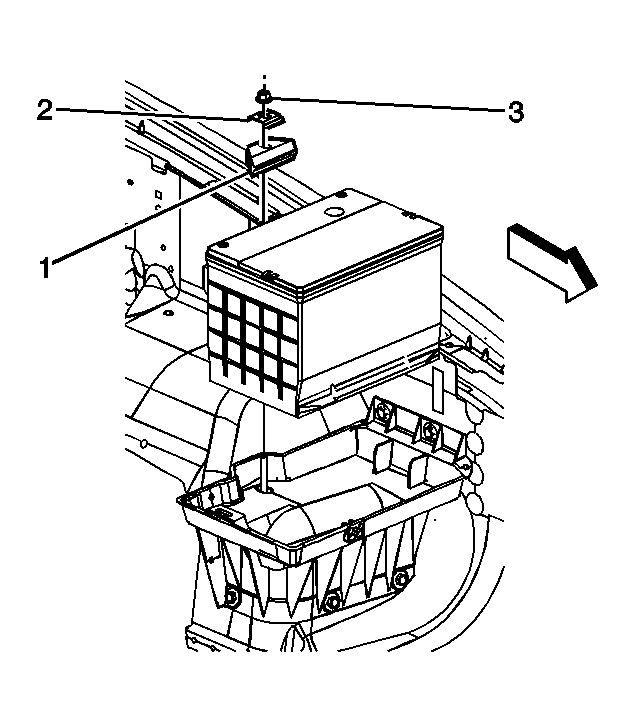
- Remove the battery hold down nut (3), retainer (1), and washer.
- Remove the battery.