CONSULT-II Setting Procedure
- Turn ignition switch OFF.
- Connect CONSULT-II to data link connector, which is located in left side dash panel.
- Turn ignition switch ON.
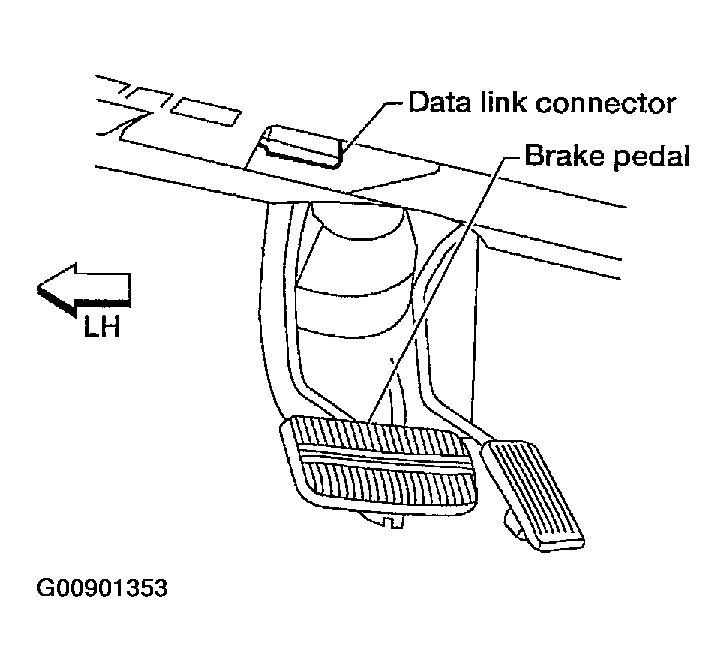 Courtesy of NISSAN MOTOR CO., U.S.A.
- Touch "START".
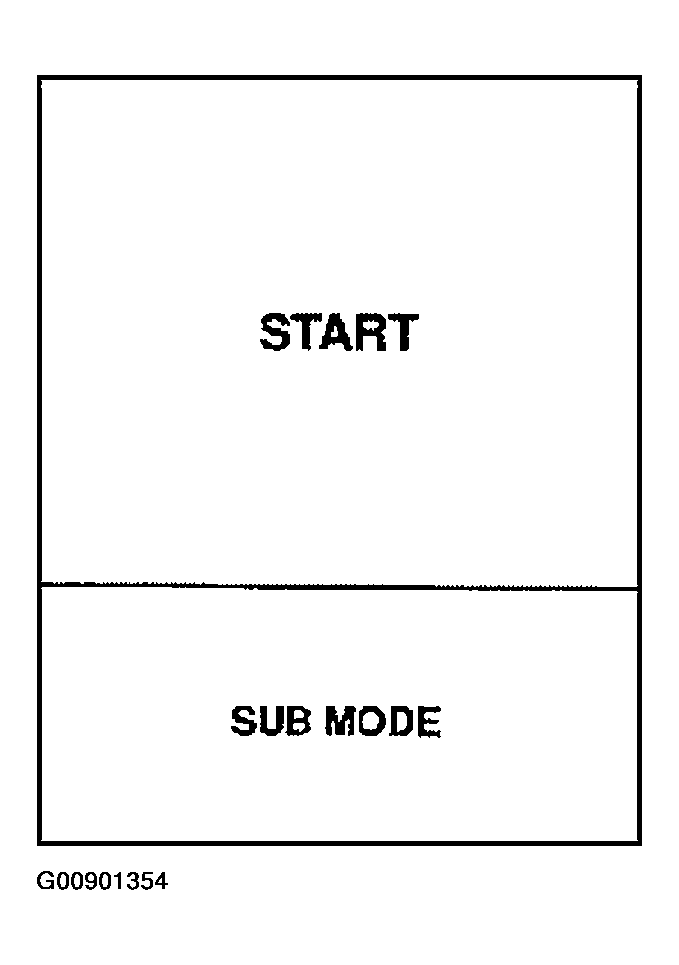 Courtesy of NISSAN MOTOR CO., U.S.A.
- Touch "A/T".
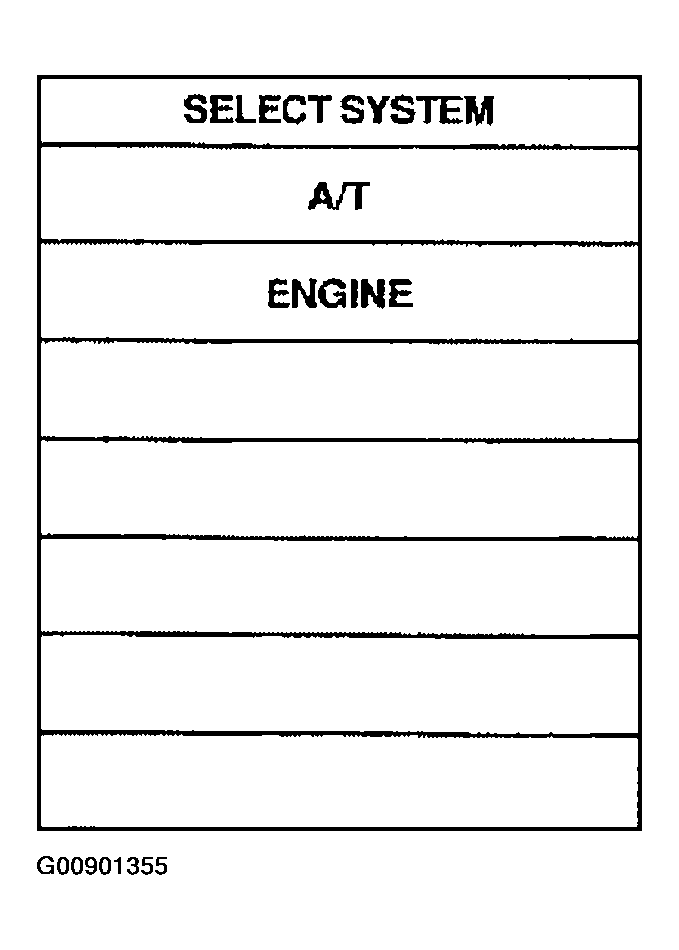 Courtesy of NISSAN MOTOR CO., U.S.A.
- Touch "DATA MONITOR".
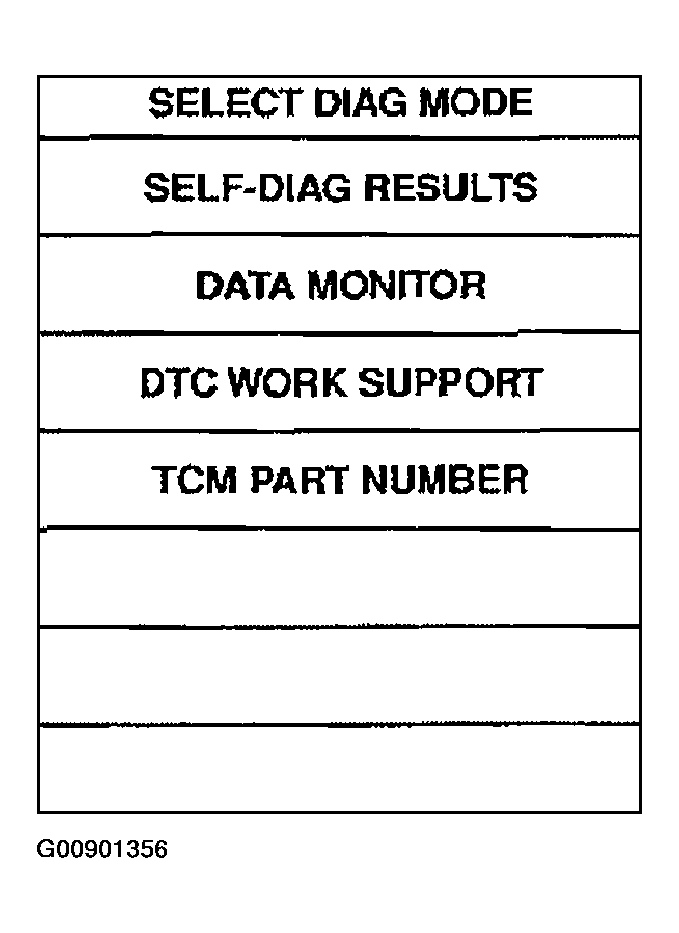 Courtesy of NISSAN MOTOR CO., U.S.A.
- Touch "MAIN SIGNAL" or "TCM INPUT SIGNALS".
- See "BARCHART DISPLAY" or "LINE GRAPH DISPLAY".
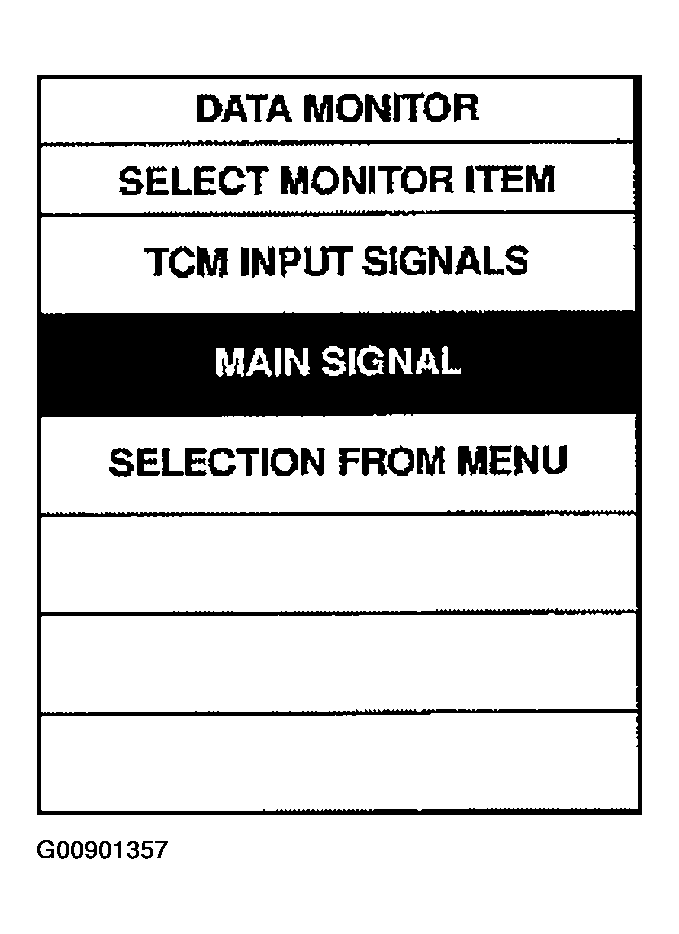 Courtesy of NISSAN MOTOR CO., U.S.A.
- Touch "SETTING" to set recording condition ("AUTO TRIG" or "MANU TRIG") and touch "BACK".
- Touch "START".
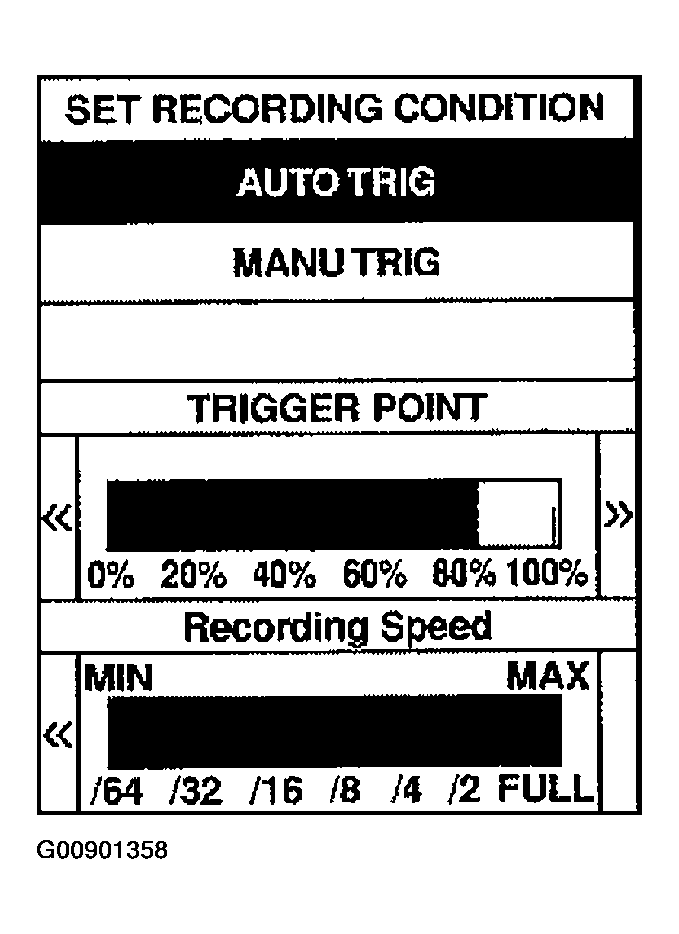 Courtesy of NISSAN MOTOR CO., U.S.A.
- When performing cruise test, touch "RECORD".
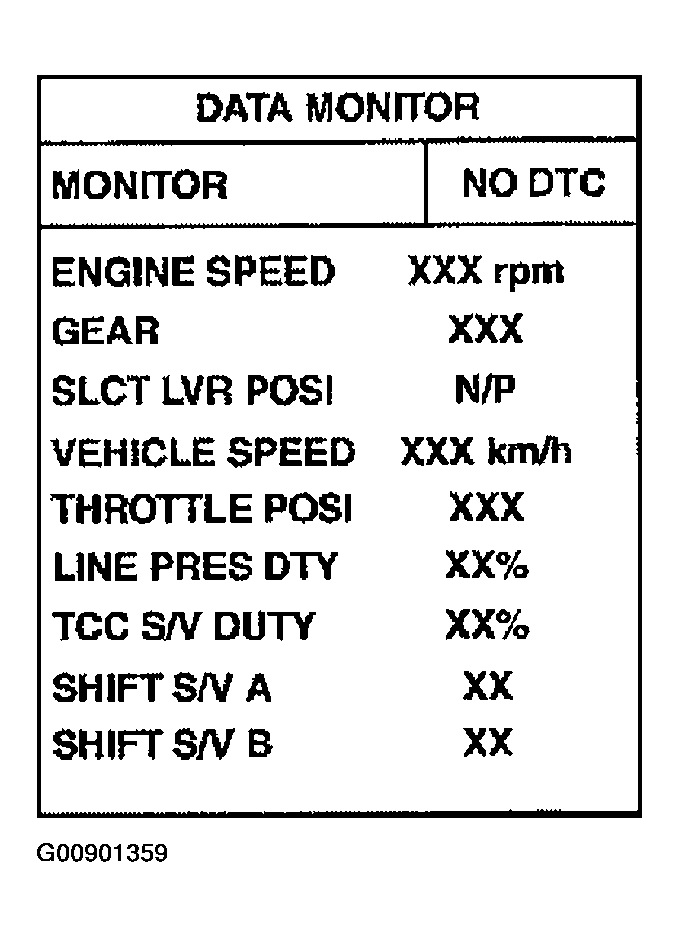 Courtesy of NISSAN MOTOR CO., U.S.A.
- After finishing cruise test part 1, touch "STOP".
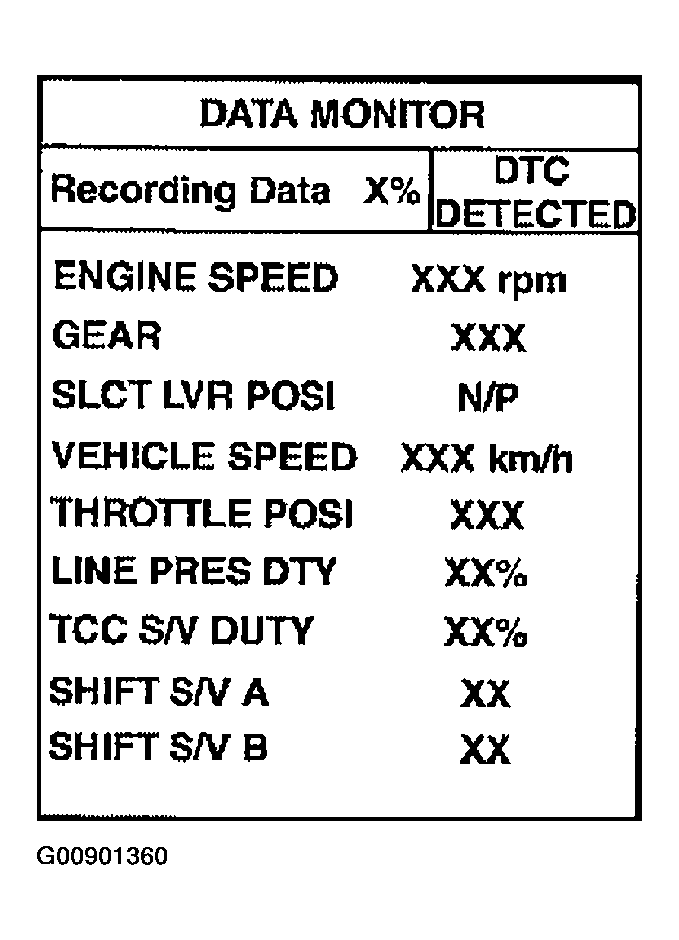 Courtesy of NISSAN MOTOR CO., U.S.A.
- Touch "STORE" and touch "BACK".
 Courtesy of NISSAN MOTOR CO., U.S.A.
- Touch "DISPLAY".
- Touch "PRINT".
- Check the monitor data printed out.
- Continue cruise test part 2 and 3.
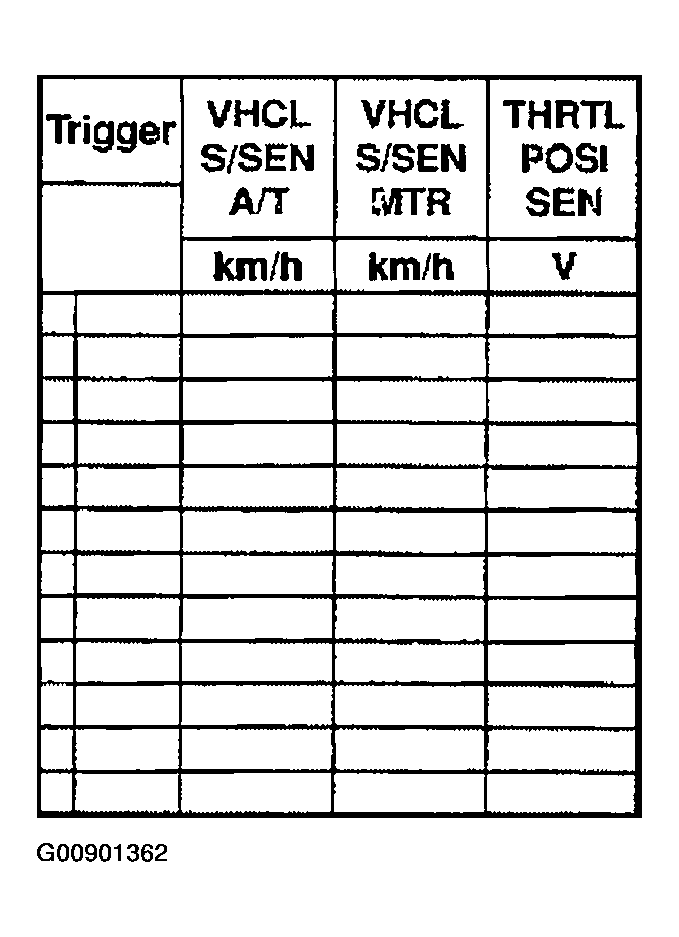 Courtesy of NISSAN MOTOR CO., U.S.A.