Active Test Procedure
- When conducting Active test, vehicle must be stationary.
- When ABS warning lamp or SLIP indicator lamp stays on, never conduct Active test.
- Turn ignition switch OFF.
- Connect CONSULT-II to Data Link Connector.
- Start engine.
- Touch "START" on CONSULT-II screen.
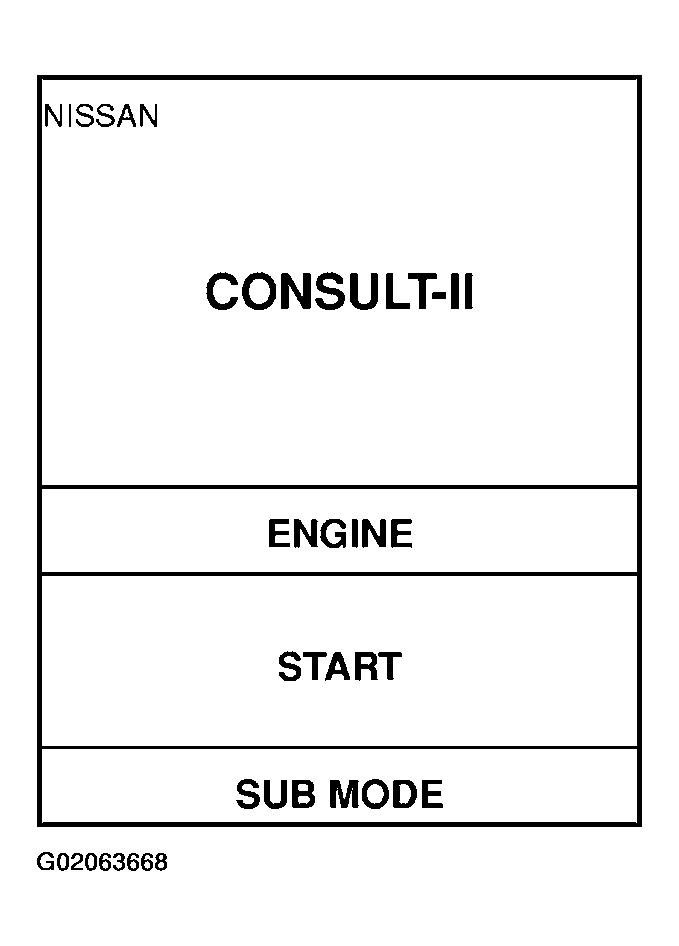 Courtesy of NISSAN MOTOR CO., U.S.A.
- Touch "ABS".
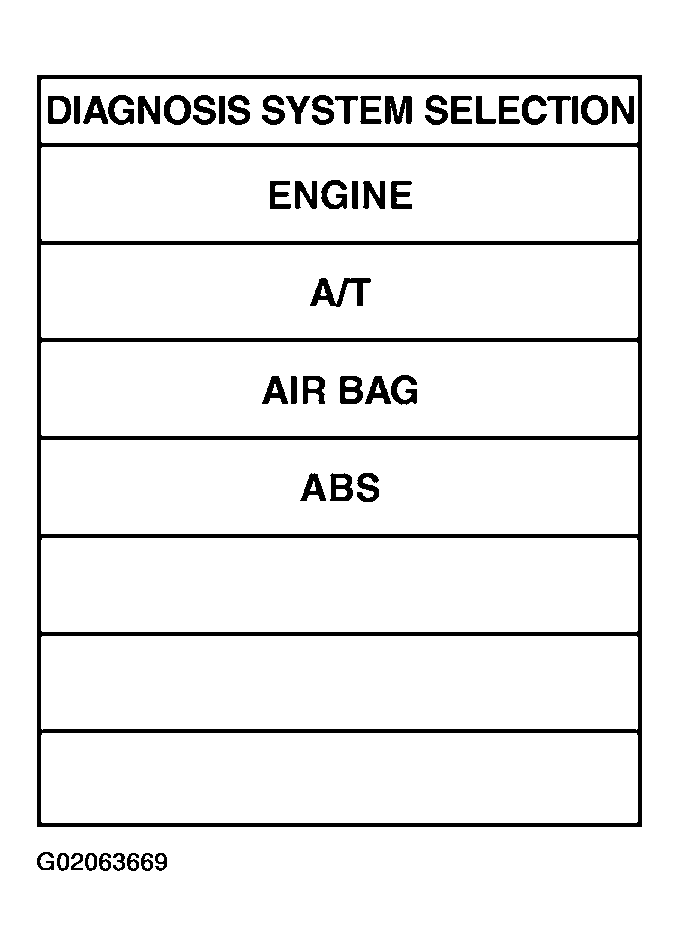 Courtesy of NISSAN MOTOR CO., U.S.A.
- Touch "ACTIVE TEST".
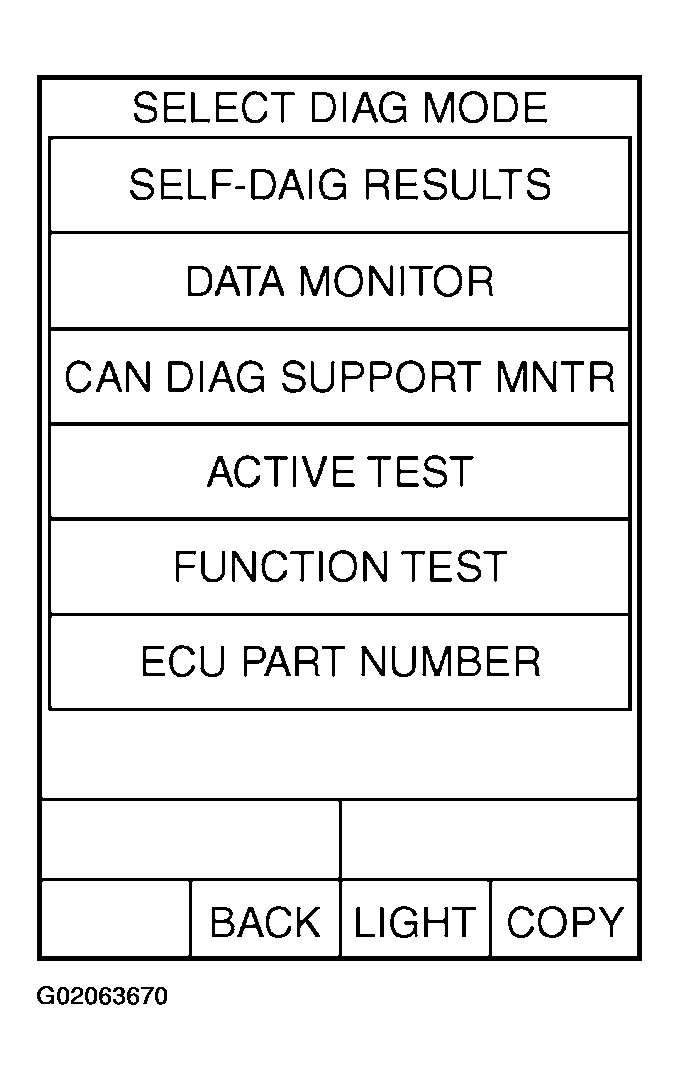 Courtesy of NISSAN MOTOR CO., U.S.A.
- Select active test item by touching screen.
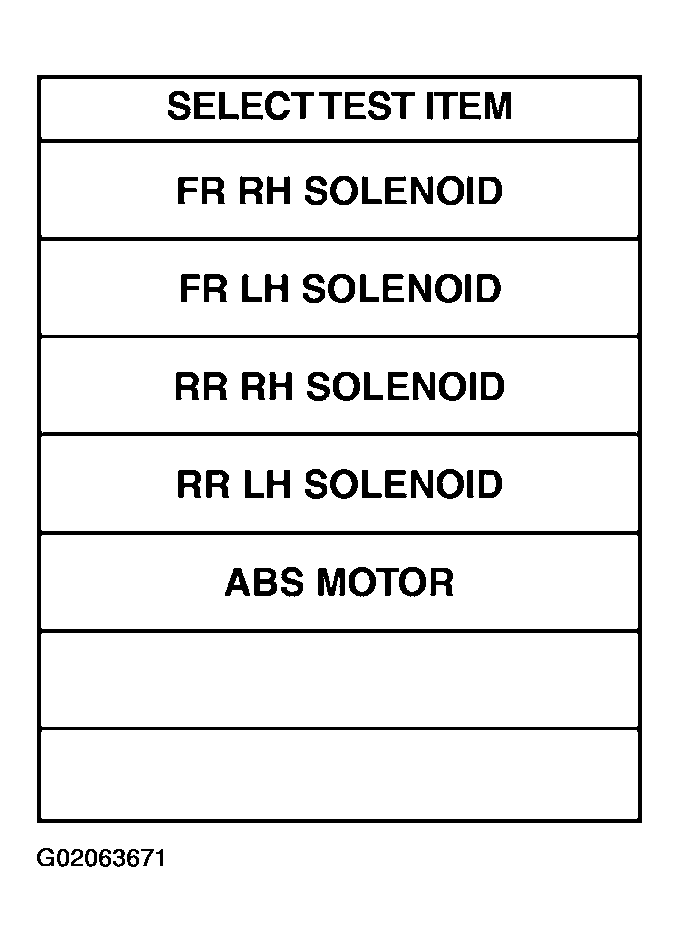 Courtesy of NISSAN MOTOR CO., U.S.A.
- Touch "START".
- Carry out the active test by touching screen key.
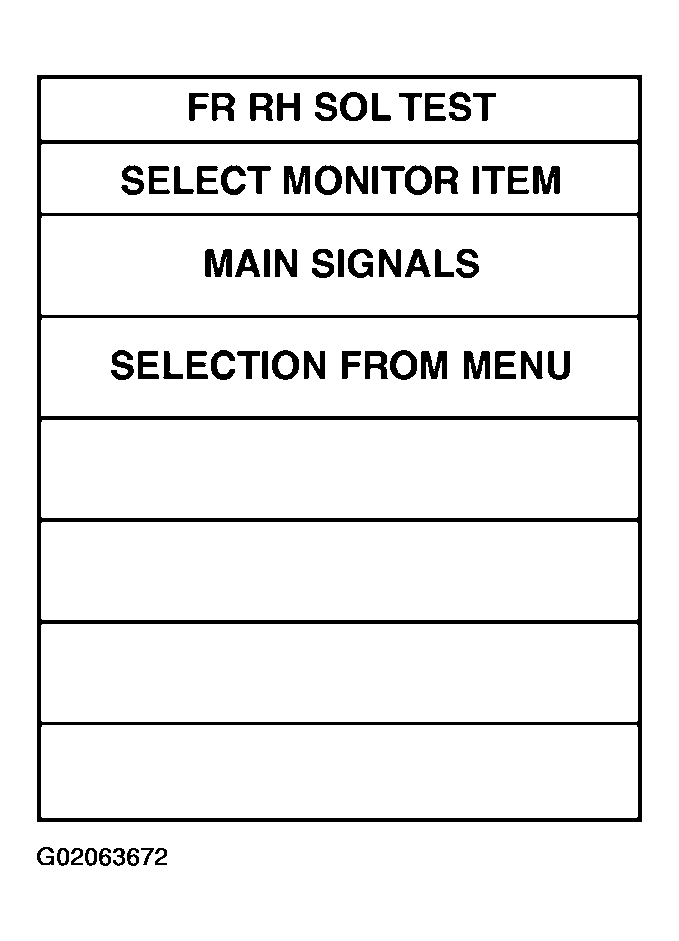 Courtesy of NISSAN MOTOR CO., U.S.A.