Operation Procedure
- Touch KEY WARN ALM", "LIGHT WARN ALM" or "SEAT BELT ALM" on "SELECT TEST ITEM" screen.
- Touch "DATA MONITOR" on "SELECT DIAG MODE" screen.
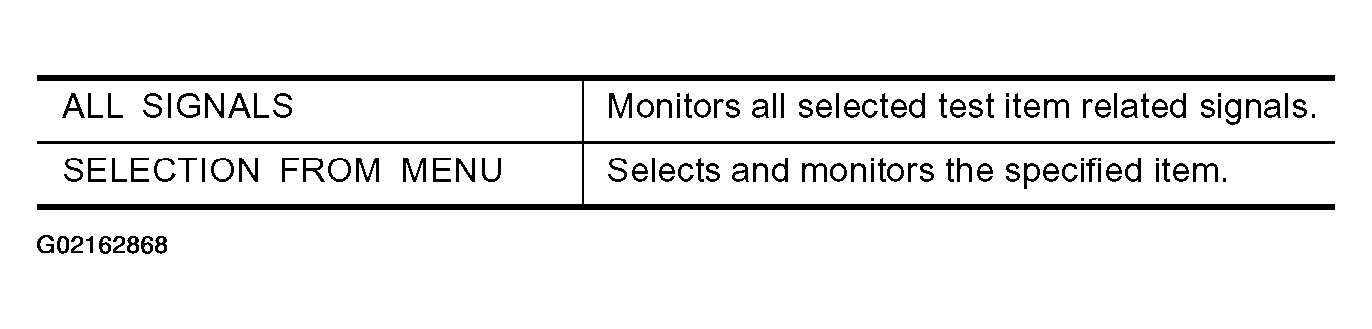
- Touch "ALL SIGNALS" or "SELECTION FROM MENU" on "DATA MONITOR" screen.
 Courtesy of NISSAN MOTOR CO., U.S.A.
- Touch "START".
- If "SELECTION FROM MENU" is selected, touch the item desired to monitor. If "ALL SIGNALS" is selected, all selected test item related signals are monitored.
- During monitoring, touching "COPY" will print the monitored item status.