"Multi Remote ENT"
- Turn ignition switch "OFF".
- Connect "CONSULT-II" and "CONSULT-II CONVERTER" to the data link connector.
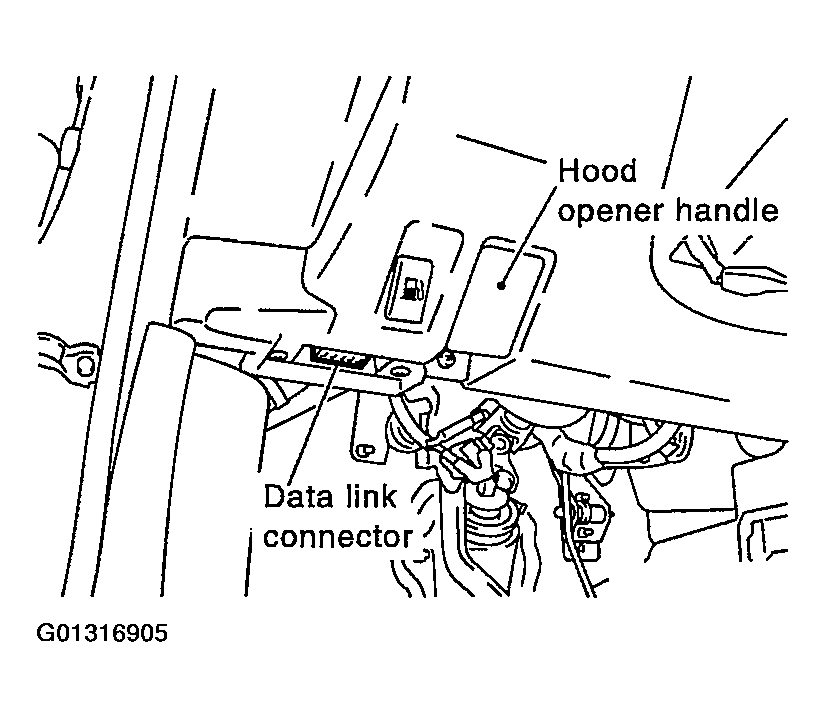 Courtesy of NISSAN MOTOR CO., U.S.A.
- Turn ignition switch "ON".
- Touch "START(NISSAN BASED VHCL)".
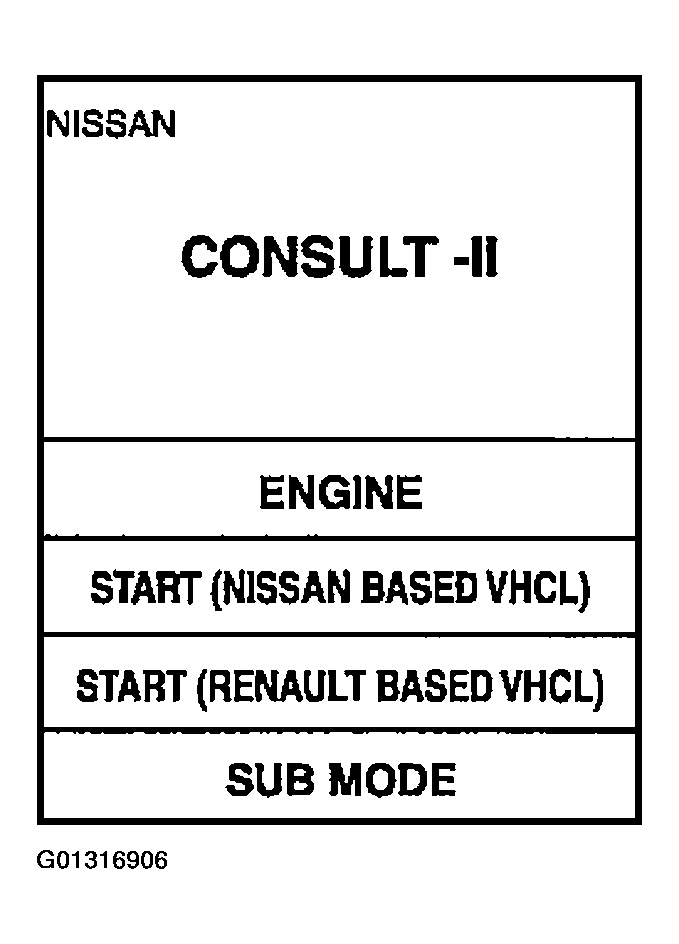 Courtesy of NISSAN MOTOR CO., U.S.A.
- Touch "BCM". If "BCM" is not indicated, go to "COMPUTER DATA LINES
".
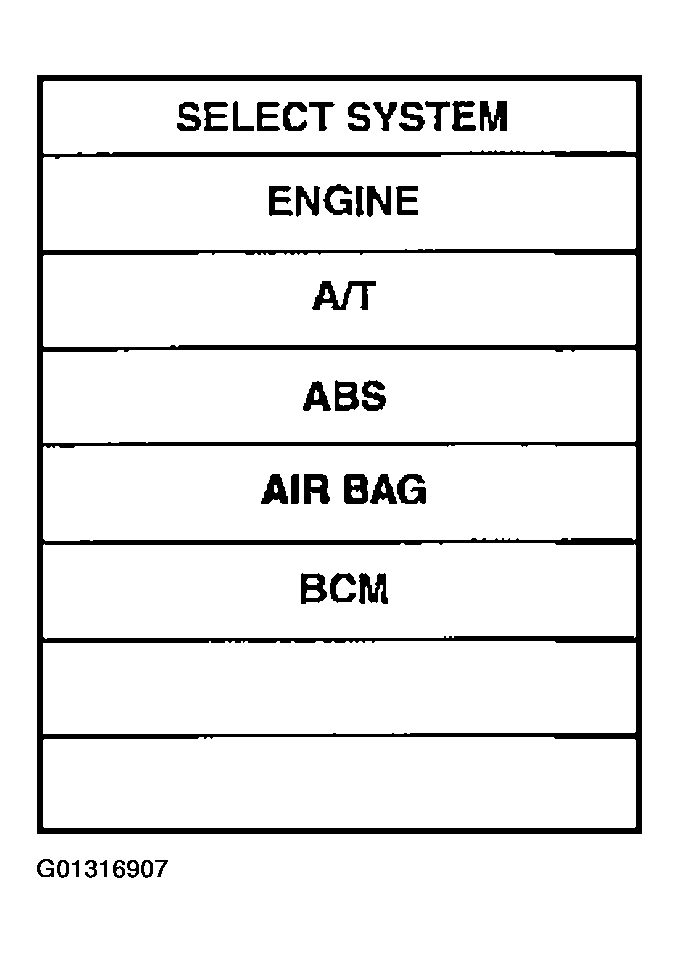 Courtesy of NISSAN MOTOR CO., U.S.A.
- Touch "MULTI REMOTE ENT".
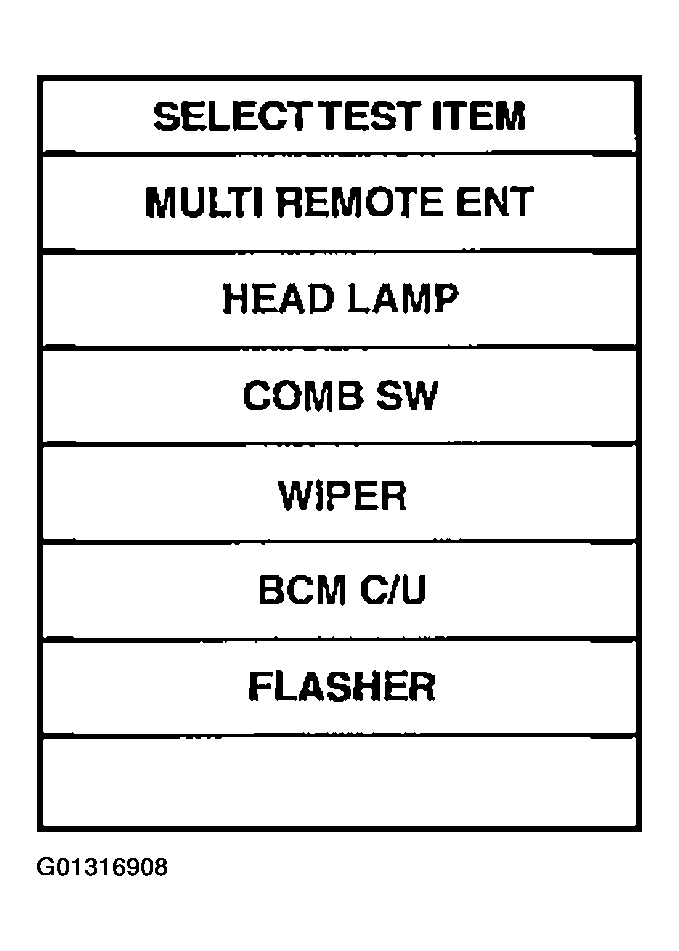 Courtesy of NISSAN MOTOR CO., U.S.A.
- Select diagnosis mode. "DATA MONITOR", "ACTIVE TEST" and "WORK SUPPORT" are available.
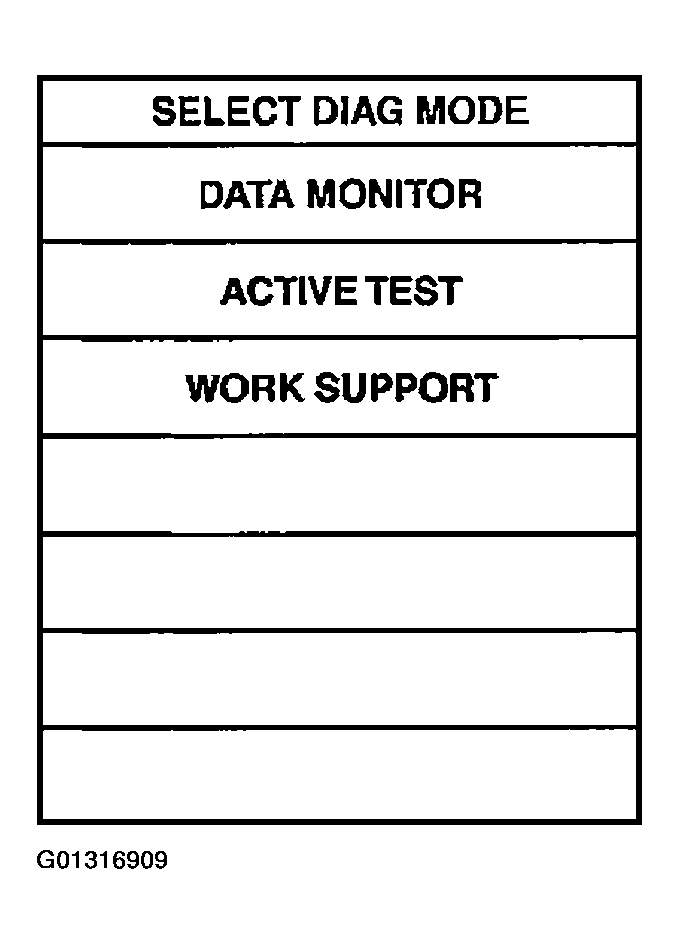 Courtesy of NISSAN MOTOR CO., U.S.A.