Selector Lever Cable: Removal
- With the vehicle in DRIVE, position it on a hoist. For additional information, refer to JACKING AND LIFTING
.
- Remove the lower steering column shroud and finish panel.
- Carry out the following:
- Remove the 4 screws and position the wire harness shield aside.
- Disconnect the shift cable from the transmission selector lever arm.
- Disconnect the shift cable from the bracket.
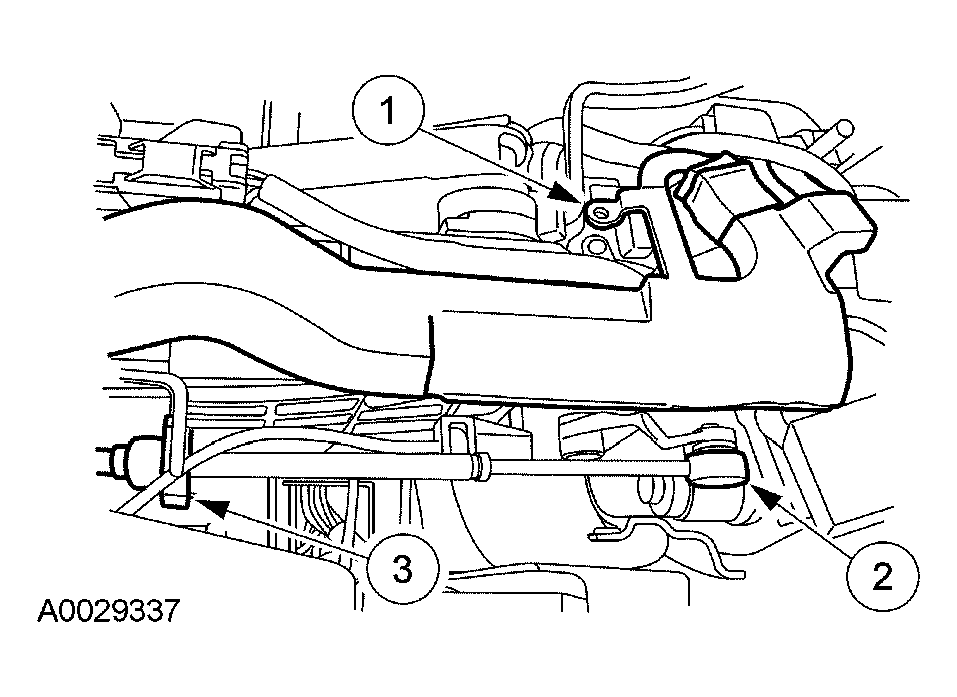 Courtesy of FORD MOTOR CO.
- Push the rubber grommet through the bulkhead.
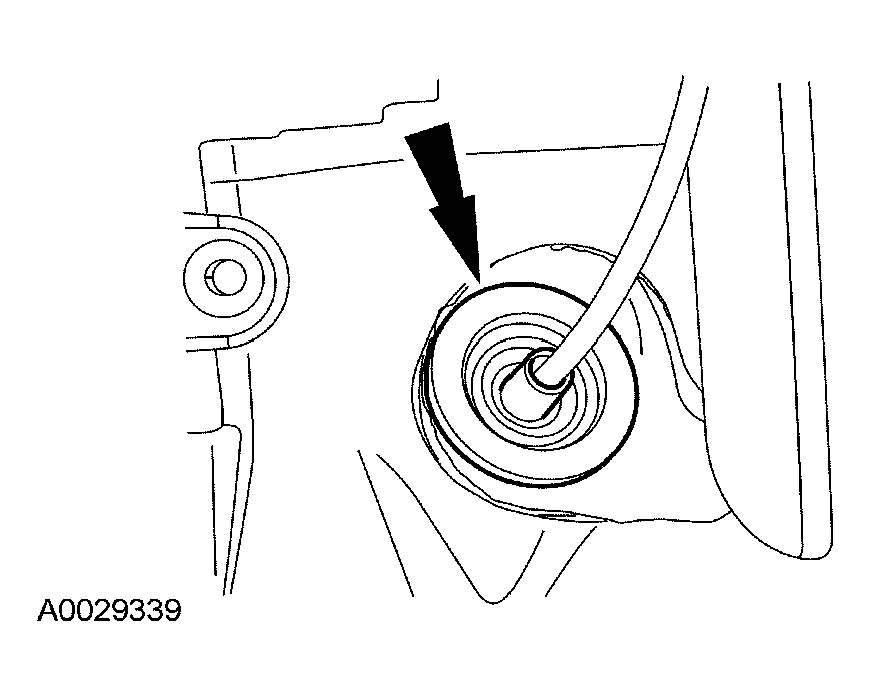 Courtesy of FORD MOTOR CO.
- Remove the shift cable from the vehicle.
- Disconnect the shift cable from the manual control lever.
- Disconnect the shift cable from the shift cable bracket.
- Remove the shift cable from the vehicle.
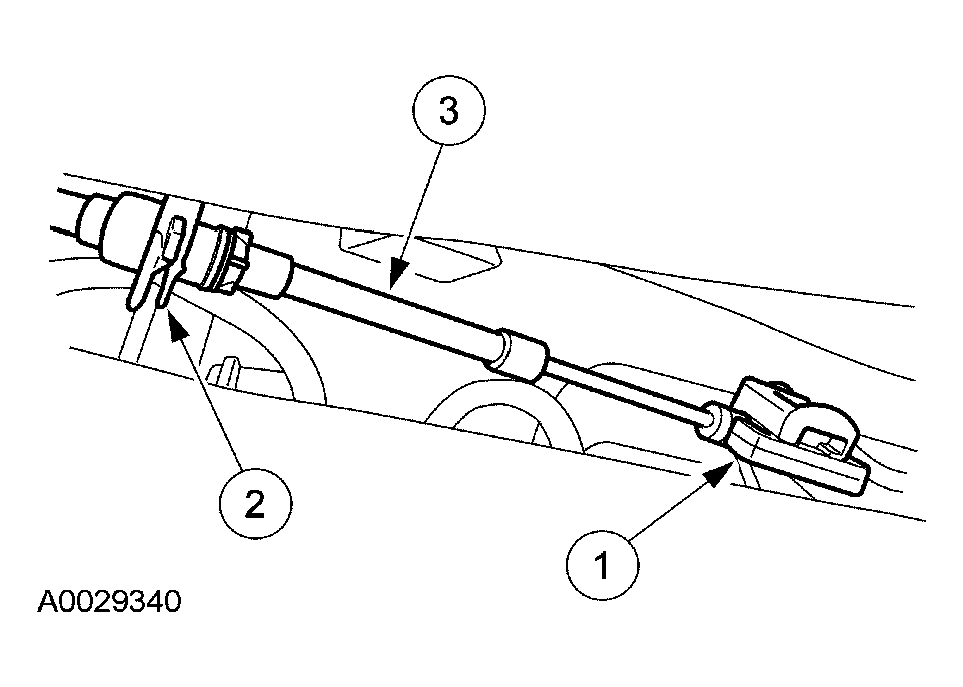 Courtesy of FORD MOTOR CO.
- Remove the 2 bolts and the shift cable bracket.
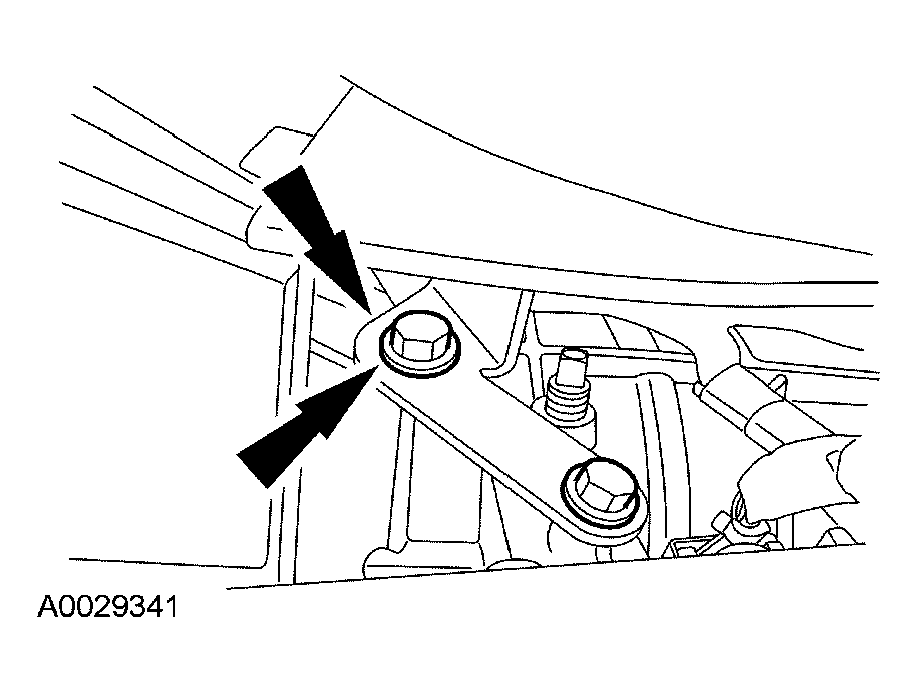 Courtesy of FORD MOTOR CO.