Removal and Installation
- Disconnect the battery cables. Refer to BATTERY DISCONNECT
.
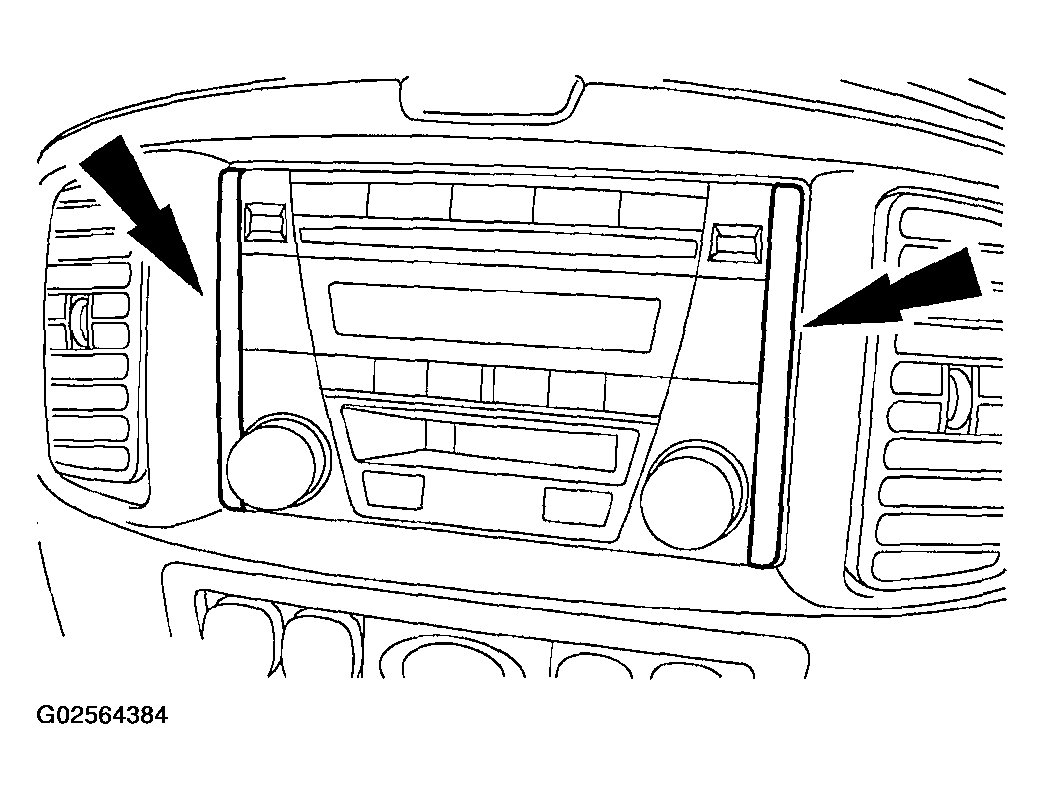 Courtesy of MAZDA MOTORS CORP.
- Remove the bezel end covers from both sides of the radio face.
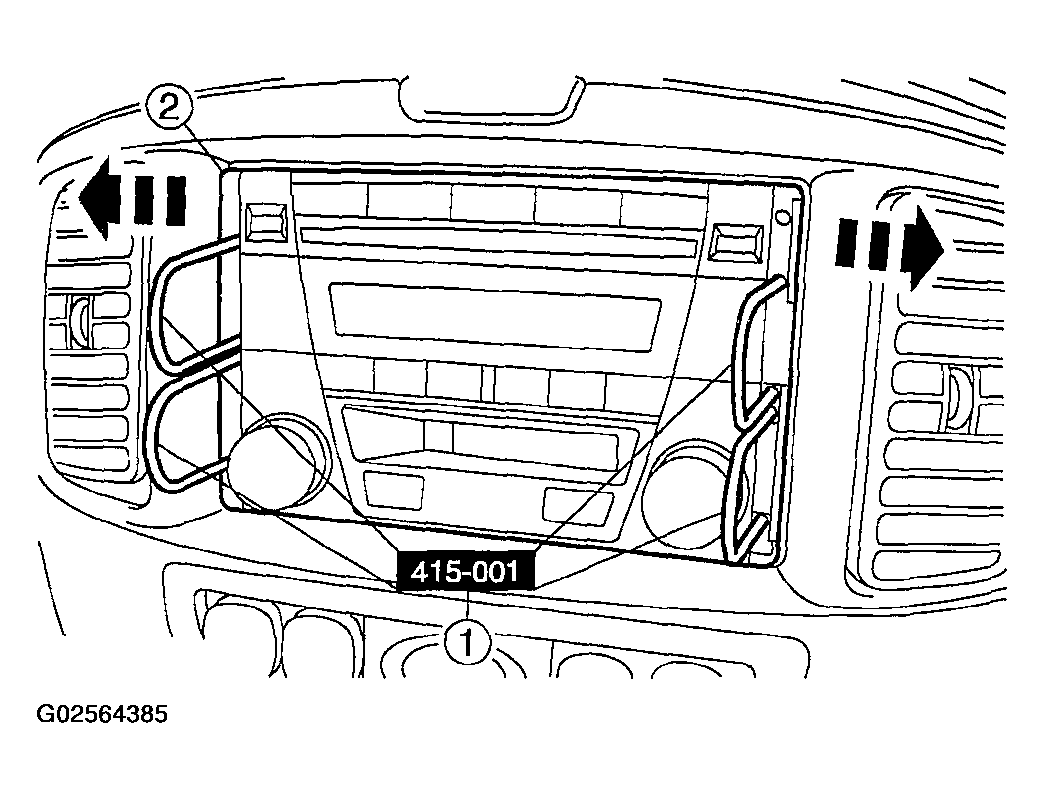 Courtesy of MAZDA MOTORS CORP.
NOTE:
- All audio unit removal and installation procedures are similar.
NOTE:
- Remove the bezel end covers before inserting the special tools.
- Remove the audio unit.
- Insert the special tool into the radio face plate and release the radio retaining clips.
- Pull outward on the special tool and remove the audio unit from the instrument panel.
- Disconnect the connectors.
- To install, reverse the removal procedure.