Shift Cable And Bracket Adjustment
- Place the gearshift lever in the D position and hang a 1.4 kg (3 lb) weight on the shift control selector lever.
- Move the selector lever to the first gear position, then move back two detents to the D position.
- Hang the 3.6 kg (8 lb) weight on the gearshift lever.
- Raise and support the vehicle.
- Disconnect the transmission shift cable from the manual control lever.
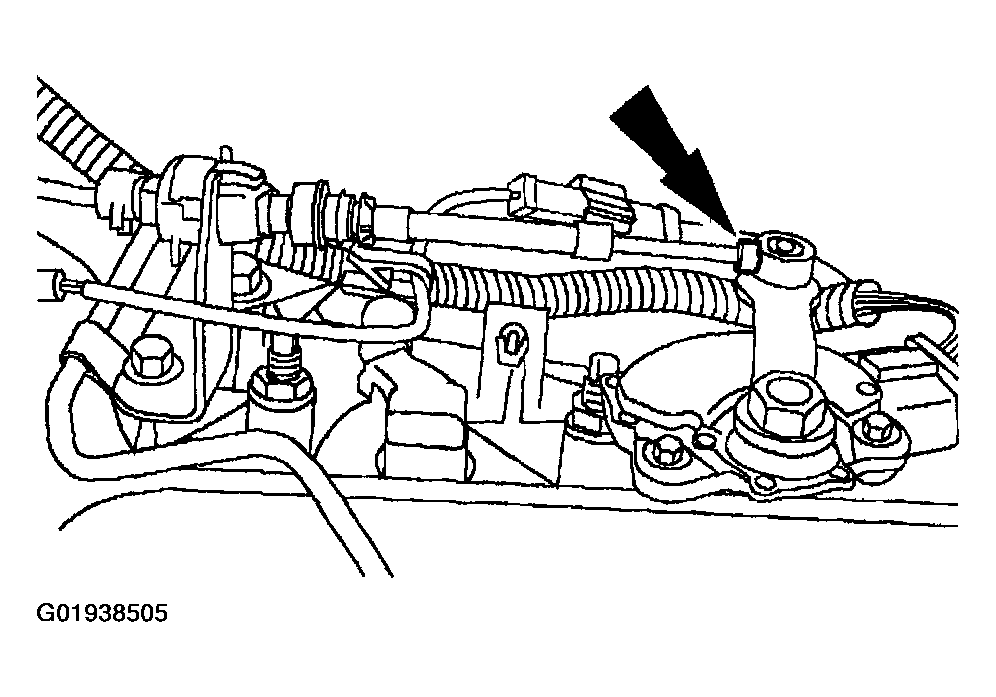 Courtesy of MAZDA MOTORS CORP.
- Pull out the transmission shift cable adjustment lock tab on the shift cable body.
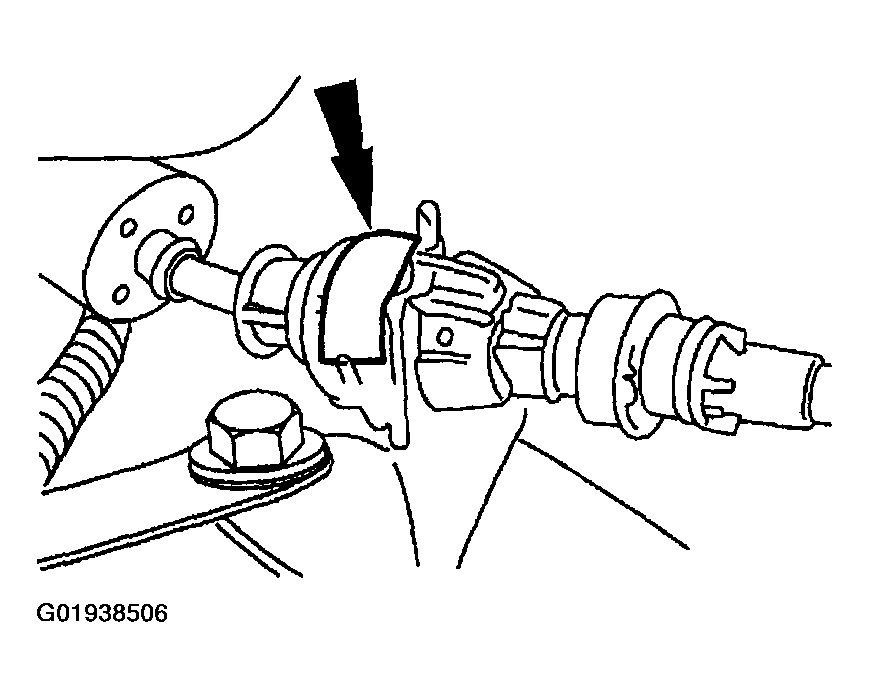 Courtesy of MAZDA MOTORS CORP.
- Place the manual control lever in the D position.
- Rotate the manual control lever fully counter clockwise.
- Rotate the manual control lever clockwise to the D position (2 detents).
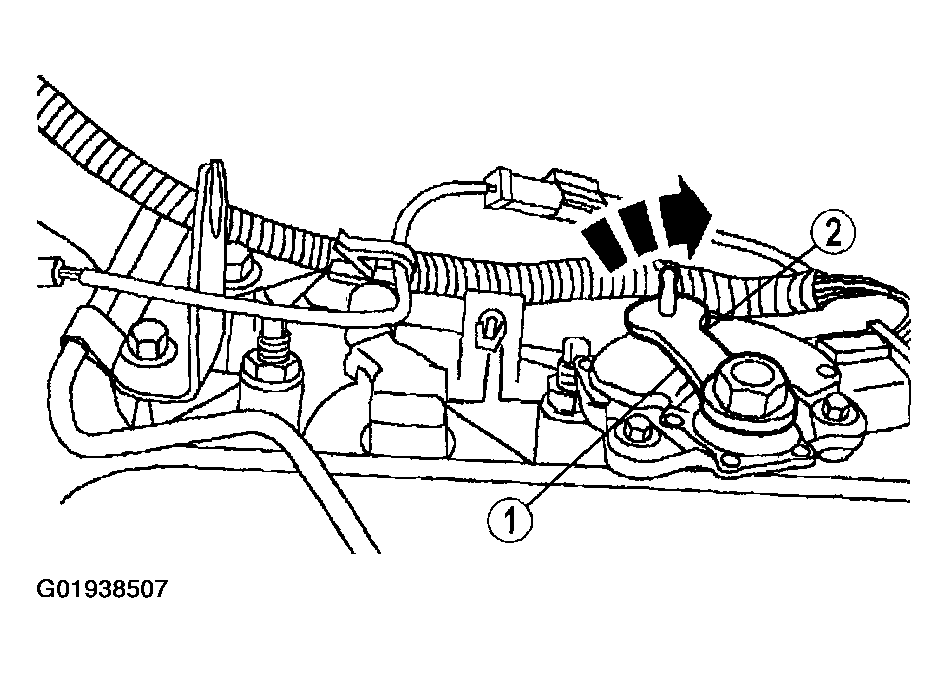 Courtesy of MAZDA MOTORS CORP.
- Connect the transmission shift cable to the manual control lever.
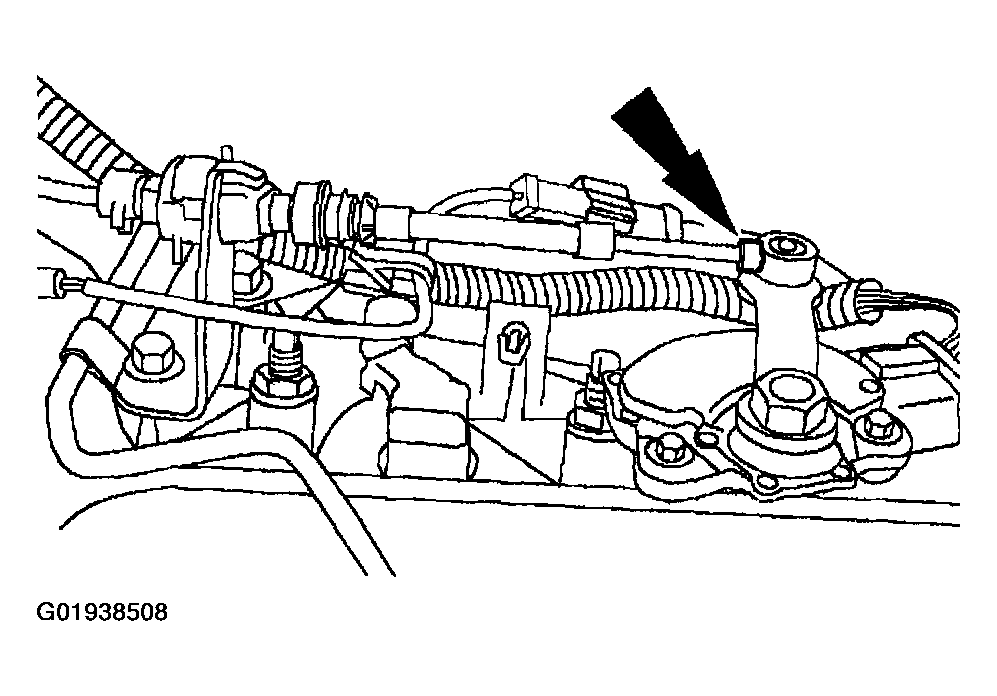 Courtesy of MAZDA MOTORS CORP.
- Push in the transmission shift cable adjustment lock tab on the shift cable body.
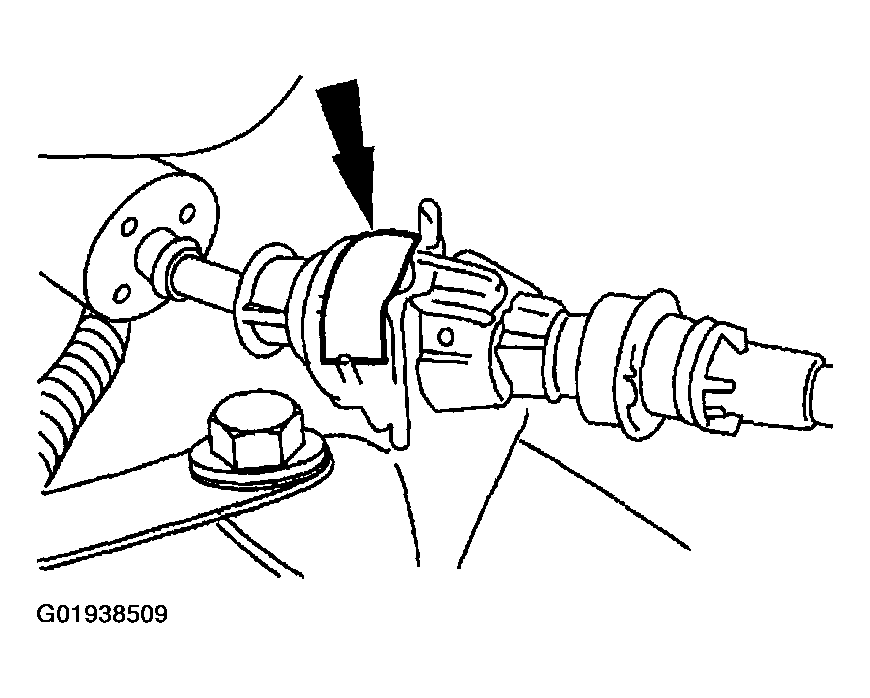 Courtesy of MAZDA MOTORS CORP.
- Lower the vehicle.
- Remove the 1.4 kg (3 lb) weight.
CAUTION:
- To prevent damage, do not adjust the transmission shift cable in any position other than D.
- Verify that the vehicle will start in P or N and that backup lamps illuminate in R. If not, repeat steps 1
through 7
and perform a digital transmission range sensor adjustment; see DIGITAL TRANSMISSION RANGE SENSOR REMOVAL/INS
.