Passenger Junction Box (PJB) Configuration
- Connect the WDS or equivalent to the DLC-2 (16-pin).
- Set up the WDS or equivalent (including the vehicle recognition).
- Select "Module Programming".
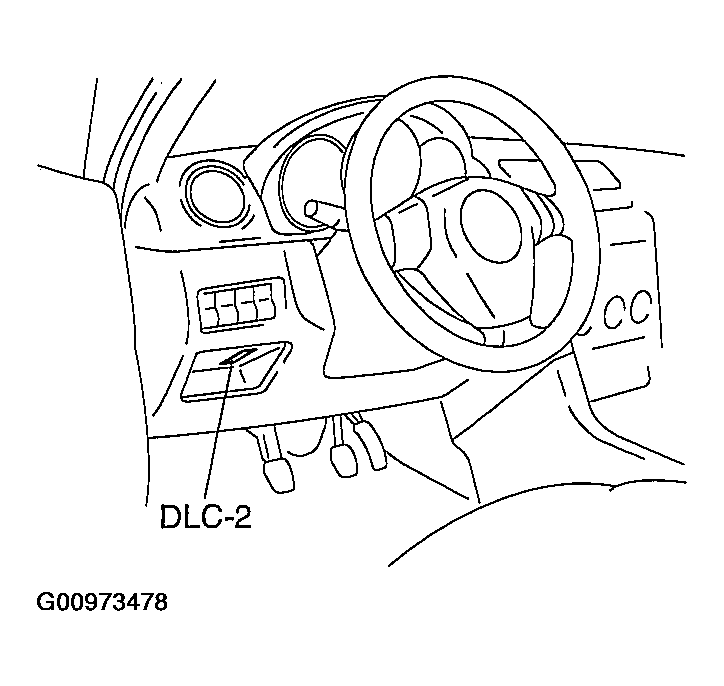 Courtesy of MAZDA MOTORS CORP.
- Select "Programmable Module Installation".
- Select "GEM" and perform procedures according to directions on the WDS or equivalent screen.
- Select "Module Programming".
- Select "Programmable Parameters".
- Select "Module Reset".
- Select "GEM" and perform procedures according to directions on the WDS or equivalent screen.
- Retrieve DTCs using the WDS or equivalent and verify that there is no DTC present.
- If any DTC is present, perform applicable DTC inspection. (See DTC TABLE [PJB]
.)