Cable and Bracket Adjustment - Column Shift
- Place the gearshift lever in the (D) position.
- Place a three pound weight on the gearshift lever.
- With the vehicle in NEUTRAL, position it on a hoist. For additional information, refer to JACKING & LIFTING
.
- Disconnect the transmission shift cable from the manual control lever.
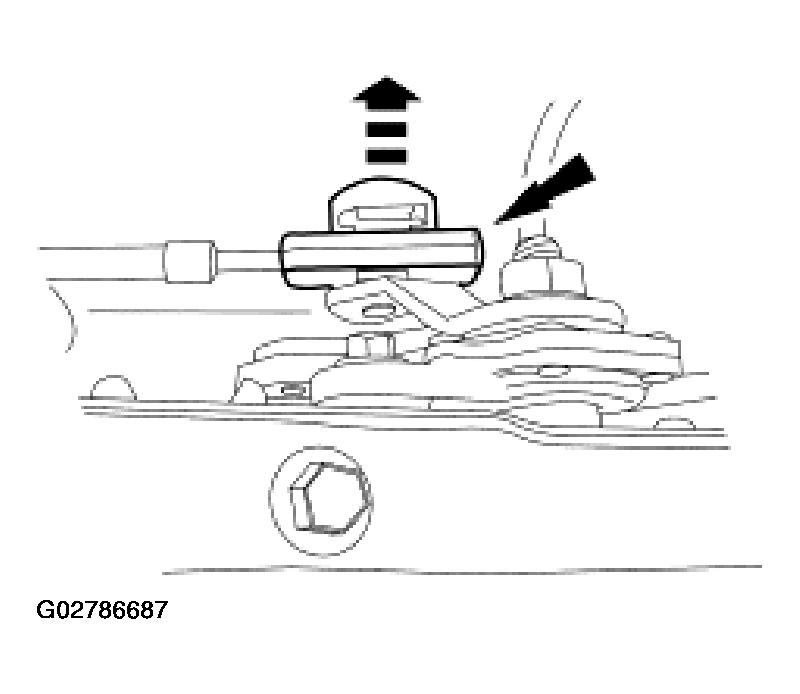 Courtesy of FORD MOTOR CO.
- Unlock the lock tab on the transmission shift cable.
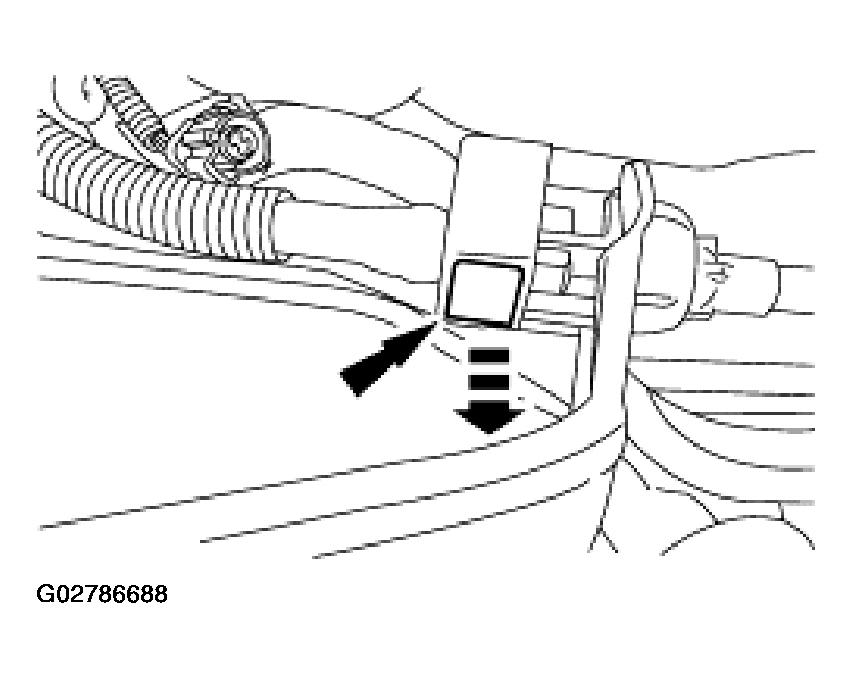 Courtesy of FORD MOTOR CO.
- Place the manual control lever in the (D) position.
- Place the manual control lever in the first gear position.
- Move the manual control lever two detents to the (D) position.
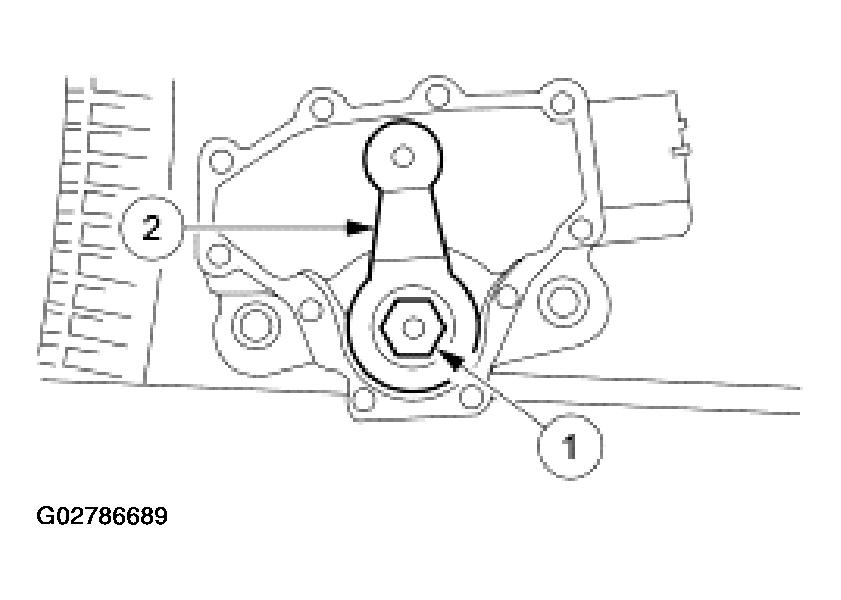 Courtesy of FORD MOTOR CO.
- Connect the transmission shift cable to the manual control lever.
- Lock the transmission shift cable lock tab.
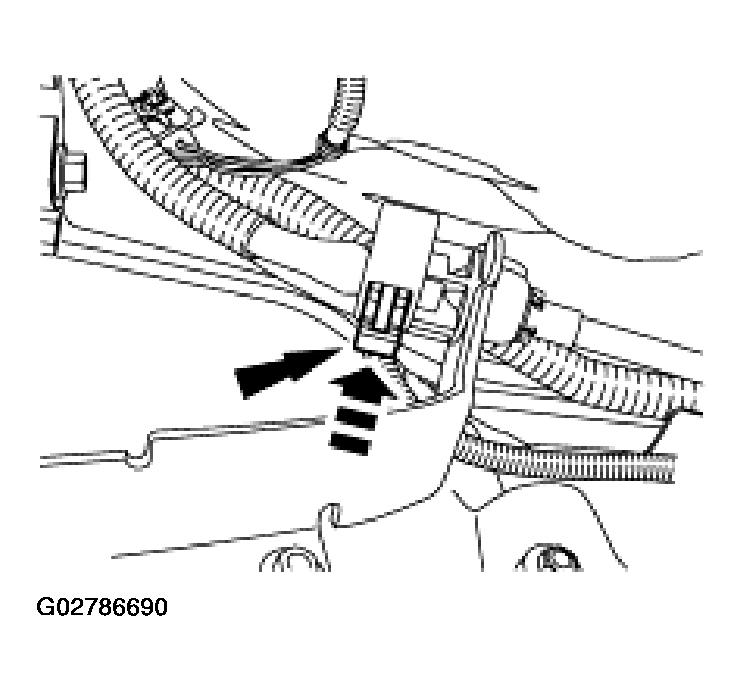 Courtesy of FORD MOTOR CO.
- Remove the three pound weight.
- Carefully move the manual control lever from detent to detent and compare with transmission settings. Verify that the vehicle will start in PARK or NEUTRAL and backup lamps illuminate in REVERSE. If not, Steps 1-5 must be repeated. Carry out the digital transmission range (TR) sensor adjustment. For additional information, refer to AUTOMATIC TRANSMISSION - 4R100
.