Removal and Installation
- Disconnect the battery. For additional information, see BATTERY DISCONNECT
.
- Remove the screw.
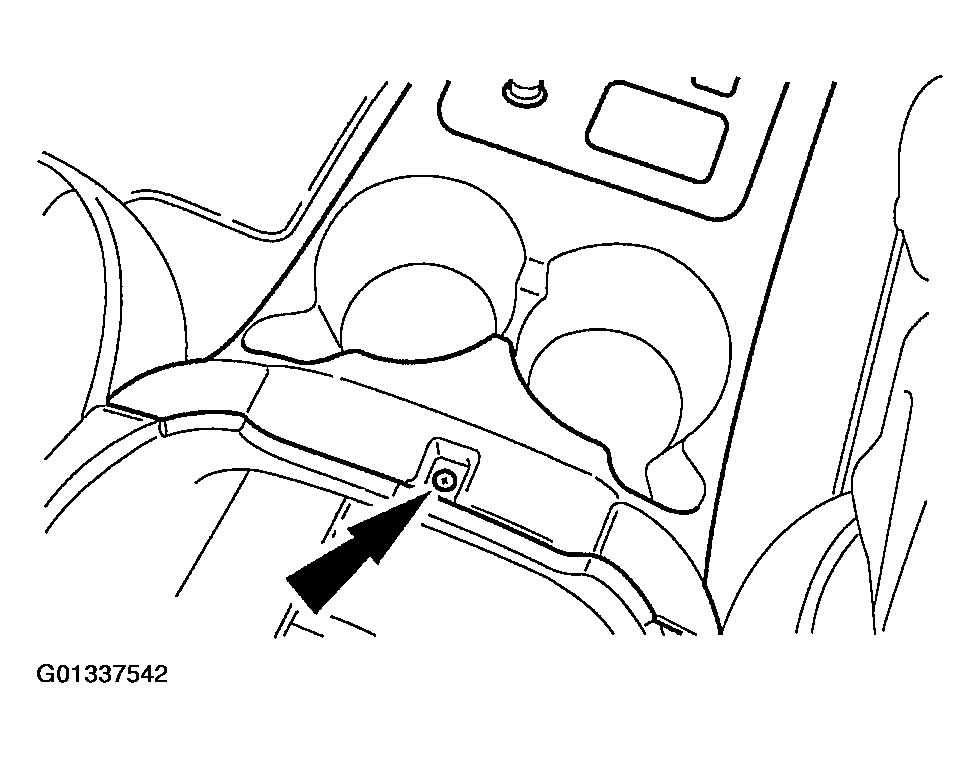 Courtesy of FORD MOTOR CO.
- Carefully pull up on the console finish panel and unsnap it from the center console.
- Disconnect the harness connectors and parking aid switch (if equipped) and remove the console finish panel.
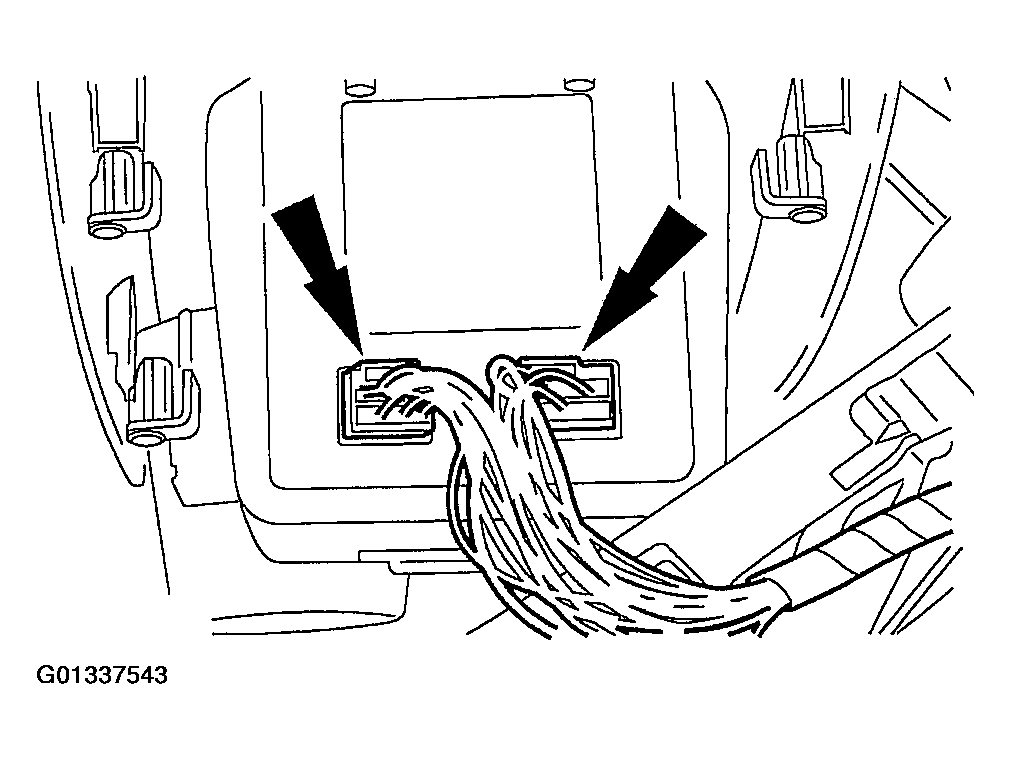 Courtesy of FORD MOTOR CO.
- Remove the screws and remove the navigation system display module.
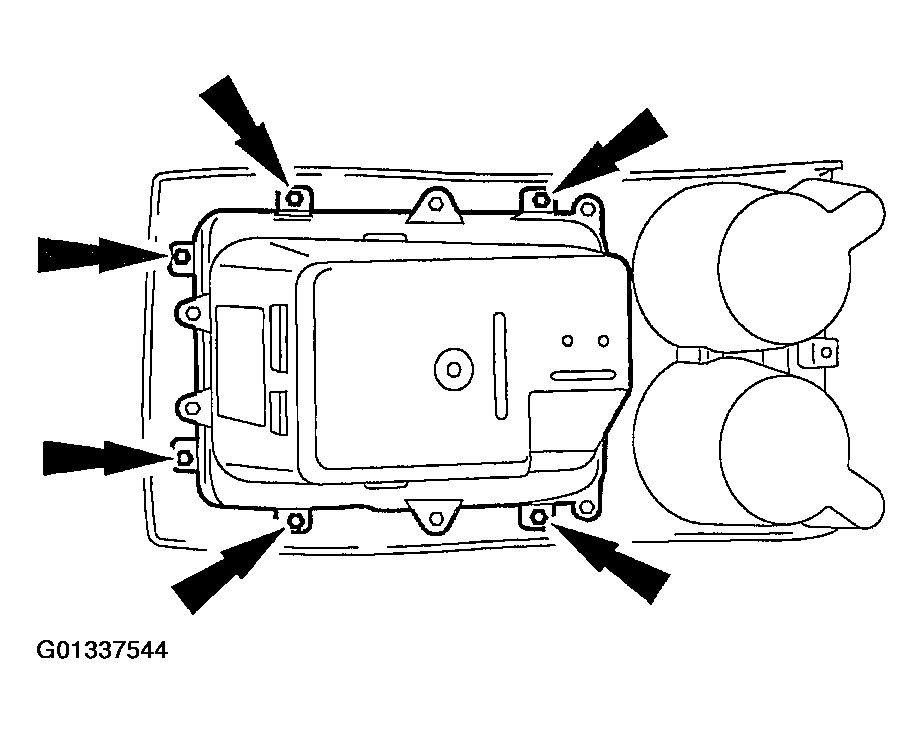 Courtesy of FORD MOTOR CO.
- To install, reverse the removal procedure.