MID Programming
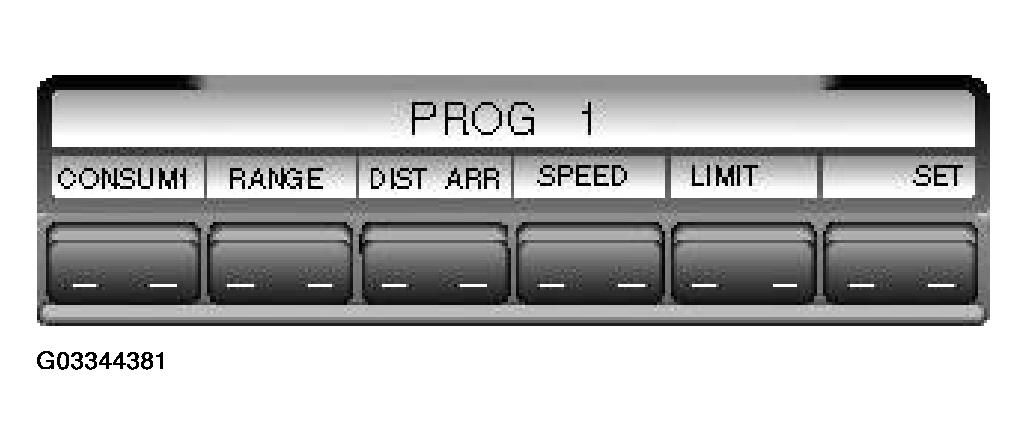 Courtesy of LAND ROVER NORTH AMERICA, INC.
- Ensure that the ignition switch is in position I (AUX) or position II.
- Press and hold the i
button for 3 seconds. 'PROG 1' appears in the MID with all computer functions assigned to the keys.
- To set the sequence, select the required functions in order required. If no functions are selected and the 'SET' button is pressed, all computer functions are selected and displayed in their standard sequence.
- When the selections have been made, press the 'SET' button. The selected functions are stored in their selected order in the instrument pack RAM. The instrument pack message center displays the first selected function.