Diagnosis With KDS/GDS
- BSD system defects can be quickly diagnosed by using the KDS/GDS. KDS/GDS operates actuator quickly to monitor input/output value and perform self diagnosis.
- Connect the cable of KDS/GDS to the data link connector on driver side crash pad lower panel, and turn on the KDS/GDS.
- Select the vehicle model and the BSD system.
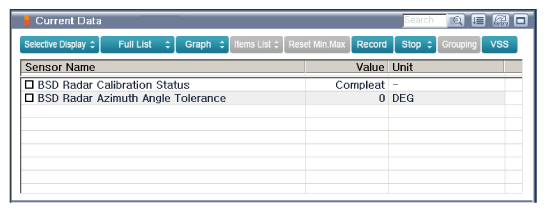
- To check the current data of BSD system, select "Input/output monitoring".
 Courtesy of KIA MOTORS AMERICA, INC.
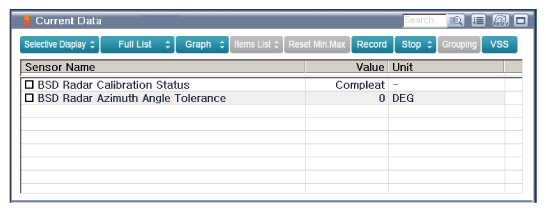
- To check each module operation by force, select "Actuation test".
 Courtesy of KIA MOTORS AMERICA, INC.
- Connect KDS/GDS with Ignition "OFF".
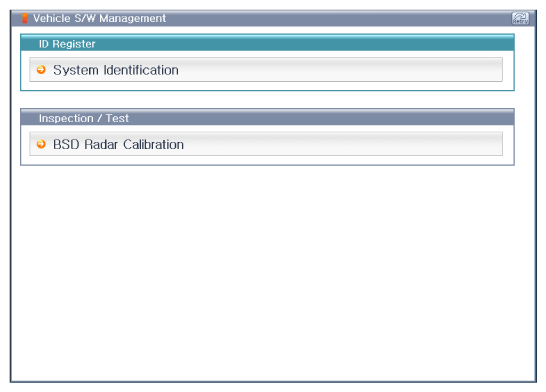
- With Ignition "ON" and engine "OFF", select BSD system and "BSD Radar Calibration" mode.
 Courtesy of KIA MOTORS AMERICA, INC.
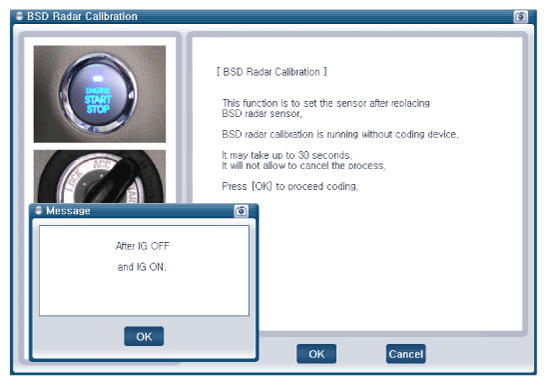
- The KDS/GDS will show the BSD Reset function steps.
- Erase BSD diagnostic codes.
- BSD initialization.
 Courtesy of KIA MOTORS AMERICA, INC.
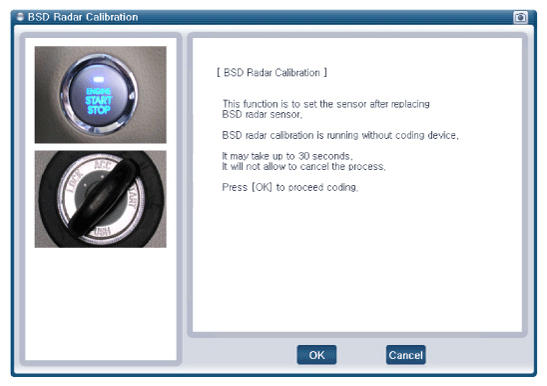 Courtesy of KIA MOTORS AMERICA, INC.
- The BSD initialization procedure will be performed.
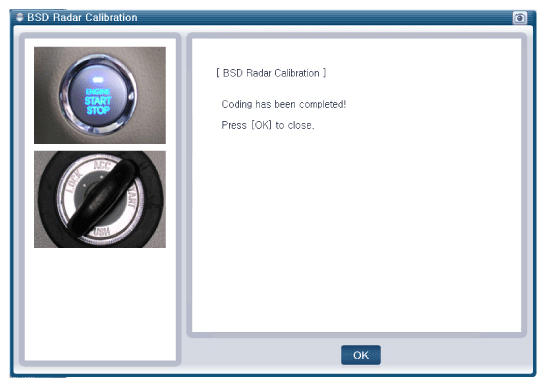 Courtesy of KIA MOTORS AMERICA, INC.