Trouble Diagnostics When Using Diagnosis Tool
- The diagnosis tool supports quick diagnosis of supported body electrical systems through input/output monitoring, and actuation testing.
- To diagnose the BCM function, select the menu of model and body control module.
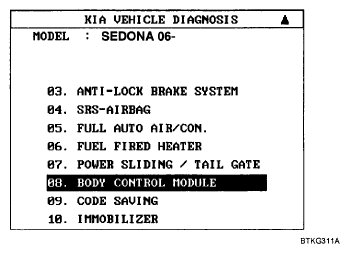 Courtesy of KIA MOTORS AMERICA, INC.
- Select the module menu to diagnose.
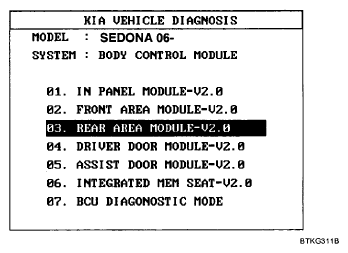 Courtesy of KIA MOTORS AMERICA, INC.
- The CURRENT DATA function is used to monitor input/output conditions.
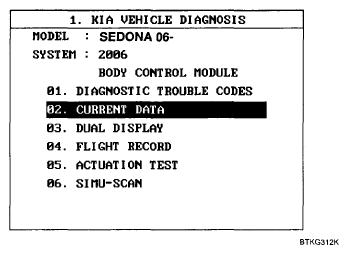 Courtesy of KIA MOTORS AMERICA, INC.
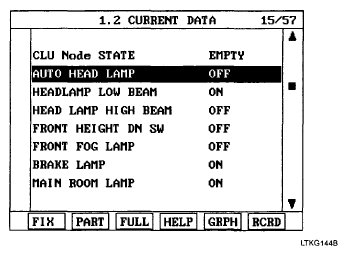 Courtesy of KIA MOTORS AMERICA, INC.
- Use the ACTUATION TEST mode to force output devices to operate for testing purposes.
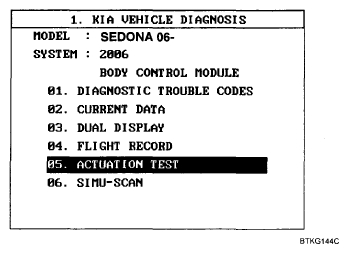 Courtesy of KIA MOTORS AMERICA, INC.
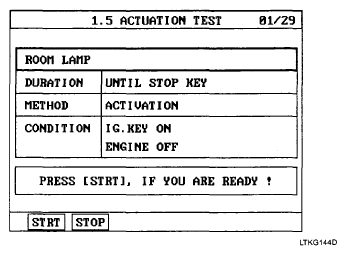 Courtesy of KIA MOTORS AMERICA, INC.
- Use the "DIAGNOSTIC TROUBLE CODES" mode.
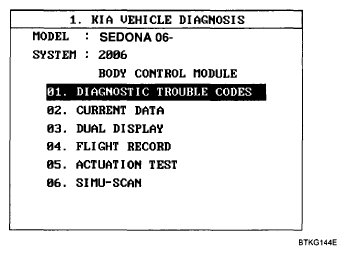 Courtesy of KIA MOTORS AMERICA, INC.