Operation Procedure
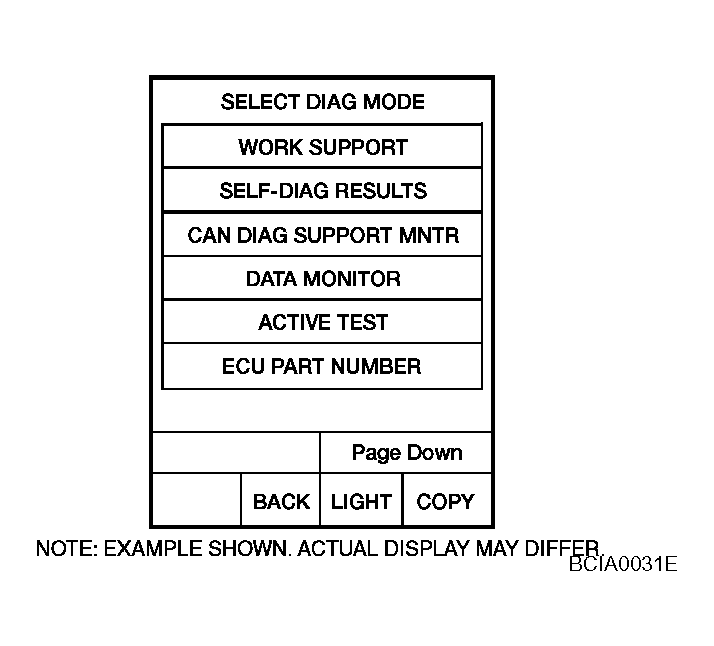
- Touch "DTC WORK SUPPORT" on "SELECT DIAG MODE" screen.
 Courtesy of NISSAN MOTOR CO., U.S.A.
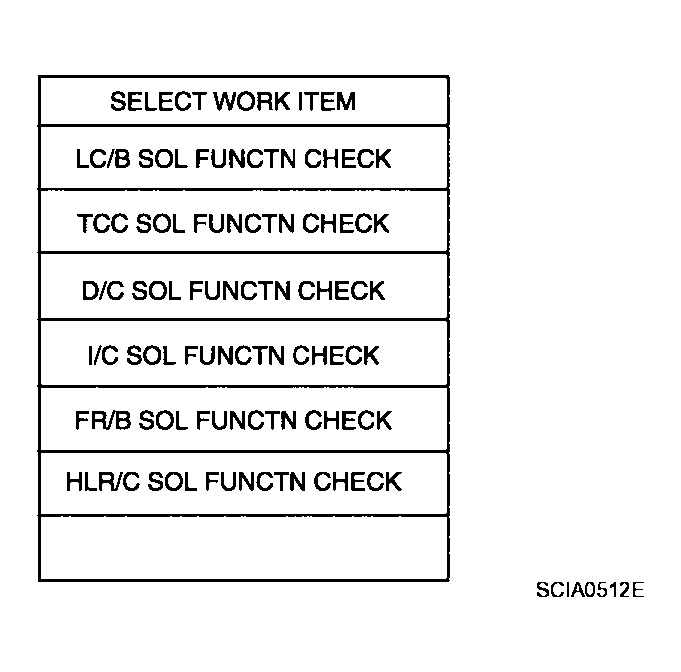
- Touch select item menu.
 Courtesy of NISSAN MOTOR CO., U.S.A.
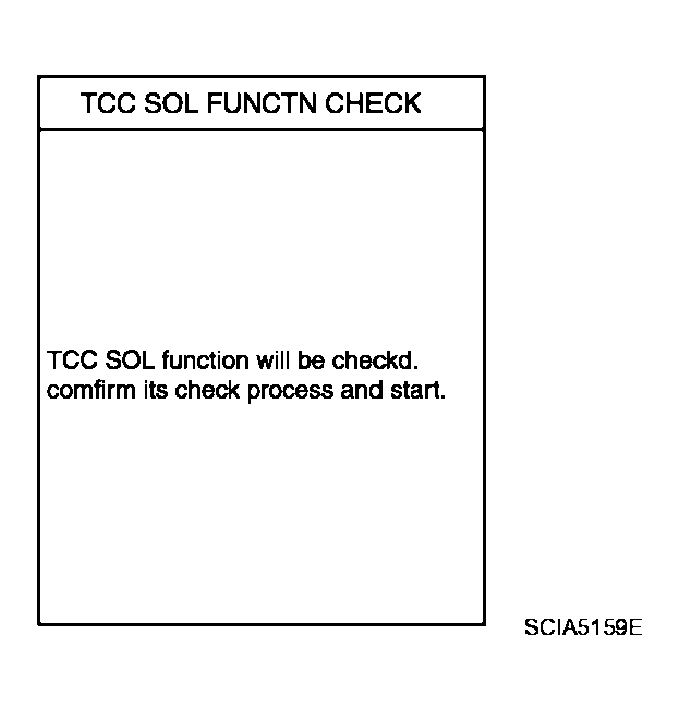
- Touch "START".
 Courtesy of NISSAN MOTOR CO., U.S.A.
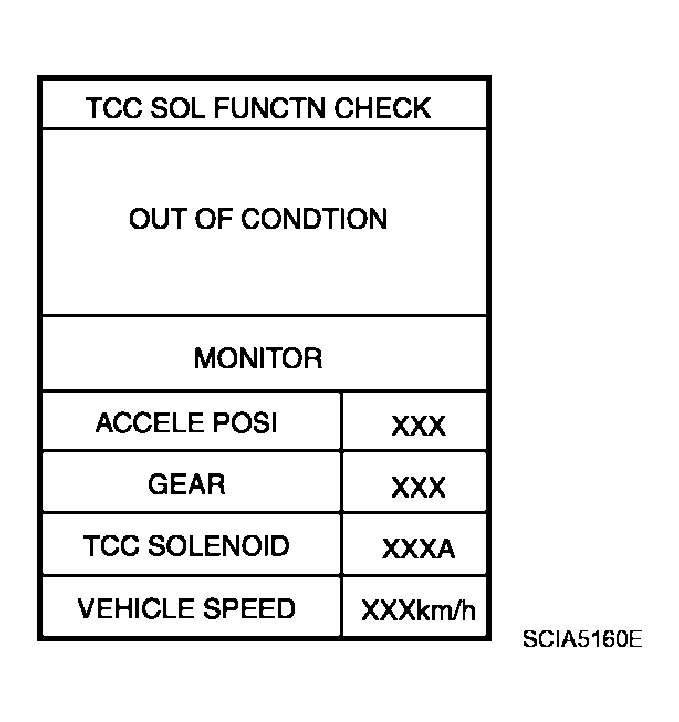
- Perform driving test according to "DTC Confirmation Procedure" in "TROUBLE DIAGNOSIS FOR DTC".
 Courtesy of NISSAN MOTOR CO., U.S.A.
- When testing conditions are satisfied, CONSULT-II screen changes from "OUT OF CONDITION" to "TESTING".
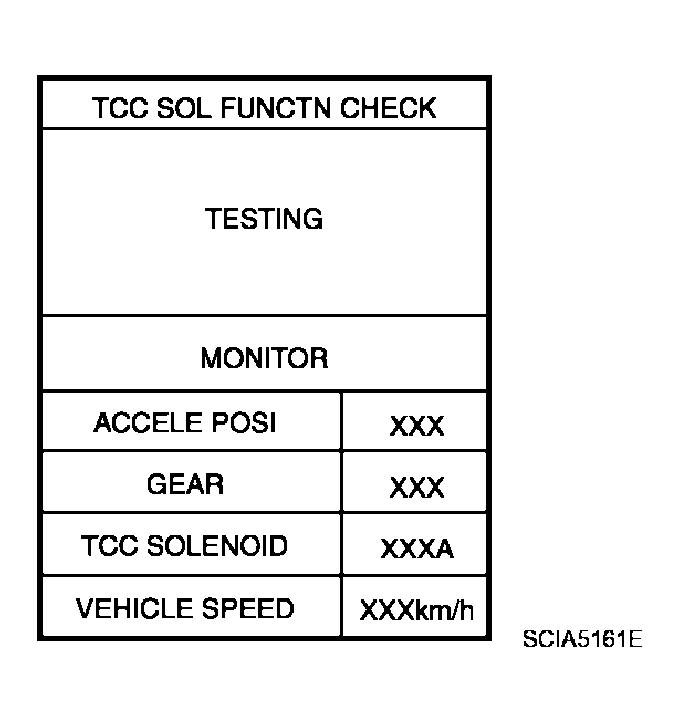 Courtesy of NISSAN MOTOR CO., U.S.A.
- Stop vehicle.
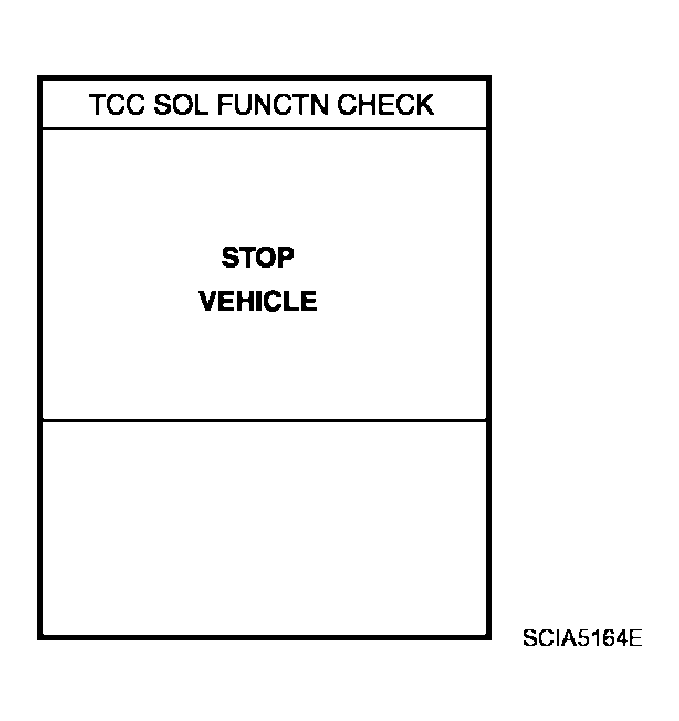 Courtesy of NISSAN MOTOR CO., U.S.A.
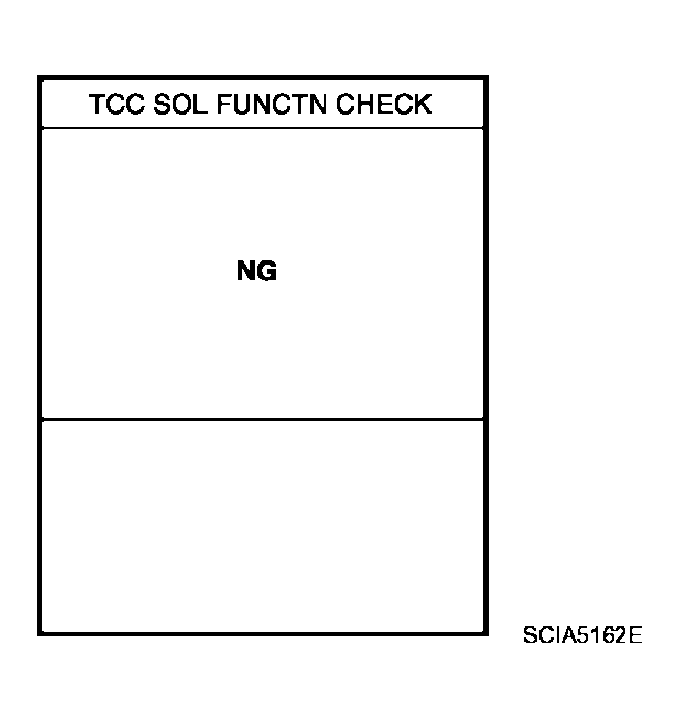
- If "NG" appears on the screen, malfunction may exit. Go to "Diagnostic Procedure".
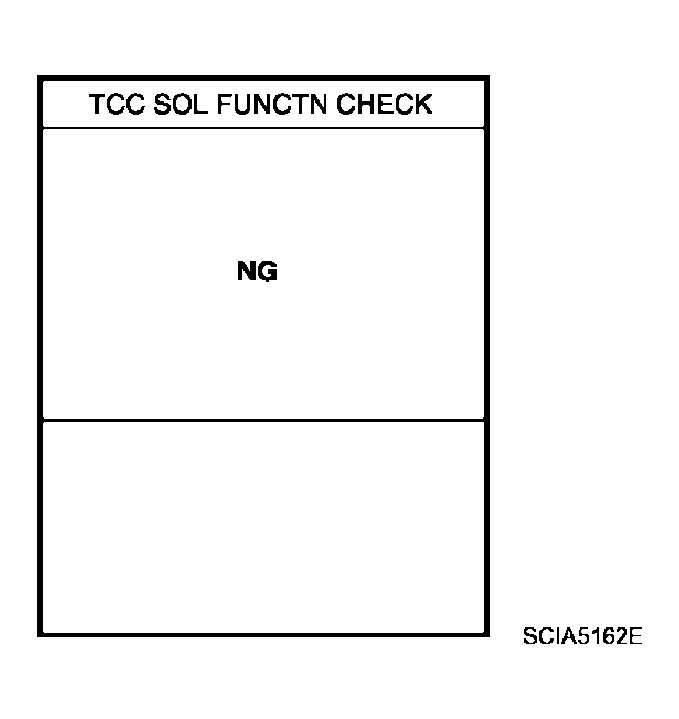 Courtesy of NISSAN MOTOR CO., U.S.A.
- Perform test drive to check gear shift feeling in accordance with instructions displayed.
- Touch "YES" or "NO".
- CONSULT-II procedure is ended.
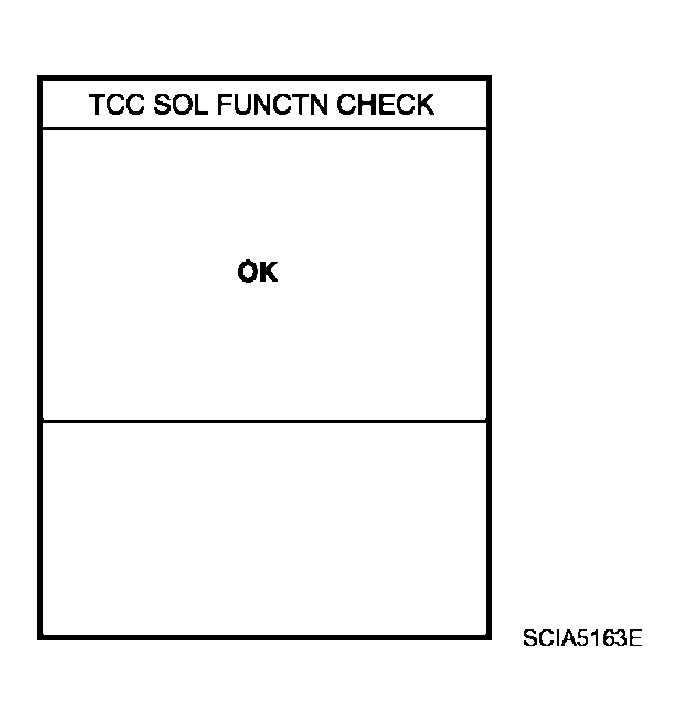 Courtesy of NISSAN MOTOR CO., U.S.A.
- If "NG" appears on the screen, a malfunction may exit. Go to "Diagnostic Procedure"
 Courtesy of NISSAN MOTOR CO., U.S.A.