"Adjust Current Location" Setting
- Start the engine.
- Push "MAP" switch.
- Touch "Setting".
- Touch "System Setting".
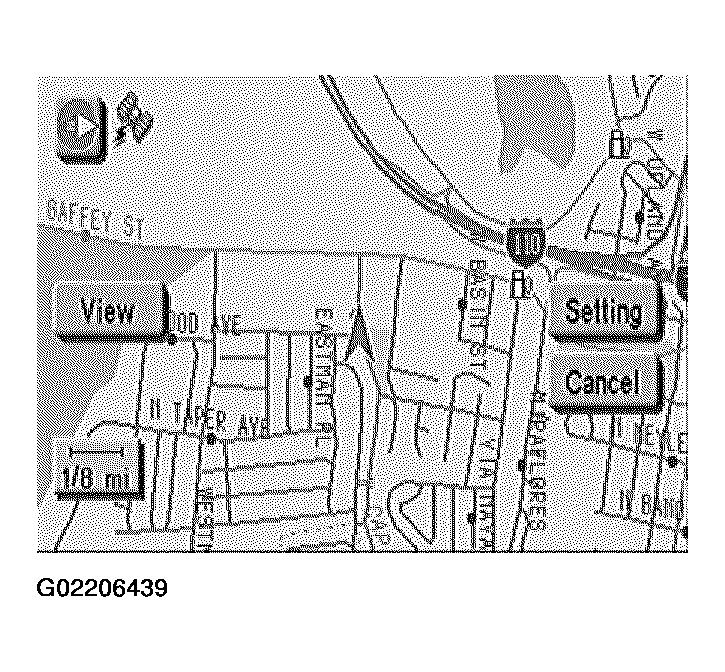 Courtesy of NISSAN MOTOR CO., U.S.A.
- Touch "Adjust Current Location".
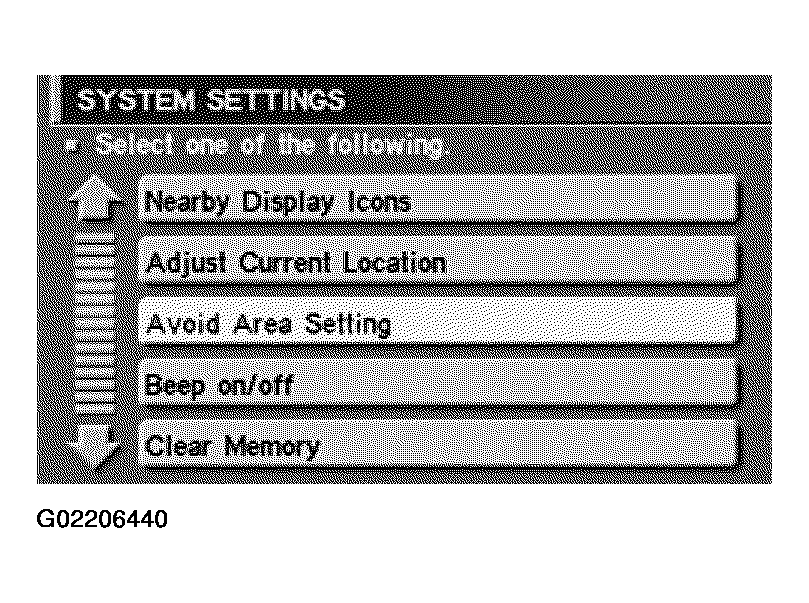 Courtesy of NISSAN MOTOR CO., U.S.A.
- Touch "<--" or "-->" to calibrate the heading direction. (Arrow marks will rotate corresponding to the calibration key.)
- Touch "Set". Then the vehicle mark will be matched to the arrow mark.
- Display will show "Heading direction has been calibrated" and then go back to the current location map.
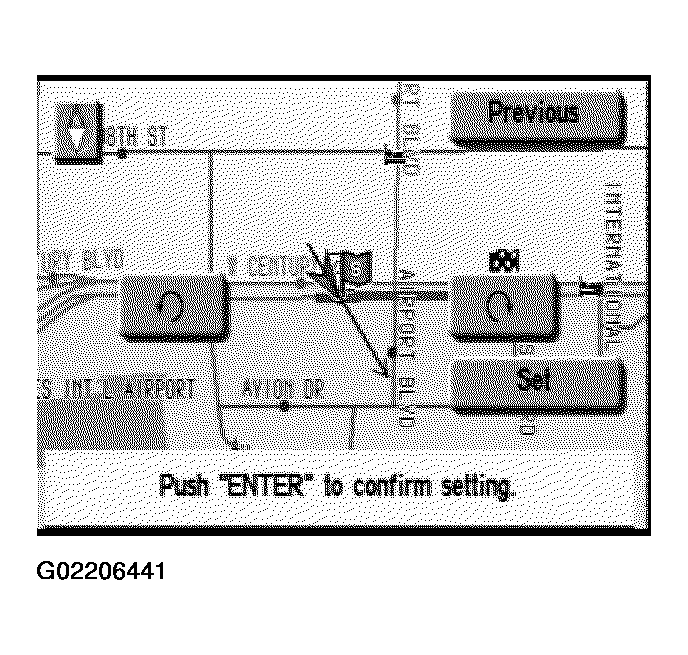 Courtesy of NISSAN MOTOR CO., U.S.A.