How to Perform
- Start the engine.
- Push both "MAP" and "D/N" switches at the same time for more than 5 seconds.
- Touch "Confirmation/adjustment".
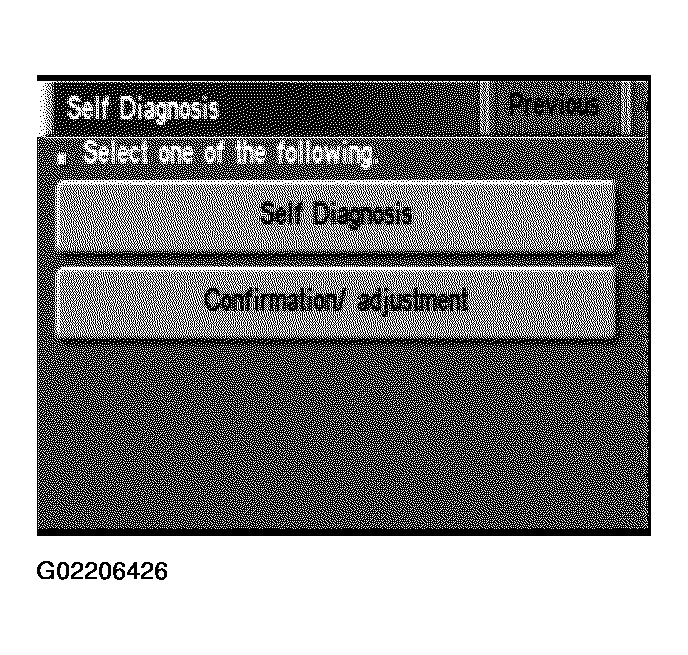 Courtesy of NISSAN MOTOR CO., U.S.A.
- Touch "Navigation".
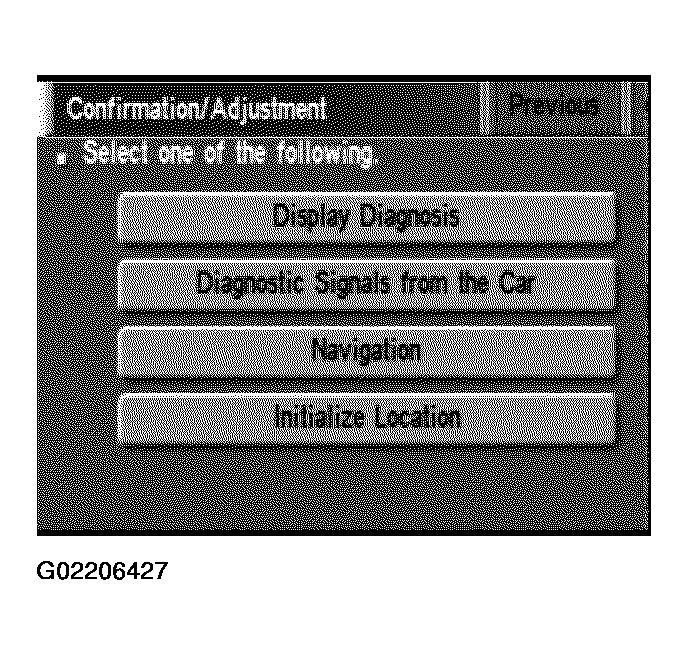 Courtesy of NISSAN MOTOR CO., U.S.A.
- Touch "Adjust the angle".
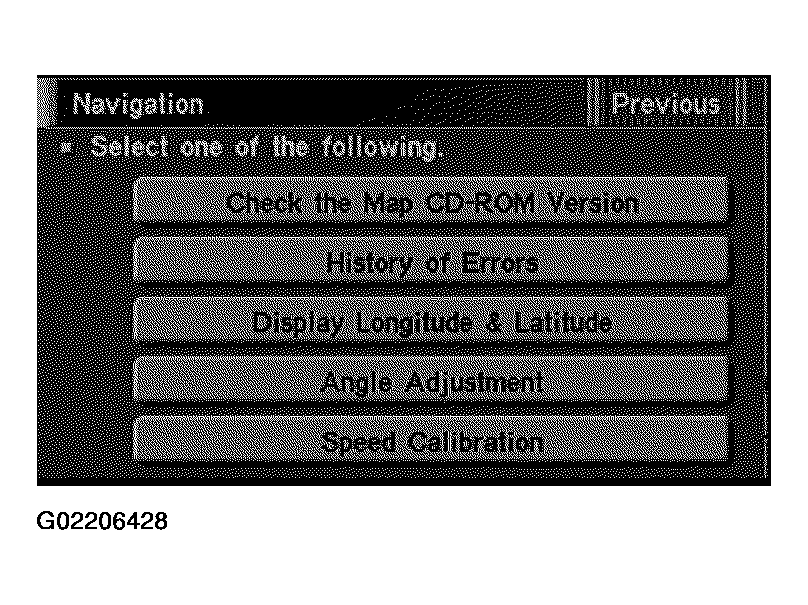 Courtesy of NISSAN MOTOR CO., U.S.A.
- Touch "Left Turn" to adjust the angle to the left. Touch "Right Turn" to adjust the angle to the right.
- Touch "+" to increase the angle change coefficient or "-" to reduce the angle change coefficient.
- Touch "Set" to save the changed values in memory.
- Then the vehicle turning angle on the display has adjusted.
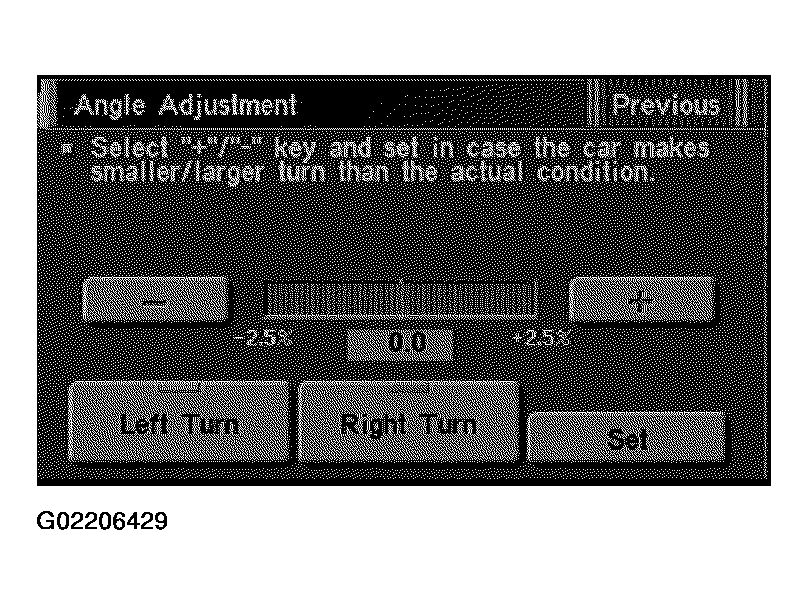 Courtesy of NISSAN MOTOR CO., U.S.A.