Active Test Procedure
- Connect CONSULT-II to data link connector, then start the engine.
- Touch START, ACT D/SUS and ACTIVE TEST.
- Touch INDICATOR or DAMPER as required.
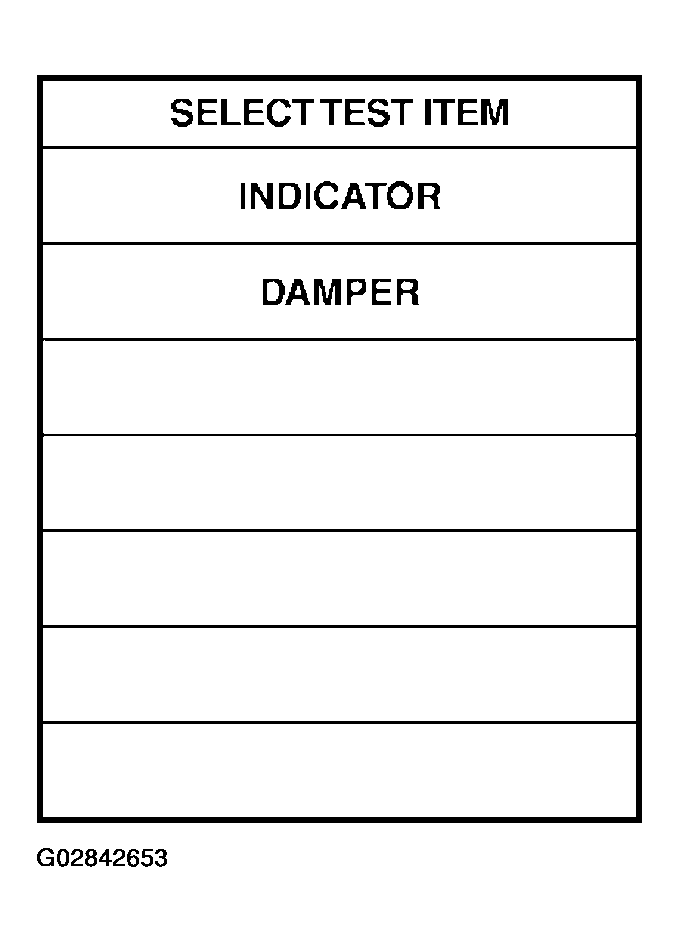
- When INDICATOR is to be selected:
- Touch MAIN SIGNAL, then START.
- When OFF is touched, indicator lamp goes out regardless of select switch positions. Monitor indicator will then be turned OFF.
- When ON is touched, indicator lamp comes on regardless of select switch positions. Monitor indicator will then be turned ON.
- When DAMPER is to be selected:
- Touch SELECTION FROM MENU.
- Select and touch DAMP MTR F/R or DAMP MTR F/L, and DAMP MTR R/R or DAMP MTR R/L, as required.
- Touch ENTER, then START.
- "4 step" for front damper motors and "4 step" for rear damper motor will be then shown on the display.
- Touch CONDITION CHANGE, FL-N, FR-N, RL-N, RR-N and START.
- "96 step" for front damper motors and "96 step" for rear damper motor will then appear on the display.
- Touch CONDITION CHANGE, FL-HS, FR-HS, RL-HS, RR-HS and START.
- "0 step" for front damper motors and "0 step" for rear damper motor will then appear on the display.
- Touch CONDITION CHANGE and FL-SS, FR-SS, RL-SS, RR-SS and START.
- "-40 step" for front damper motors and "-40 step" for rear damper motor will then appear on the display.
- Print out data as required.