Download parameter
- Select "AFLS" menu after selecting "GENESIS" of vehicle lists.
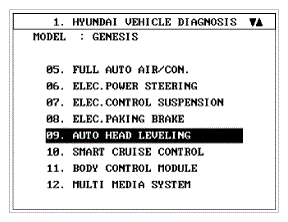 Courtesy of HYUNDAI MOTOR AMERICA
- Select "Parameter download" menu for define a characteristic of vehicle.
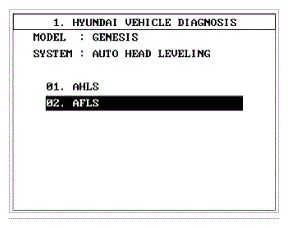 Courtesy of HYUNDAI MOTOR AMERICA
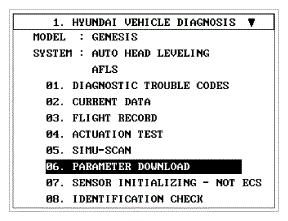 Courtesy of HYUNDAI MOTOR AMERICA
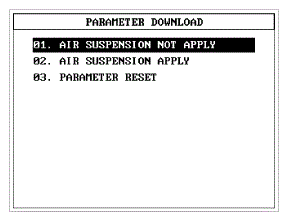
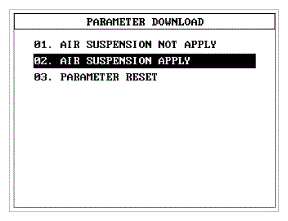
- Select "Air suspension not apply" if vehicle has a standard suspension
 Courtesy of HYUNDAI MOTOR AMERICA
- Select "Air suspension apply" if vehicle has a Air suspension
 Courtesy of HYUNDAI MOTOR AMERICA
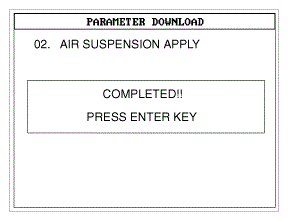
- When "Parameter download" is done, display belows.
 Courtesy of HYUNDAI MOTOR AMERICA