BCM Diagnosis With Scan Tool
- It will be able to diagnose defects of IPM with scan tool quickly. Scan tool can operates actuator forcefully, input/output value monitoring and self diagnosis.
- Select model and "BCU".
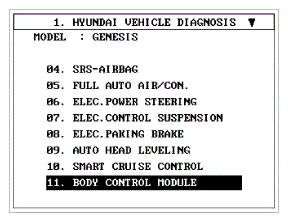 Courtesy of HYUNDAI MOTOR AMERICA
- Select the module to check.
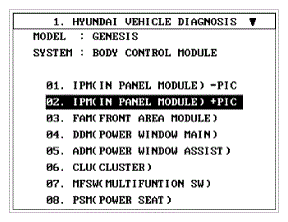 Courtesy of HYUNDAI MOTOR AMERICA
- Select "Input/output monitoring", if you will check current data of body network system. It provides input/output status of each module.
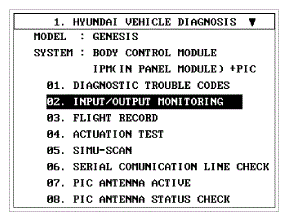 Courtesy of HYUNDAI MOTOR AMERICA
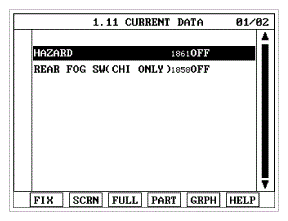 Courtesy of HYUNDAI MOTOR AMERICA
- If you will check each module data operation forcefully, select "Actuation test".
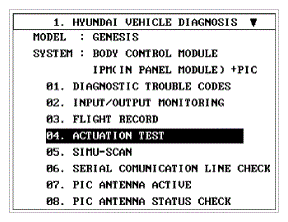 Courtesy of HYUNDAI MOTOR AMERICA
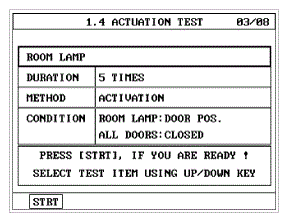 Courtesy of HYUNDAI MOTOR AMERICA
- To check the DTC of the each module, select "DIAGNOSTIC TROUBLE CODES"
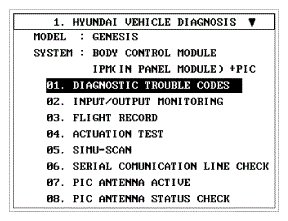 Courtesy of HYUNDAI MOTOR AMERICA