Switch Diagnosis
- Connect the cable of scan tool to the data link connector in driver side crash pad lower panel, turn the power on scan tool.
- Select the vehicle model and then "Body Control Module" system.
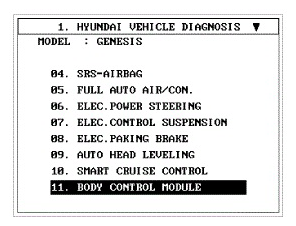 Courtesy of HYUNDAI MOTOR AMERICA
- Select the "IPM + PIC".
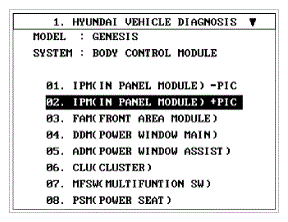 Courtesy of HYUNDAI MOTOR AMERICA
- After IG ON, select the "Input/output monitoring".
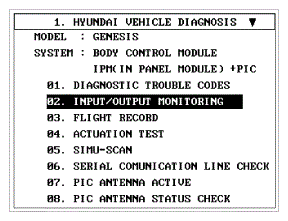 Courtesy of HYUNDAI MOTOR AMERICA
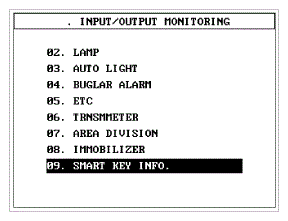 Courtesy of HYUNDAI MOTOR AMERICA
- You can see the situation of each switch on scanner after connecting the "Input/output monitoring" process.
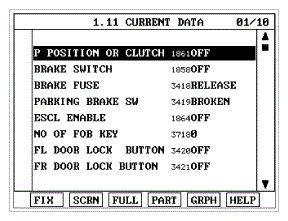 Courtesy of HYUNDAI MOTOR AMERICA
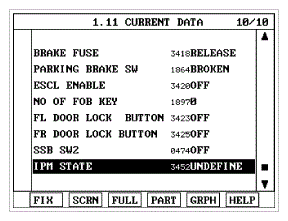 Courtesy of HYUNDAI MOTOR AMERICA