Removal Procedure
- Raise and support the vehicle, high enough to access the top of the fuel tank through the wheelhouse liner. Refer to Lifting and Jacking the Vehicle
in General Information.
- Remove the left pickup box wheelhouse liner. Refer to Pickup Box Wheelhouse Liner Replacement
in Body Rear End.
- Disconnect the electrical connector (2) from the fuel tank pressure (FTP) sensor (1).
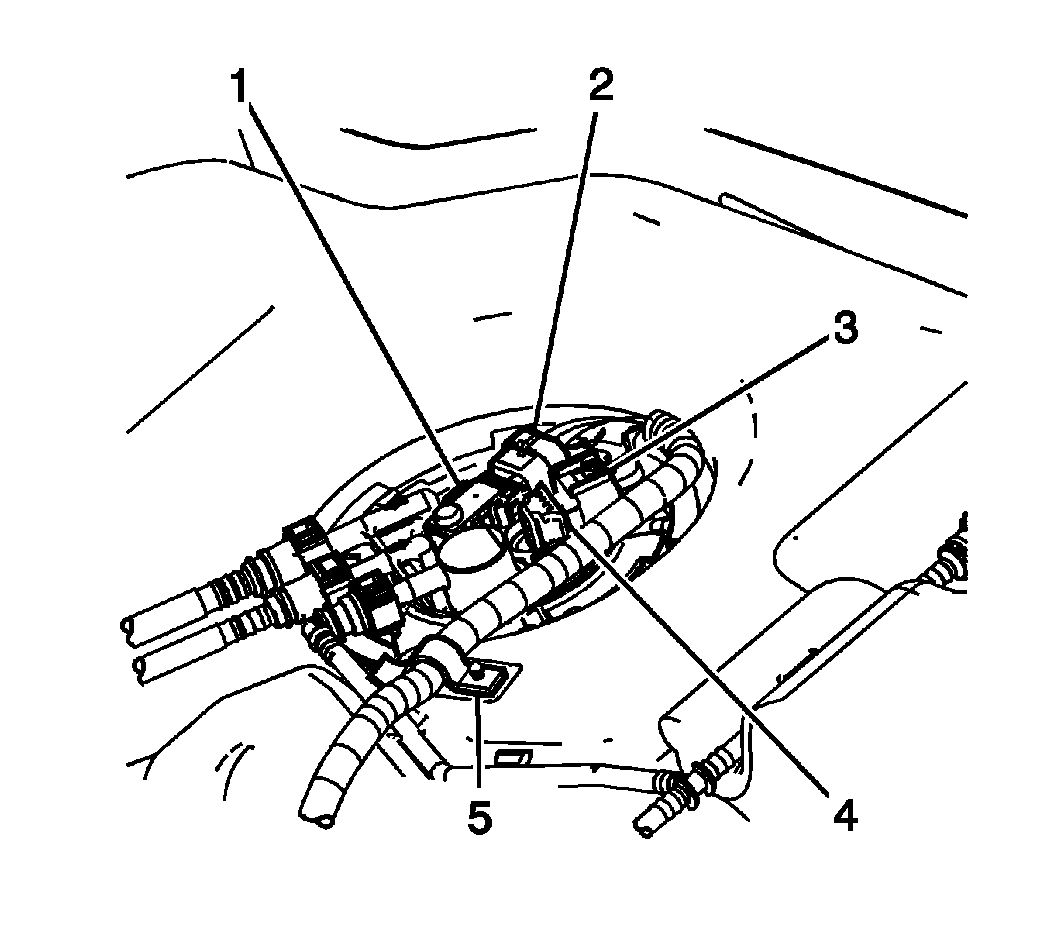 Courtesy of GENERAL MOTORS CORP.
- Pull upward in order to remove the FTP sensor from the fuel tank module.
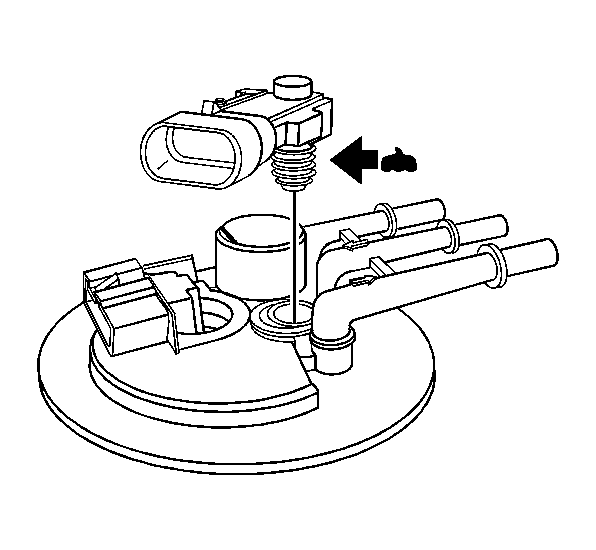 Courtesy of GENERAL MOTORS CORP.