Digital Video Antenna Cable Replacement
WARNING: This page is about a different car, the 2010 Cadillac SRX. However, it is still accessible from the selected car via links, so may be relevant.
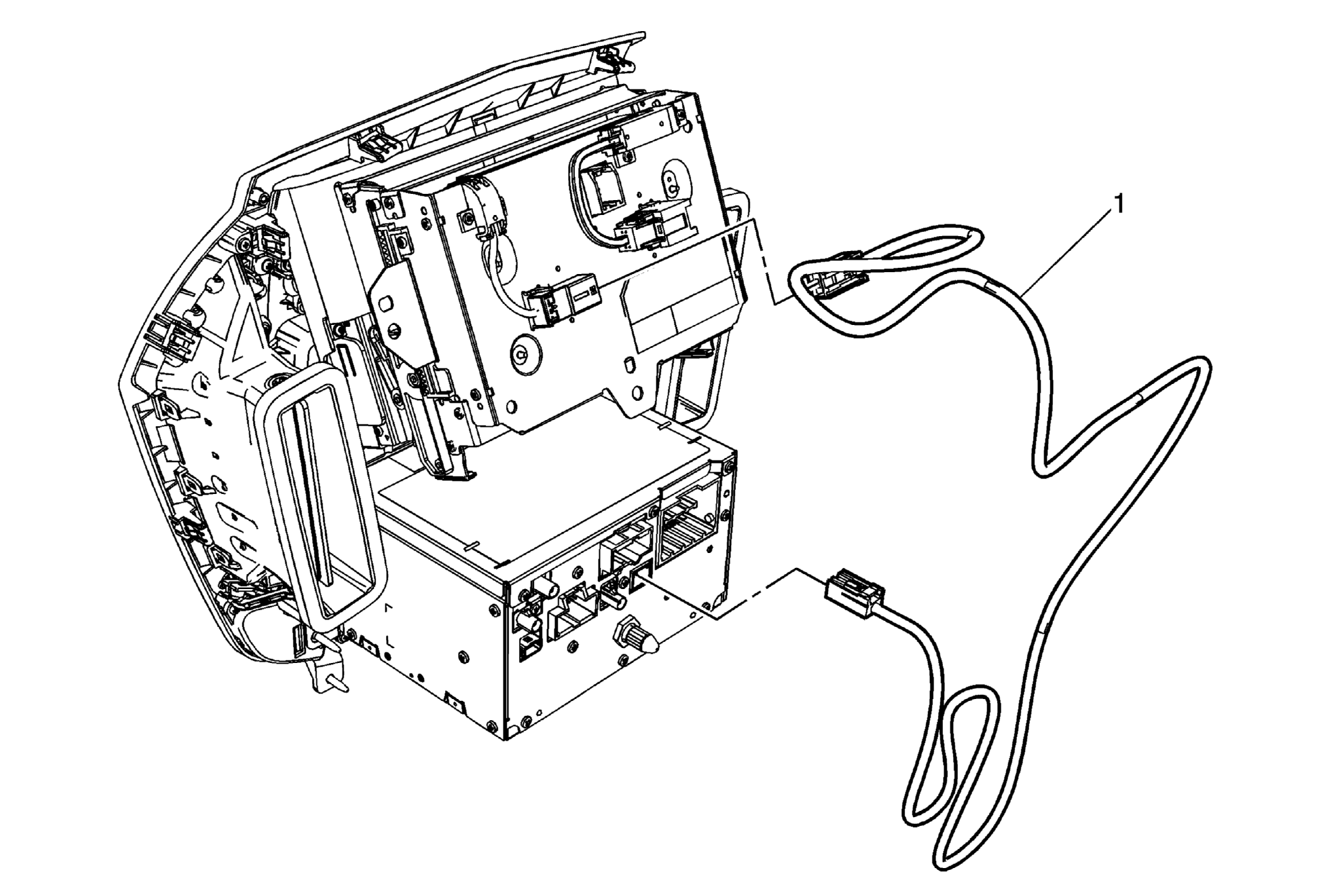 Courtesy of GENERAL MOTORS CORP.
| Callout |
Component Name |
|
Preliminary Procedures
- Remove the radio. Refer to Radio Replacement .
- Remove the radio, video, audio disc player, and navigation information display. Refer to Radio, Video, Audio Disc Player, and Navigation Information Display Replacement .
|
| 1 |
Digital Video Antenna Cable Procedure
- Disconnect the electrical connectors at each end of the digital video antenna cable. Cable connects to the radio and the navigation display.
- Note the cable routing prior to removal and follow the same routing.
|