Installation Procedure
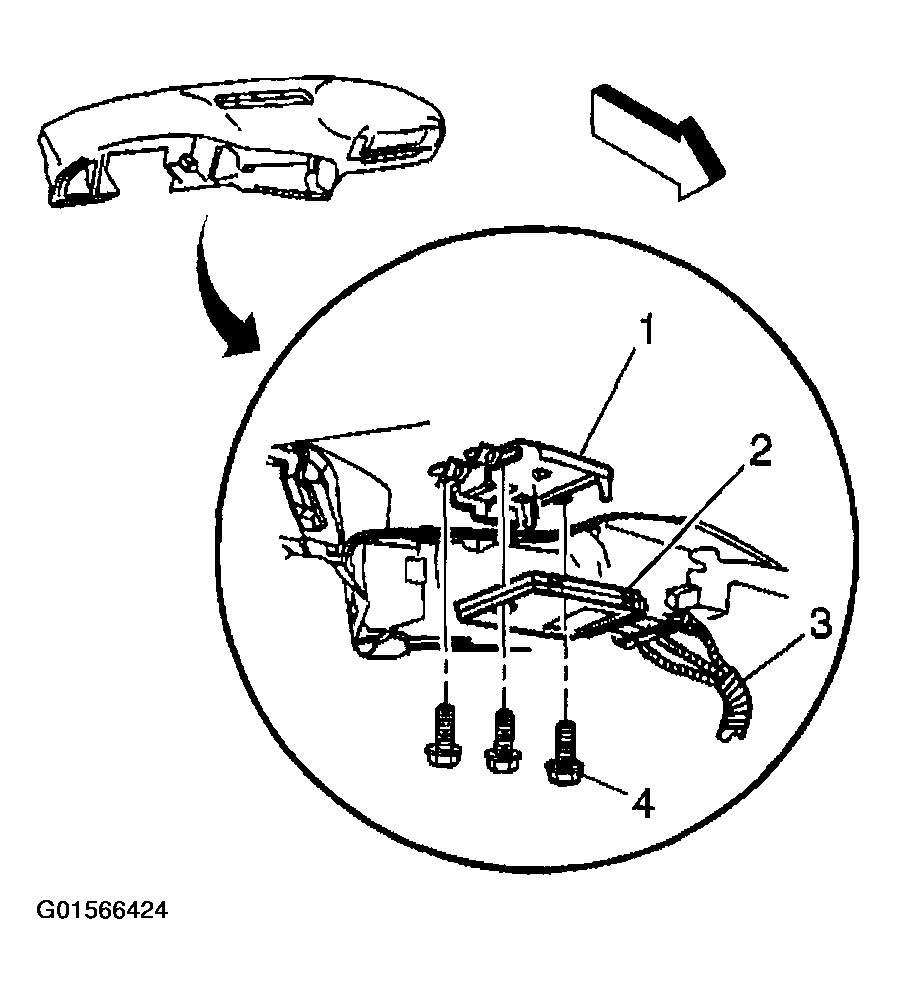
- Install the body control module (2) to the vehicle.
- Install the body control module to the bracket (1) at an angle under the wide hook retainer, with the label facing away from the bracket.
 Courtesy of GENERAL MOTORS CORP.
- Apply pressure on the center of the body control module in order to move the module toward the mounting bracket base. Snap the module into place.
- Ensure that the module is fully seated. Ensure that both snap retainers are holding the module.
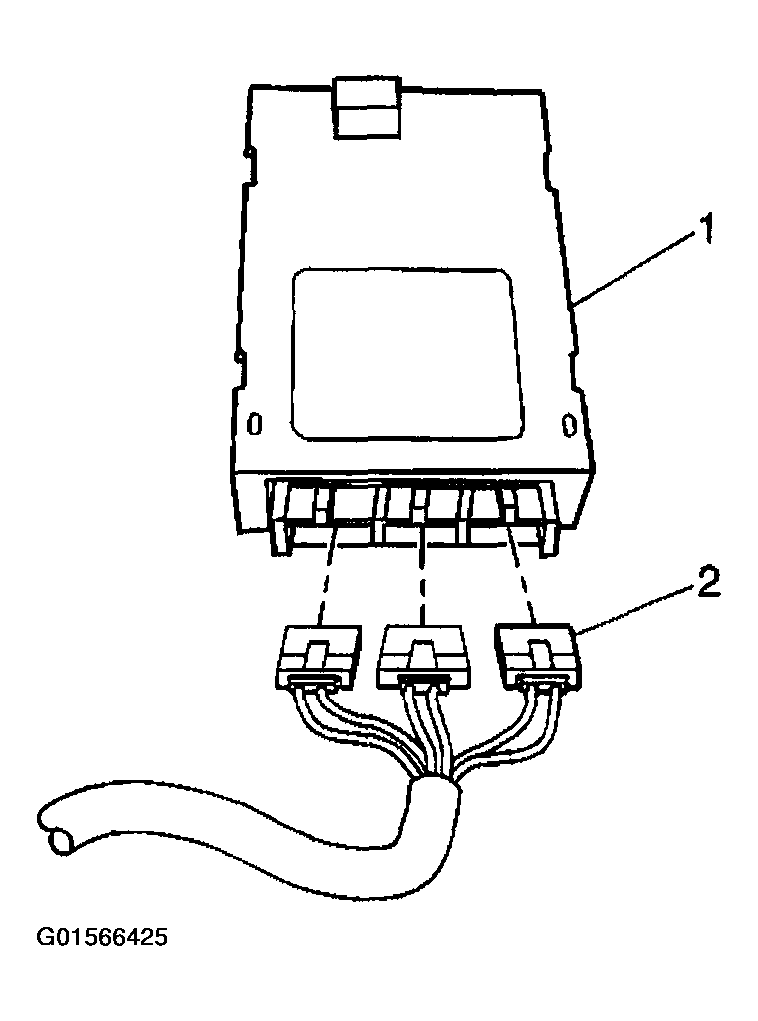
- Connect the electrical connectors (2) to the body control module (1).
 Courtesy of GENERAL MOTORS CORP.
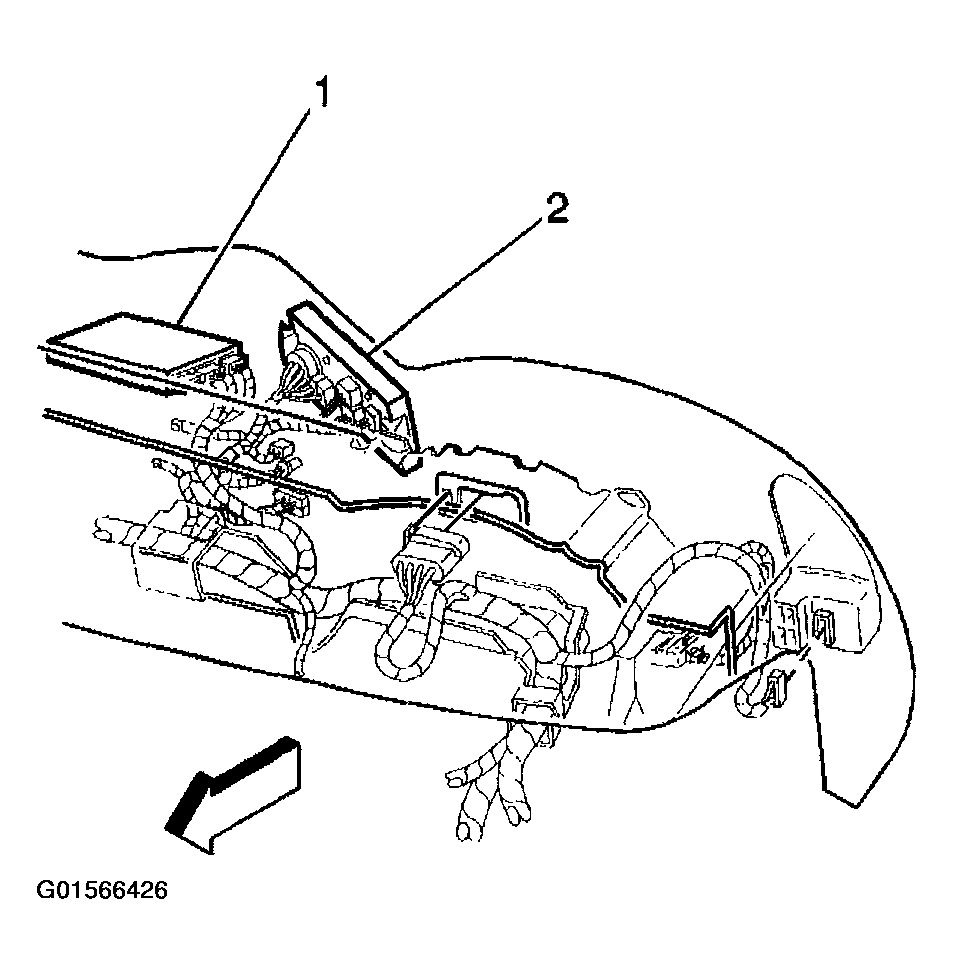
- Install the heater control (2).
 Courtesy of GENERAL MOTORS CORP.
- Install the radio to the vehicle. Refer to RADIO REPLACEMENT
in Entertainment.
- Use the following components in order to program the body control module with the proper calibrations:
- The Techline Terminal
- The Scan Tool
- Perform the body control module programing. Refer to BODY CONTROL MODULE (BCM) PROGRAMMING/RPO CONFIGURATION .
- Clear the diagnostic trouble codes (DTCs).