Extension Housing Assembly: Installation
- Install a new case extension O-ring seal (3). Install the case extension (2). See Fig 2
.
- Install the case extension bolts (1). Tighten the case extension bolts (1) to specification. See TORQUE SPECIFICATIONS
.
- Install the rear transmission or transfer case mounting bolts (1). Tighten bolts to specification. See TORQUE SPECIFICATIONS
. Lower the transmission. Install the transmission mount to the transmission support retaining nut or nuts. See Fig 1
. Tighten the nut or nuts to specification. See TORQUE SPECIFICATIONS
.
- Install the propeller shaft. Remove the drain pan and the transmission jack. Lower the vehicle. Fill transmission with appropriate fluid to proper level. See LUBRICATION
.
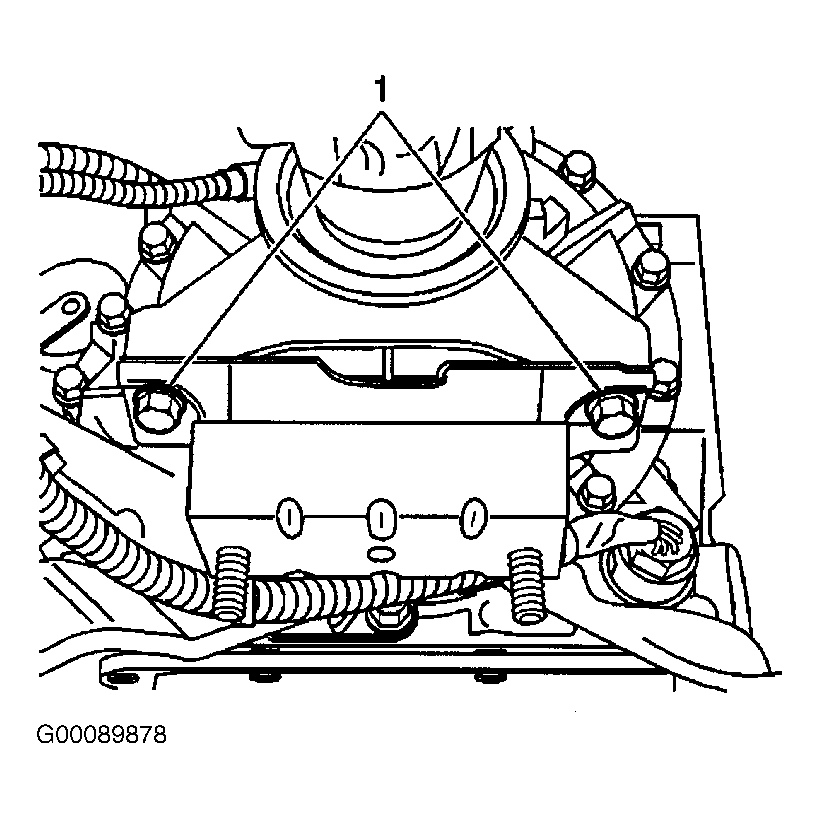 Courtesy of GENERAL MOTORS CORP.
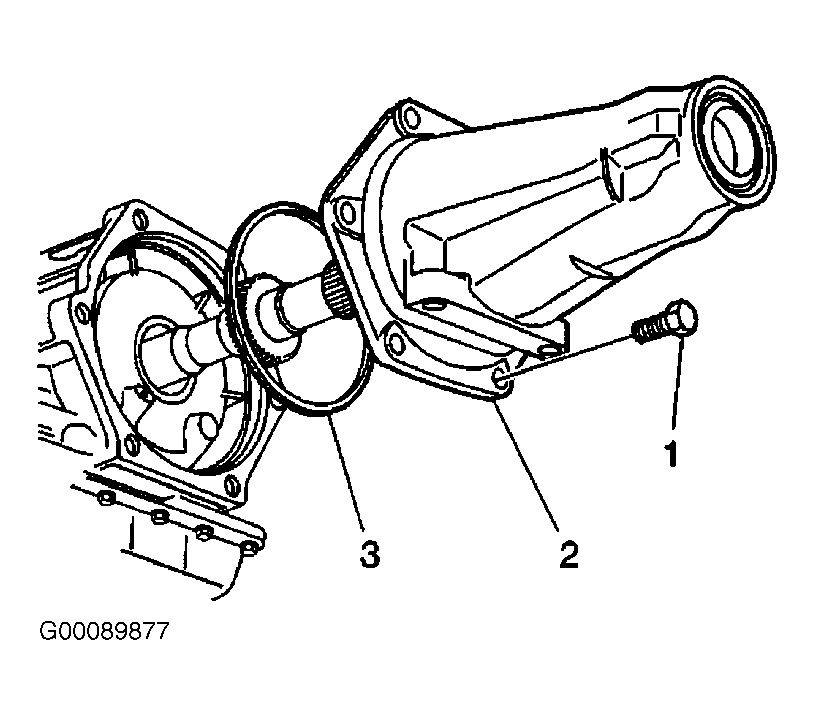 Courtesy of GENERAL MOTORS CORP.