Accumulator Assembly: Installation
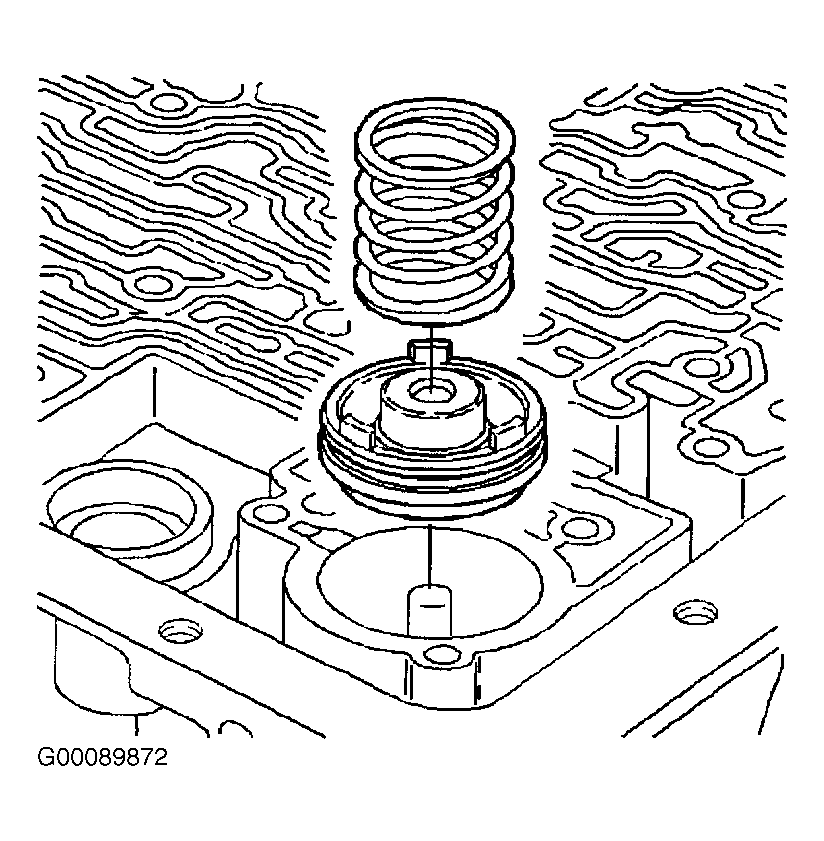
- Install the 3-4 accumulator pin into the transmission case. Install the 3-4 accumulator piston onto the pin. The piston legs must face the valve body. Install the 3-4 accumulator piston oil seal ring. Install the 3-4 accumulator piston spring. See Fig 5
. Install the alignment pin to the transmission case.
- Install the case gasket and the valve body gasket to the spacer plate. The case gasket is identified by a "C". The valve body gasket is identified by a "V". Use assembly lubricant to retain the gaskets to the spacer plate. Install the spacer plate and the gaskets to the transmission case. See Fig 4
.
- Install the oil pass cover and the oil pass cover bolts. Tighten the bolts to specification. See TORQUE SPECIFICATIONS
.
- Install the 1-2 accumulator piston with the piston legs facing toward the case. See Fig 2
. Install the oil seal ring to the accumulator cover.
- Install the 1-2 accumulator spring onto the piston. Install the 1-2 accumulator cover and the cover bolts. Tighten the bolts to specification. See TORQUE SPECIFICATIONS
.
- Remove the alignment pin from the transmission case. Install the control valve body. See VALVE BODY & PRESSURE SWITCH
.
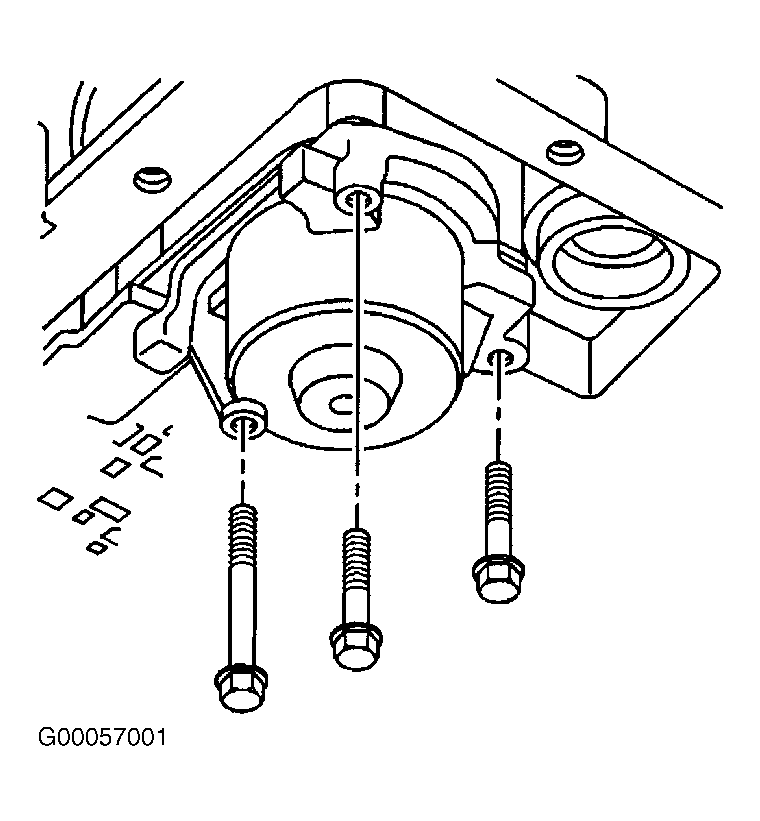 Courtesy of GENERAL MOTORS CORP.
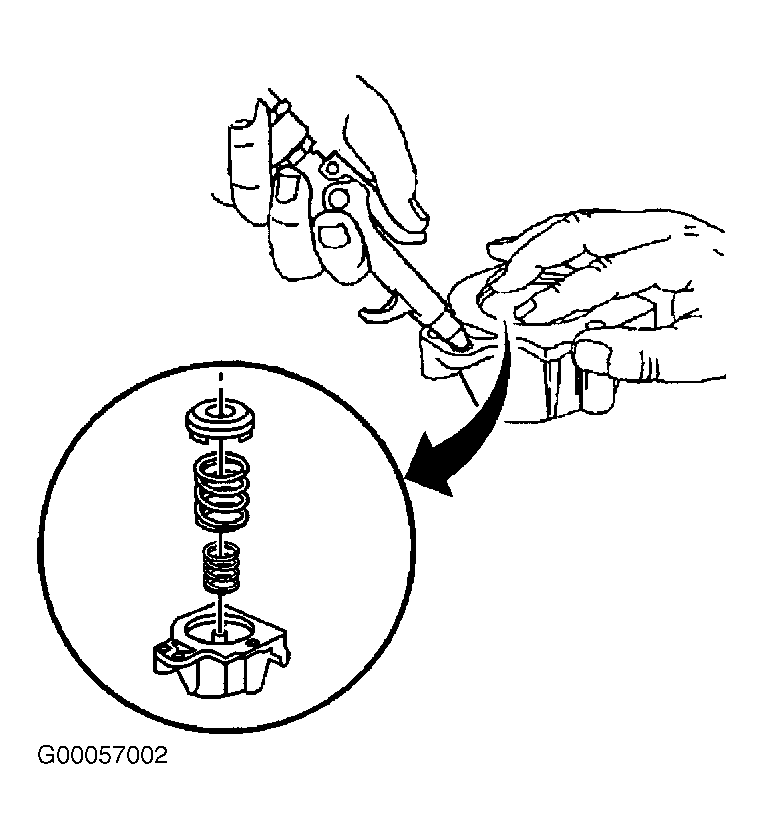 Courtesy of GENERAL MOTORS CORP.
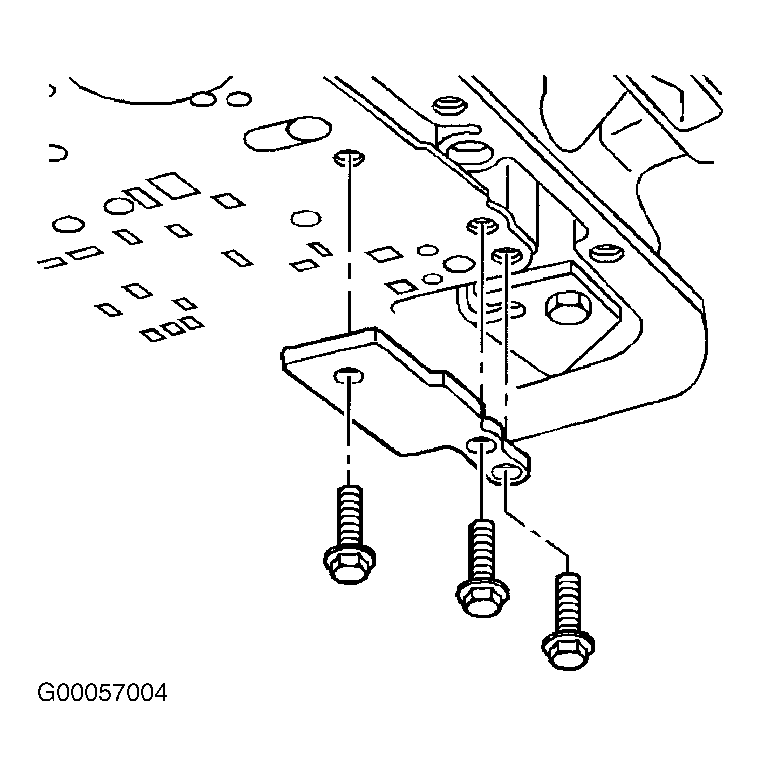 Courtesy of GENERAL MOTORS CORP.
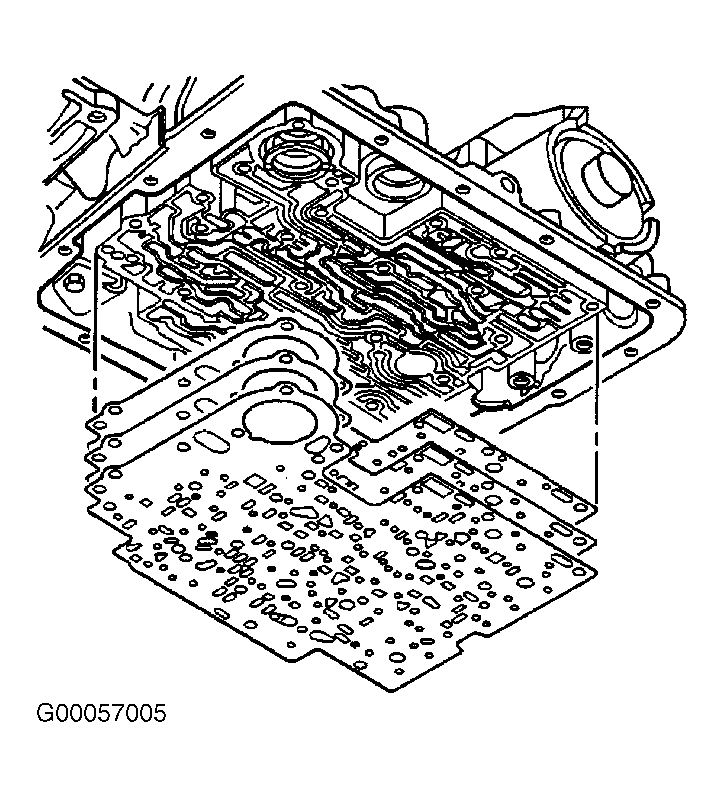 Courtesy of GENERAL MOTORS CORP.
 Courtesy of GENERAL MOTORS CORP.