Removal Procedure
- Always use replacement cables that are of the same type, diameter and length of the cables that you are replacing.
- Always route the replacement cable the same way as the original cable.
- Disconnect the battery negative cable. Refer to Battery Negative Cable Disconnect/Connect Procedure .
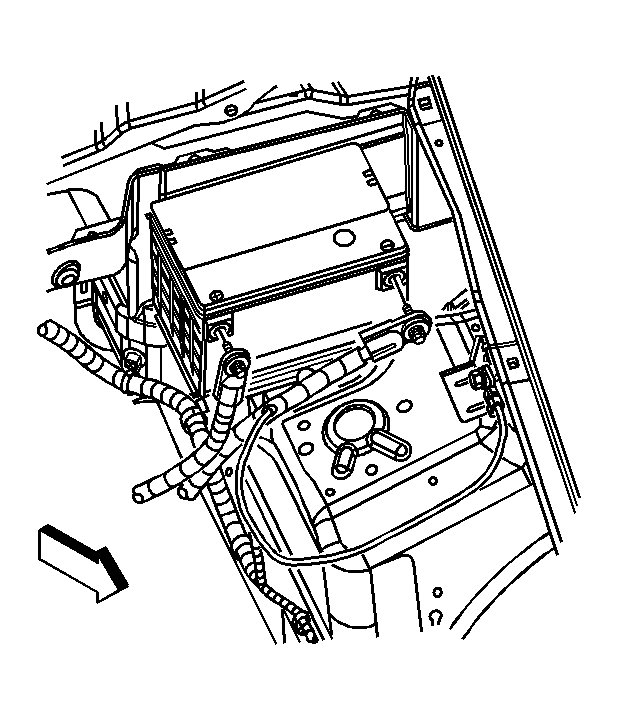 Courtesy of GENERAL MOTORS CORP.
- Disconnect the battery positive cable from the battery.
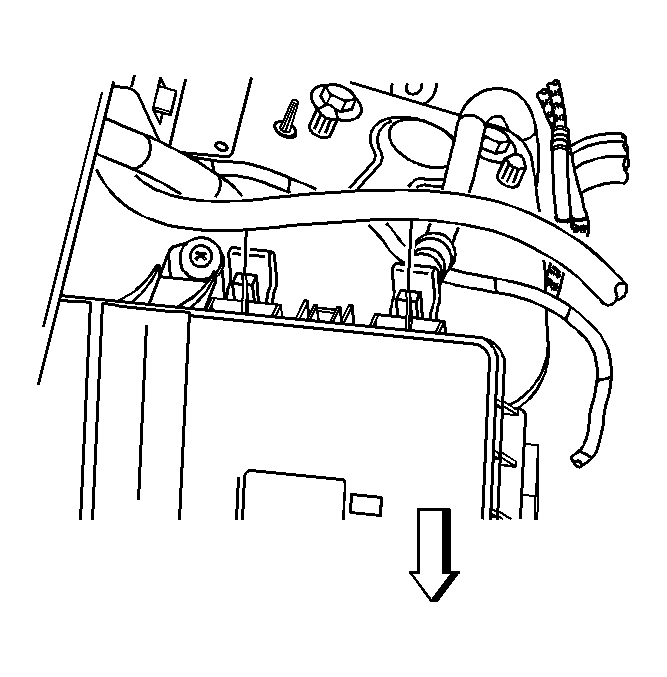 Courtesy of GENERAL MOTORS CORP.
- Remove the surge tank inlet hose from the retaining feature of the underhood fuse block cover.
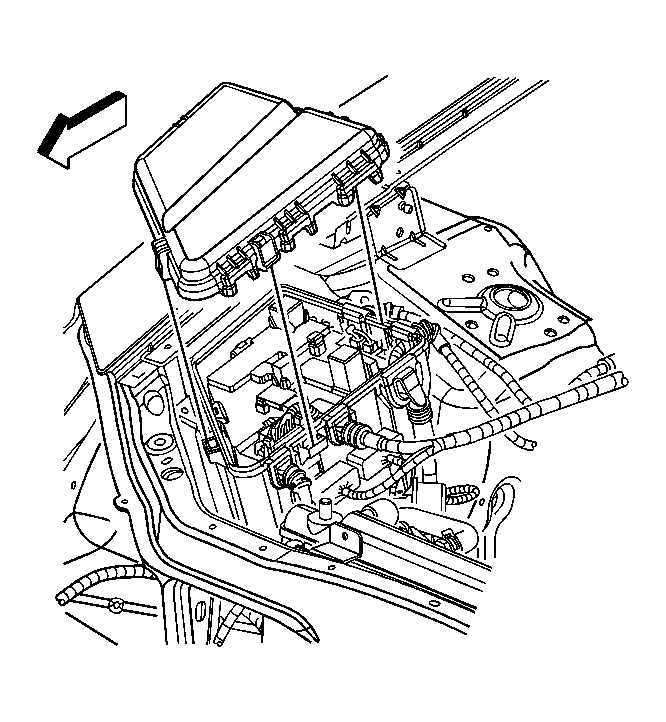 Courtesy of GENERAL MOTORS CORP.
- Depress the tabs in order to remove the underhood fuse block cover from the underhood fuse block.
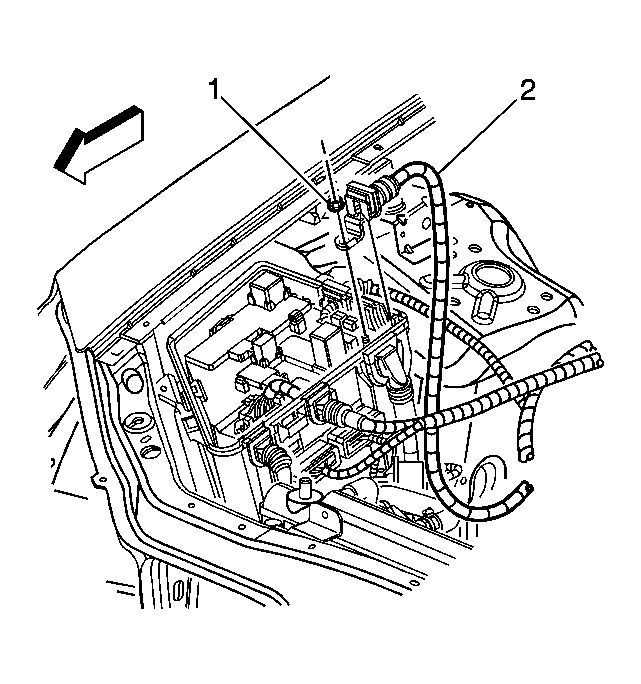 Courtesy of GENERAL MOTORS CORP.
- Remove the nut (1) securing the battery positive cable (2) to the underhood fuse block.
- Remove the starter heat shield. Refer to Starter Shield Replacement (LA3, LY9) or Starter Shield Replacement (LY7) .
 Courtesy of GENERAL MOTORS CORP.
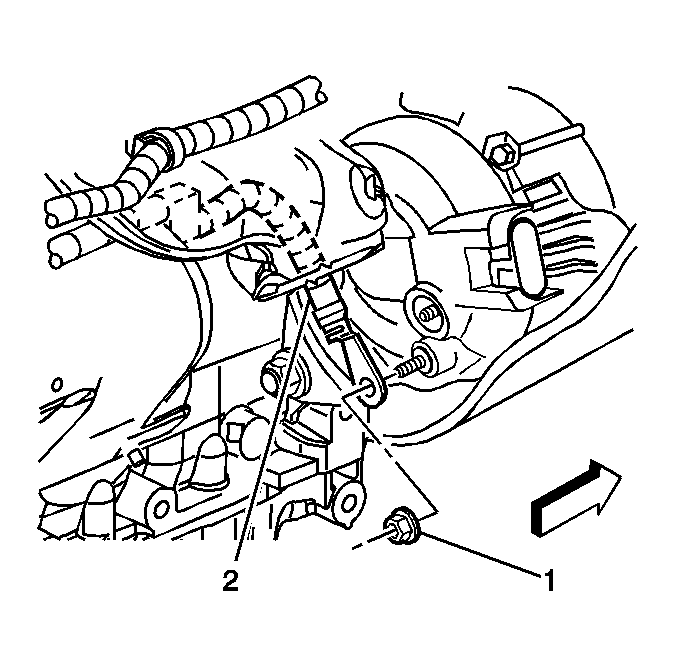
- Reposition the protective boot from the generator output BAT terminal for access.
- Remove the generator output BAT terminal nut (1) and disconnect the battery positive lead (2) from the generator.
 Courtesy of GENERAL MOTORS CORP.
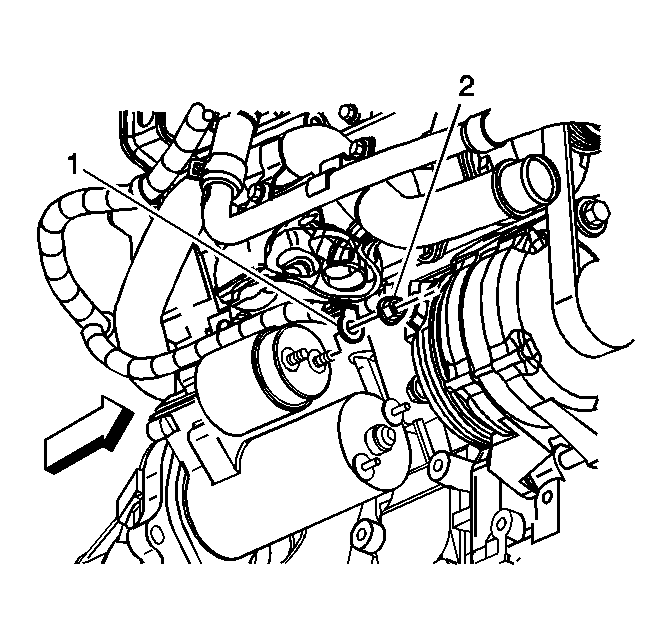
- Remove the starter terminal nut (2) and disconnect the battery positive cable (1) from the starter.
- Lower the vehicle.
 Courtesy of GENERAL MOTORS CORP.
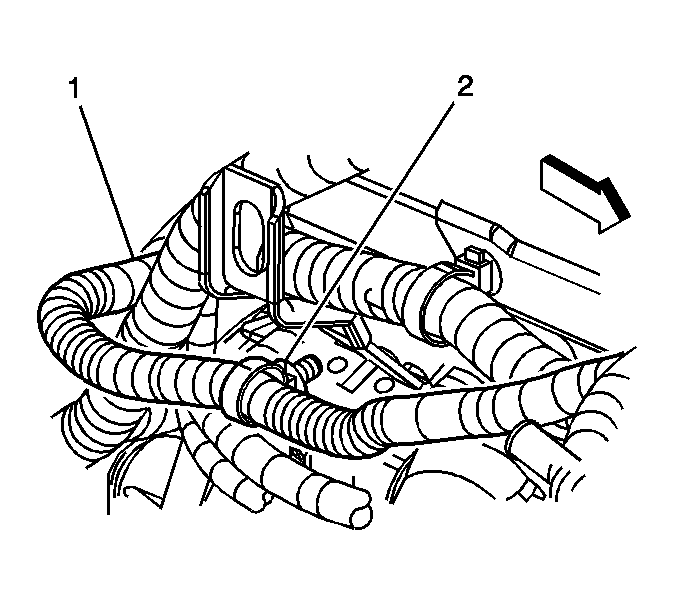
- Disconnect the cable harness clip (2) from the lift bracket.
 Courtesy of GENERAL MOTORS CORP.
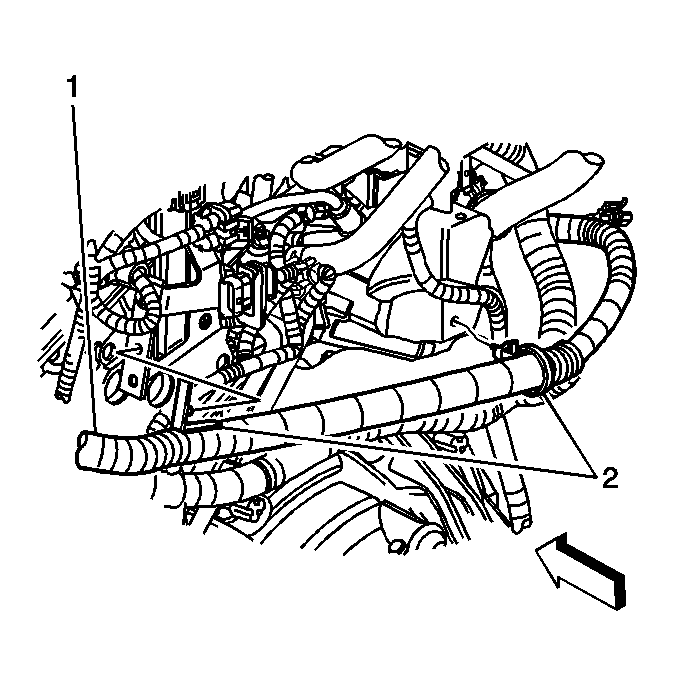
- Disconnect the cable harness clips (2) from the rear bracket and vent housing.
- Remove the battery positive cable (1) from the engine.