Machine Set-Up
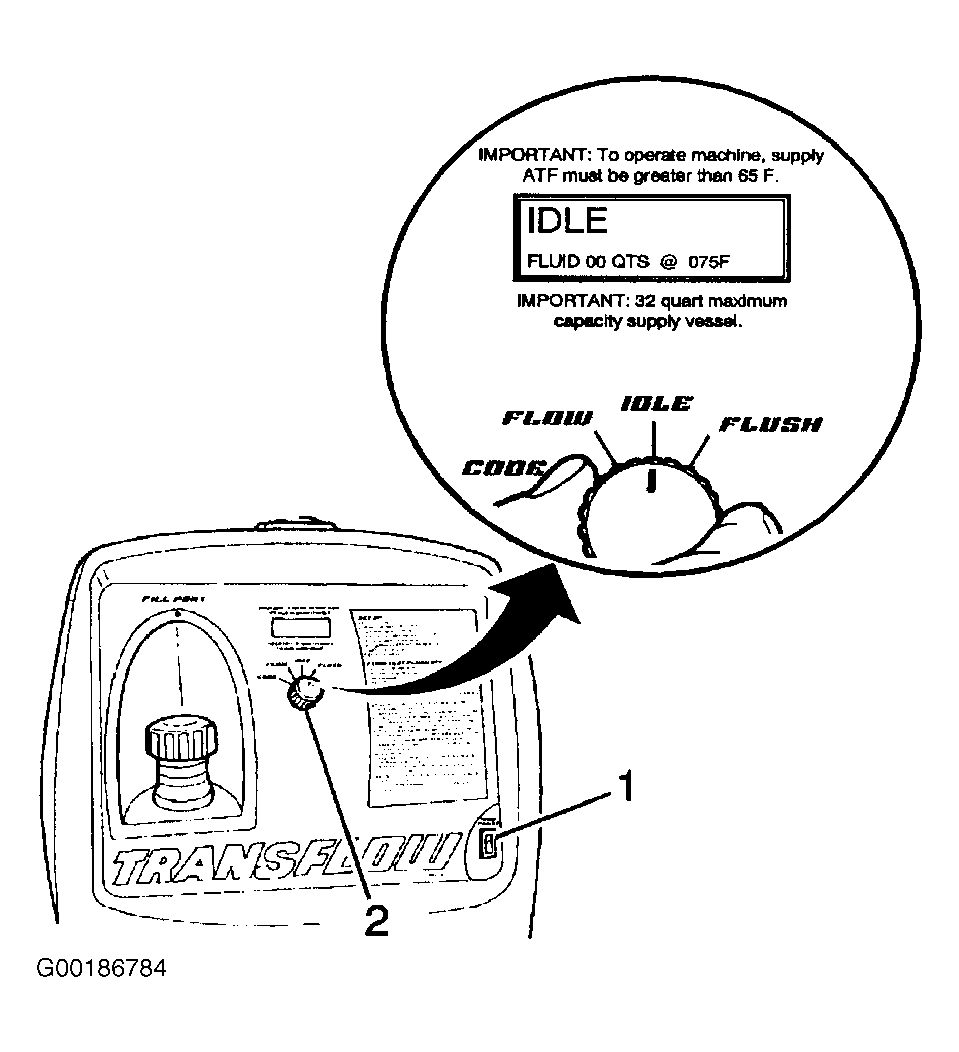
- Verify that the main power switch (1) is in the OFF position. See Fig 1.
- Place the main function switch (2) in the IDLE position.
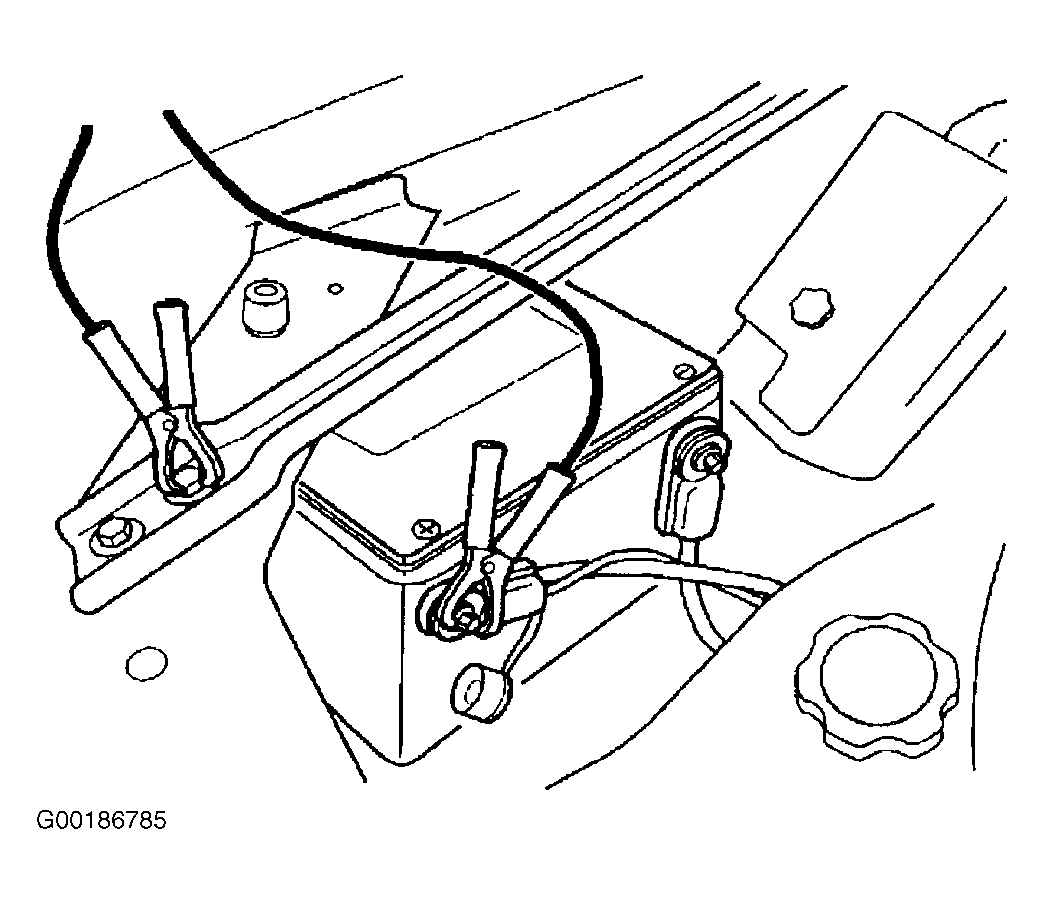
- Connect transmission oil cooling system flush and flow test tool to the vehicle 12-volt power source by connecting the red battery clip to the positive battery post on the vehicle and connect the negative lead to a known-good chassis ground. See Fig 2.
- Turn the main power switch to the ON position.
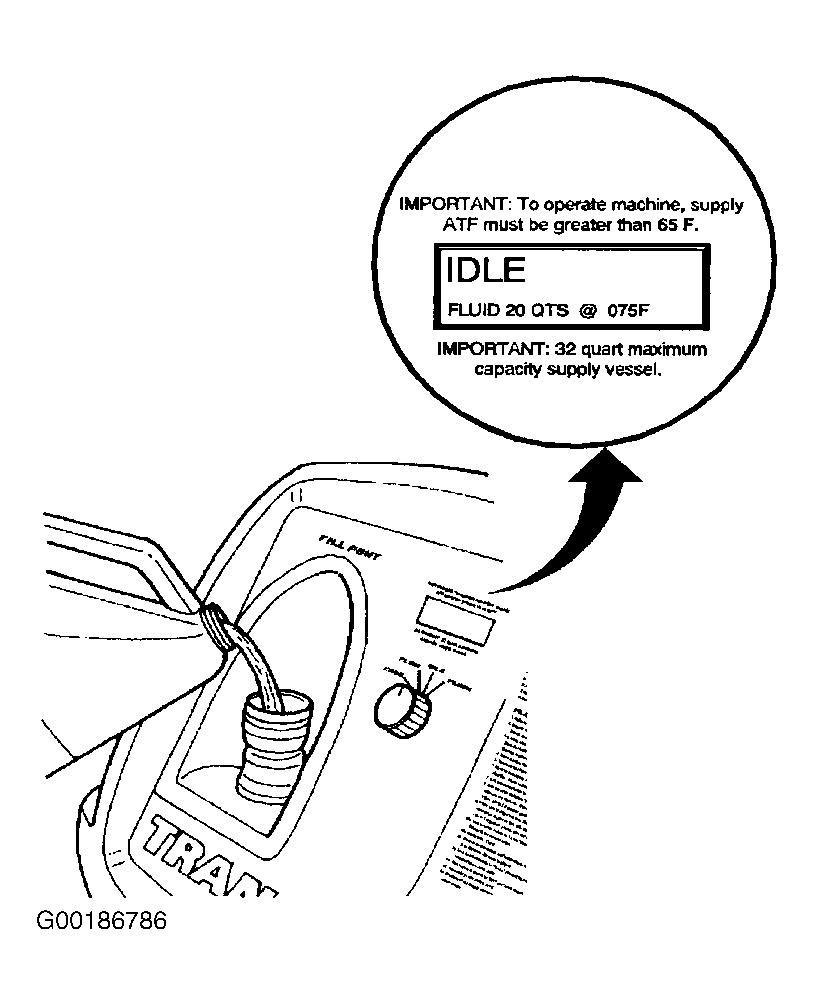
CAUTION:
DO NOT overfill the supply vessel. See Fig 3. Damage to the unit may result. To verify the fluid level, view the LCD screen display while filling the unit to ensure that the fluid level does not exceed 32 quarts (30 liters).
- Fill the supply tank with appropriate fluid through the fill port.
- Reinstall and tighten the fill cap.
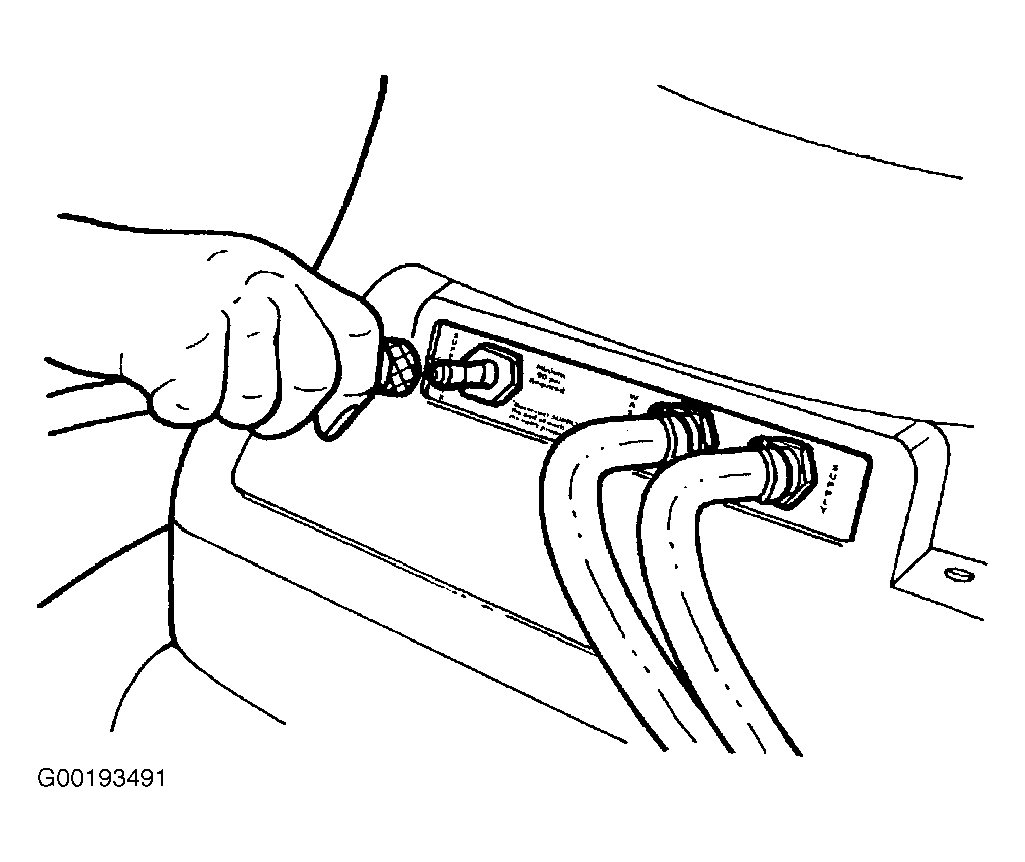
- Connect a shop air supply hose to the quick-disconnect on the rear panel marked SUPPLY AIR. See Fig 4.
 Courtesy of GENERAL MOTORS CORP.
 Courtesy of GENERAL MOTORS CORP.
 Courtesy of GENERAL MOTORS CORP.
 Courtesy of GENERAL MOTORS CORP.