Audio and Video Module Cable Replacement
WARNING: This page is about a different car, the 2010 Buick LaCrosse. However, it is still accessible from the selected car via links, so may be relevant.
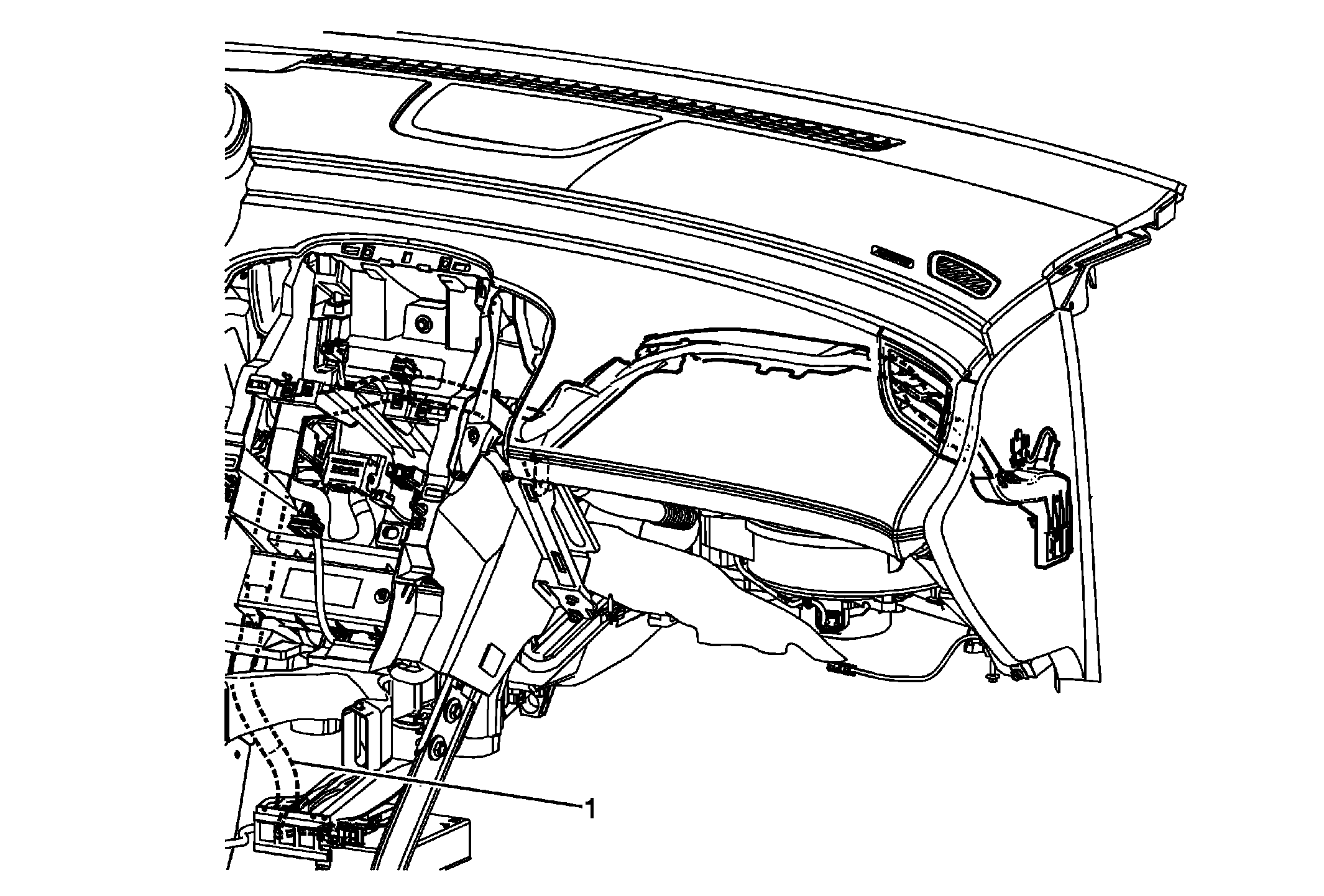 Courtesy of GENERAL MOTORS CORP.
| Callout |
Component Name |
|
Preliminary Procedures
- Remove the radio. Refer to Radio Replacement .
- Remove the instrument panel compartment. Refer to Instrument Panel Compartment Replacement
.
- Remove the front floor console. Refer to Front Floor Console Assembly Replacement
.
|
| 1 |
Audio and Video Module Cable Procedure
- Disconnect the electrical connectors at each end of the audio and video module cable.
- If the cable is taped into the wiring harness then cut the ends off the old cable and route the new cable as close to the old one as possible using tie straps to secure the new cable.
|